


Is your website readable by AI? A ten-second test and five fixes
Ask ChatGPT what your business does. If the answer is vague, wrong or about someone else, these five changes to your pages are what fix it.

More people now ask an AI before they search. More than 800 million people use ChatGPT every week, by OpenAI's count, and Google puts an AI summary above many of its results. When Pew Research Center watched real Google searches, people clicked a result in 15% of visits without a summary and in 8% with one.
They still click. They click the pages the answer quotes, and an AI quotes the pages that say plainly what a business does, for whom and for how much. So the useful question is not whether AI will send you visitors. It is whether it can describe you correctly when someone asks.
The short version
- People now ask AI tools about businesses before they visit them, and the tools answer from what your pages say in plain text.
- Test it: ask ChatGPT what your site does, who it is for and what it costs. A good answer gets all three right and links to you.
- Five fixes do most of the work: say what you do on the first screen, put prices in text, answer real questions, title every page, and keep your facts the same everywhere.
- Nothing here needs code. In Framer it is words on the page and fields in each page's settings.
The ten-second test
Open ChatGPT with search on, or Perplexity, or Google's AI Mode, and paste this with your own address in it:
What does yoursite.com do, who is it for, and what does it cost?
Then read the answer against three questions.
- Is it right? The service, the customer and the place, in words you would use yourself.
- Is it specific? A price or a range, an area you cover, a thing you are known for. "Offers a range of services" is a fail.
- Is it yours? It links to your site, and it is not quietly describing a competitor with a similar name.
If it misses on any of them, the cause is almost always on your own pages, and the fixes below are where to start.
What a good answer looks like
Take a made-up bakery. Here are two answers an AI could give about it, from two versions of the same site.
| From a vague site | From a clear site |
|---|---|
| Rosemary is a business that offers baked goods and a welcoming experience. | Rosemary is a bakery in Leeds that makes sourdough and celebration cakes to order. Cakes start at £45 and need five days' notice. You can order on its website. |
The second answer is not cleverer. Every fact in it was written on the site in a sentence: the city on the home page, the price and notice on the cakes page. The AI repeated what it could read.
Five fixes, in order
1. Say what you do on the first screen, in words
The first heading and the line under it should name the thing you sell, the people you sell it to and, if it matters, the place. "Beautiful websites for growing brands" tells a reader your mood. "Websites for physiotherapy clinics in Ontario" tells them, and any AI reading the page, what you are.
Keep it in live text, not inside a picture. A headline baked into an image is invisible to a crawler. And give every picture that carries meaning a description: in Framer, select the image and fill in its alt text.
2. Put your prices, or a range, in text
"What does it cost" is one of the first things people ask, and with no price on the site an AI either guesses or says it does not know. A starting price, a range or packages are enough.
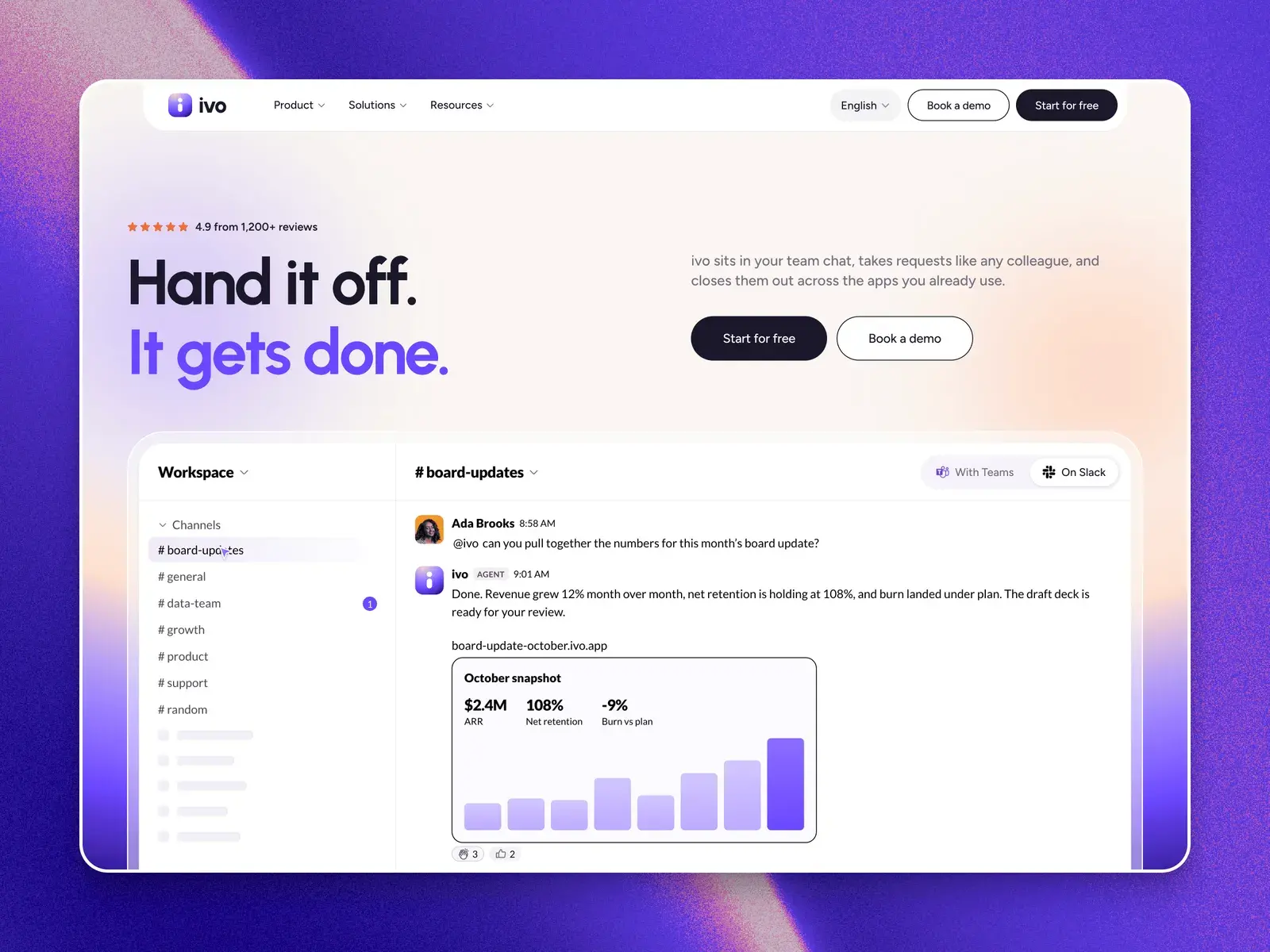
Templates built to sell already have a place for this. Ivo has a pricing page with three plans and an FAQ, Talos adds a comparison table across five categories, Polaris shows three priced packages, and every service in Bramley has its own page with its price, turnaround and what is included.
3. Answer the questions people really ask
An FAQ written in your customers' words is the most quotable part of a site. Put one question per line, and answer it in the first sentence, before any detail. "Do you cover Leeds?" followed by "Yes, all of Leeds and Bradford" is easy to repeat. Three paragraphs that reach the answer at the end are not.
Use the questions you get by email and on calls. They are the ones people will type into an AI, too.
4. Give every page its own title and description
Each page in Framer has a title and a description in its settings, and collection pages can build theirs from each entry's fields. Templates ship with the designer's wording there, and it never shows on the page, so it is easy to forget. Write them for your business: the title says what the page is, the description says it again in one sentence.
In the same settings, check that "Search engines" is on for every page you want found. A page switched off there gets a noindex tag, and AI tools that rely on search indexes will not find it there either.
5. Keep your facts the same everywhere
An AI does not only read your site. It reads your Google Business Profile, LinkedIn, directories and old articles, and when they disagree on your name, area or prices, it hedges or picks the wrong one. Make the important facts match: the business name, what you do, where, and roughly what it costs.
What you do not need
- A rebuild. All five fixes are words and settings on the site you have.
- Special AI files. Formats such as llms.txt are a proposal, and the main AI search tools do not depend on them. Clear pages come first.
- Tricks. Hidden text or lists of keywords for machines make the answer worse, not better, and search engines penalise them.
One technical check is worth doing once. ChatGPT's search reads the web with a crawler called OAI-SearchBot, and OpenAI says sites that block it are left out of its search answers. Framer's default settings do not block it, but if someone added rules to your robots.txt, make sure they leave it in.
Then run the test again
AI tools reread pages on their own schedule, so give it a couple of weeks after you publish. Ask the same question, compare the answer, and fix whatever it still gets wrong. It is the same order of work as any good site: say what you do, plainly, where people look first.
Questions people ask
How do I check what ChatGPT says about my business?
Open ChatGPT with search turned on and ask: what does yoursite.com do, who is it for, and what does it cost? A good answer names your service, your customer and your price range correctly and links to your site. Try the same question in Perplexity and Google's AI Mode.
Do I need an llms.txt file for AI search?
No. llms.txt is a proposed format, and the main AI search tools do not depend on it. What they quote is the text on your pages, so a clear first screen, prices in text, an FAQ and a title and description on every page matter far more.
Can a Framer site show up in ChatGPT and Google's AI answers?
Yes. Framer publishes pages as readable HTML, and its default settings do not block OpenAI's search crawler. Check that each page you want found has Search engines switched on in its settings, and give it its own title and description.