
Black Friday

40% off any template and All access

Until 4 December. The code goes on at checkout by itself, so the price you see is the price you pay.

Openfile
EN

Nixa

A go-to-market site for AI products that sell to enterprise buyers.

About Nixa

Made for the buyer who reads the security page first.

Enterprise buyers check security, compliance and proof before they book a call. Nixa puts those answers where they look first, so the deal keeps moving.

  • Trust up front

    Compliance badges sit in the hero, with a logo strip and a security section below, so procurement's first questions are answered on the page.

  • The case in numbers

    An ROI block and an industry comparison table give a buyer something to take back to their team.

  • Demos, not sign-ups

    Demo requests go through a Tally form, and pricing has a monthly and yearly toggle.

Made for

  • AI products that sell to enterprises
  • Teams with a compliance story to tell
  • Startups booking demos rather than sign-ups

Best for

  • Insurance and InsurTech AI
  • AI for regulated industries
  • Sales-led B2B software

Desktop, tablet and phone

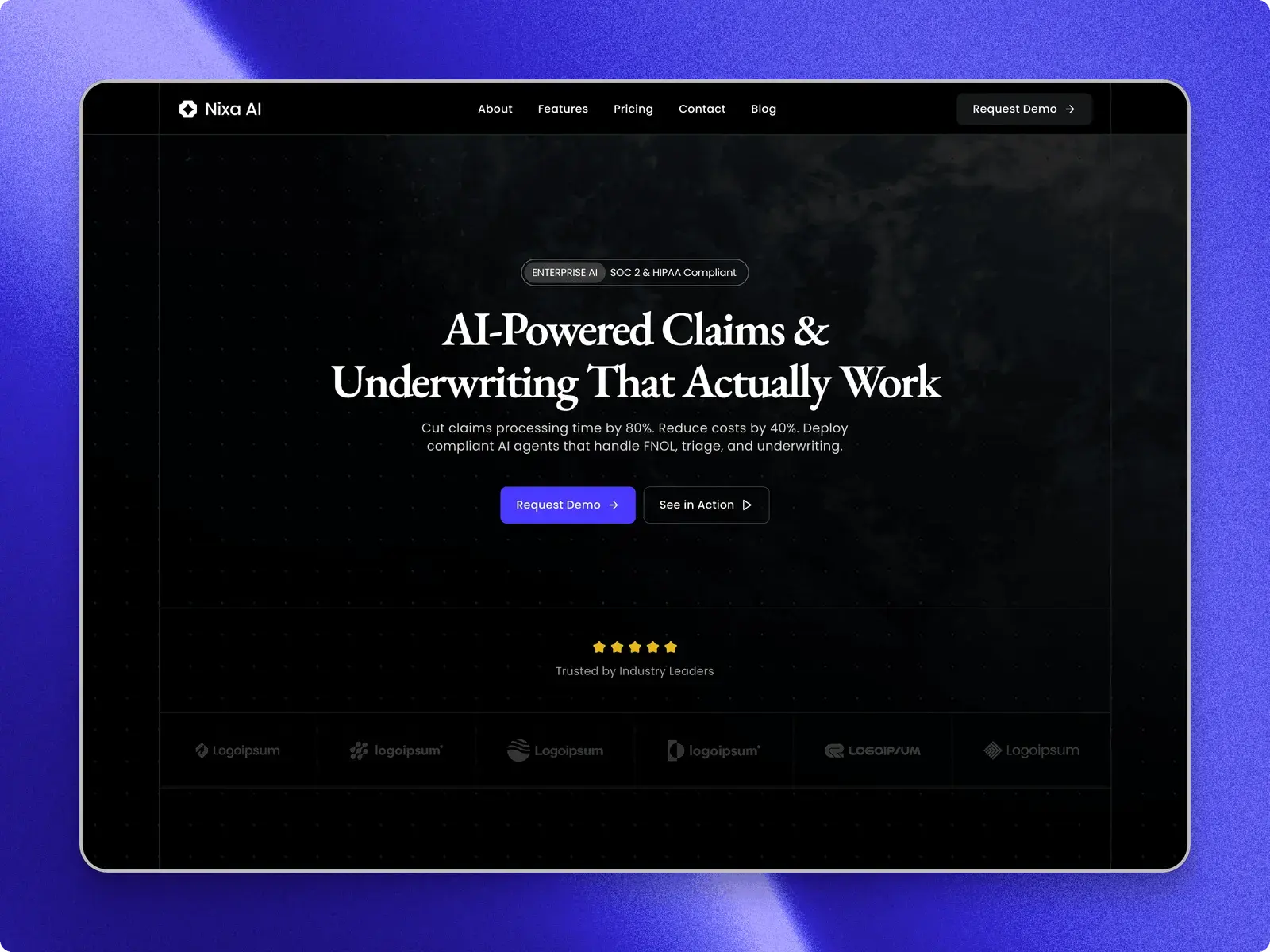
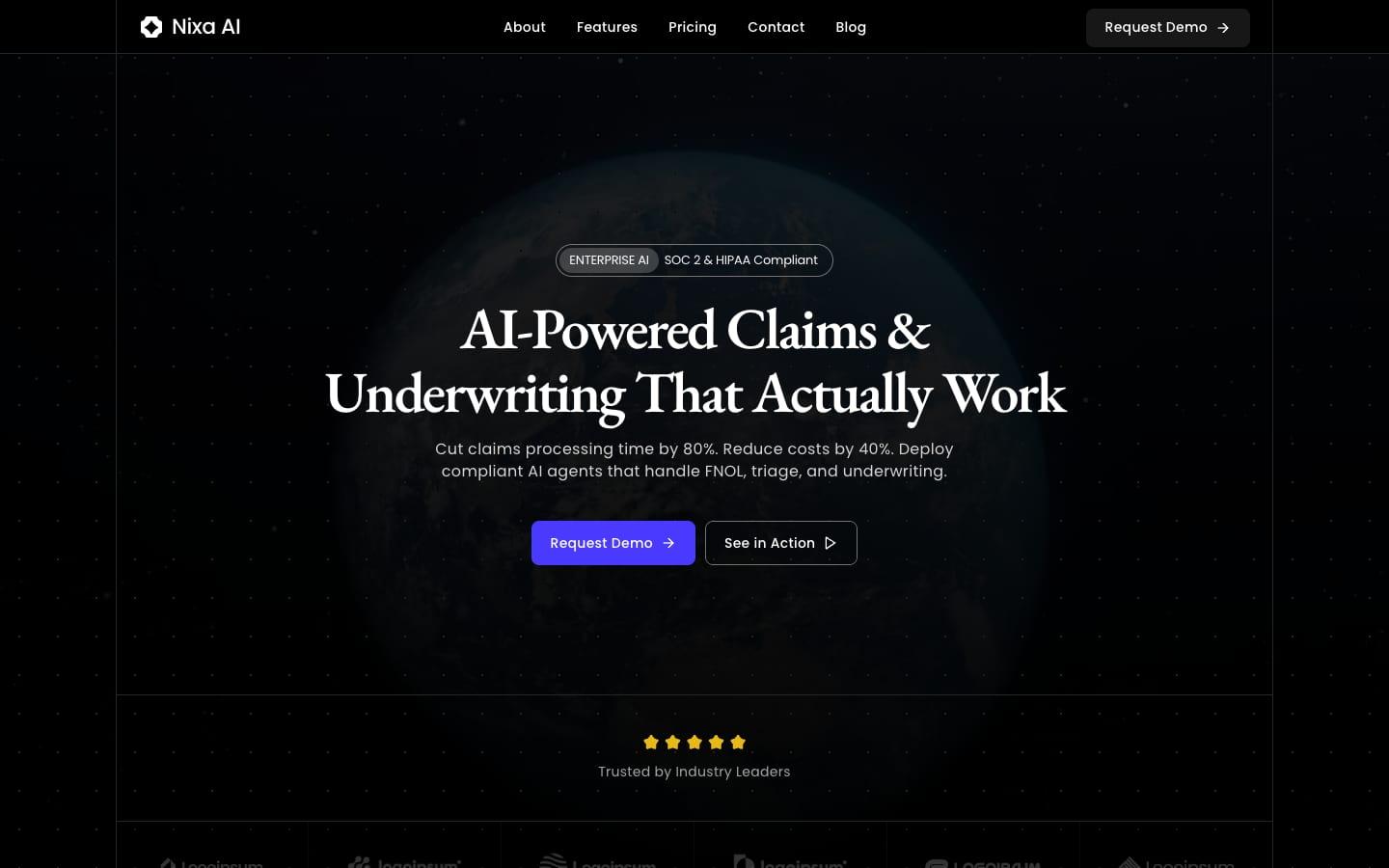
The Nixa home page at each breakpoint, captured from the published site. Each layout is set separately, not scaled down.

Desktop, 1440 pixels
Tablet, 810 pixels
Phone, 390 pixels

Everything in Nixa

Pages are listed from the published site's own sitemap.

Pages

8
  • Home
  • About
  • Contact
  • Blog
  • Blog postCMS
  • Privacy
  • Terms
  • 404

Built in

  • TrustCompliance badges, a logo strip and a security section
  • ProductDashboard mockups and a section for video demos
  • NumbersAn ROI block and an industry comparison table
  • PricingA pricing table with a monthly and yearly toggle
  • Demo formTally form integration for booking demos

With it

  • The templateA Framer remix link
  • UpdatesLifetime
  • Framer ProThree months on an annual plan when you publish
  • SupportBy email

Design system

  • FontsPoppins, EB Garamond
  • Palette#050510#F8F8FB#5D50F0#35344C#D2DDE7
  • BreakpointsDesktop, tablet and phone

CMS

  • Blog4 entries to start from

What the licence lets you do

Free

Free

  • Use it for your own sites, including commercial ones.
  • Use it for client work, as part of a site you build for them.
  • Change anything in it.
  • Sell, share or give away the template itself.
  • Post it on another marketplace or template site.
  • Use it to make templates or components that compete with it.
  • Present it as your own original work.

A plain summary. The binding text is Framer's Community Terms, and the licence page explains both. Read the licence

Before you buy

What do I get with Nixa?

The whole site as a Framer project: 8 pages, 1 CMS collection, laid out for desktop, tablet and phone. Leave your email and the remix link is sent to it; Framer copies the site into your workspace.

How do I make it mine?
  1. Open the remix link. Framer copies the whole site into your workspace.
  2. Change the text, images and colour styles in the Framer editor.
  3. Publish to a free Framer address, or connect your own domain on a paid Framer site plan.
Do I need to write code?

No. Text, images, colours and CMS entries are all edited in place in the Framer editor.

Can I use it on more than one website?

The Free licence covers your own sites and client work. The licence page has the details.

What if I get stuck?

Write to support@openfile.pro. Replies come within 48 hours on weekdays, and setup questions and bugs in the template are covered.

Does Nixa have separate features and pricing pages?

No. Features and pricing are sections of the home page, and the menu links straight to them. The separate pages are about, contact, the blog and its posts, privacy, terms and a 404 page.

How do demo requests work in Nixa?

The demo buttons, and the buttons on the pricing plans, link to a form on Tally, so requests are collected there. Make your own form in Tally and paste its link into those buttons in the Framer editor. The contact page has a separate form asking for a name, email, location and message.

Is Nixa only for insurance companies?

No. The sample copy is for an AI product that automates insurance claims and underwriting, but the sections are built around what any enterprise buyer checks: compliance badges, security, ROI figures, a comparison table, use cases and pricing. Rewrite the words for your own product in the Framer editor.