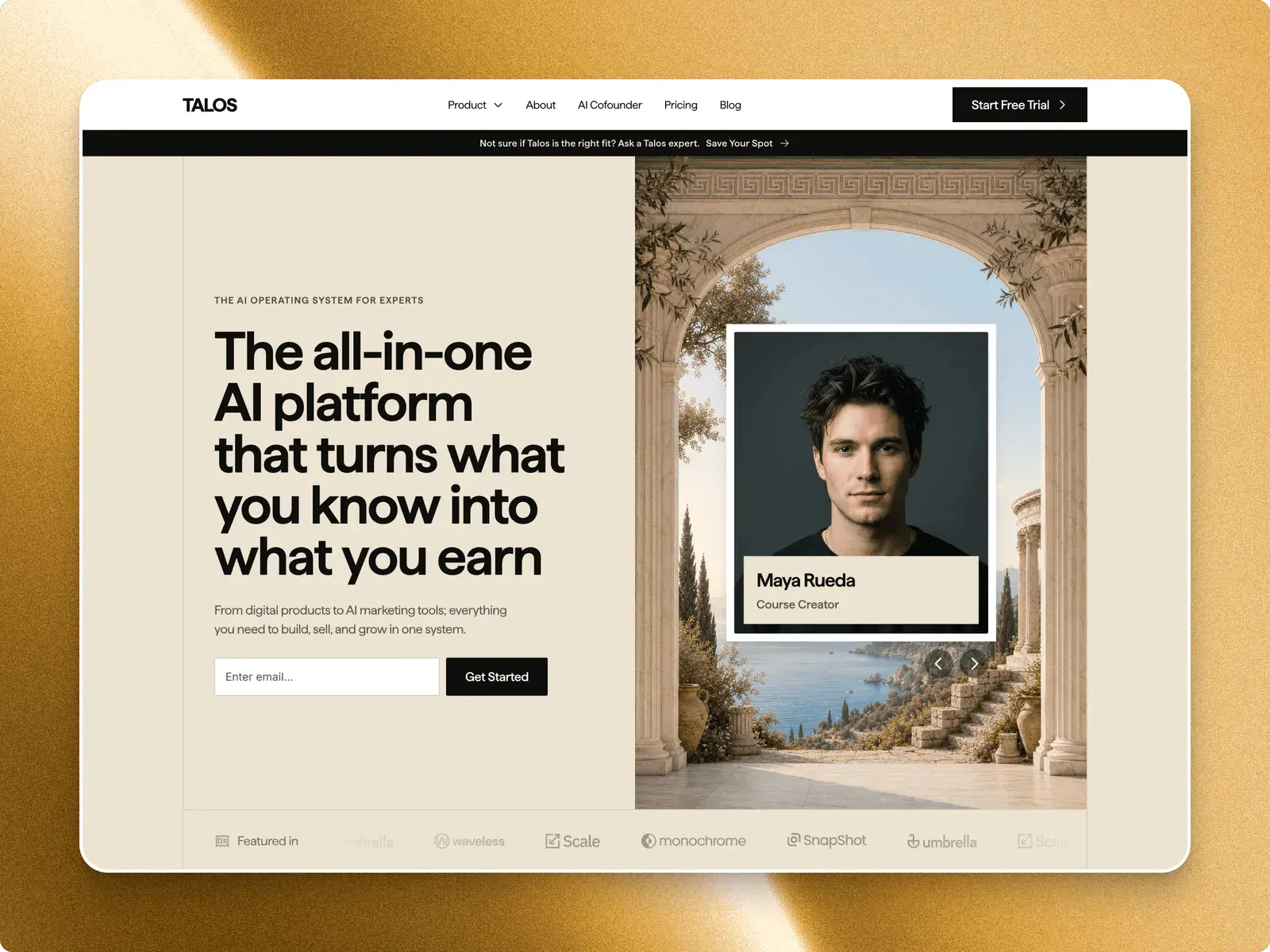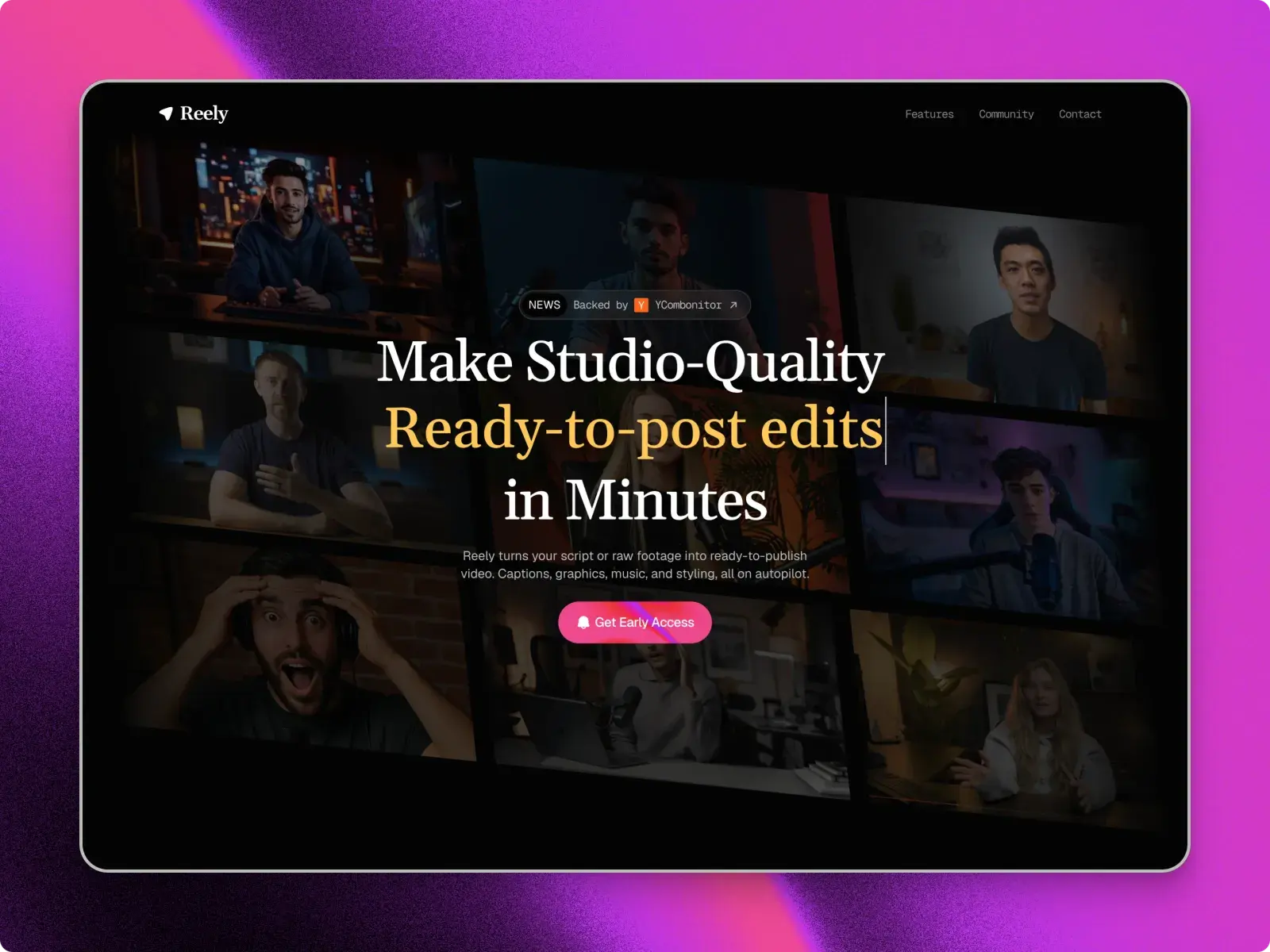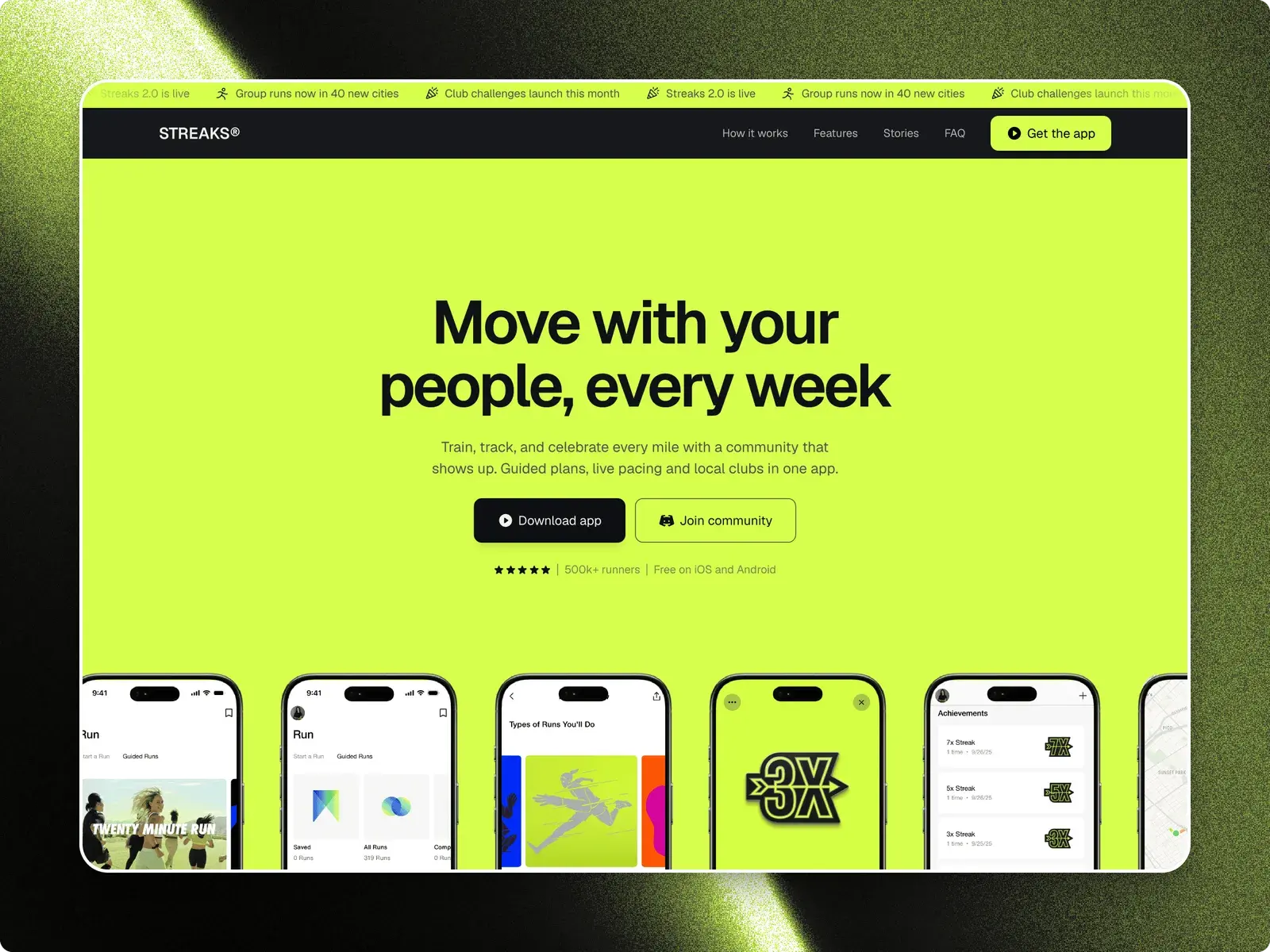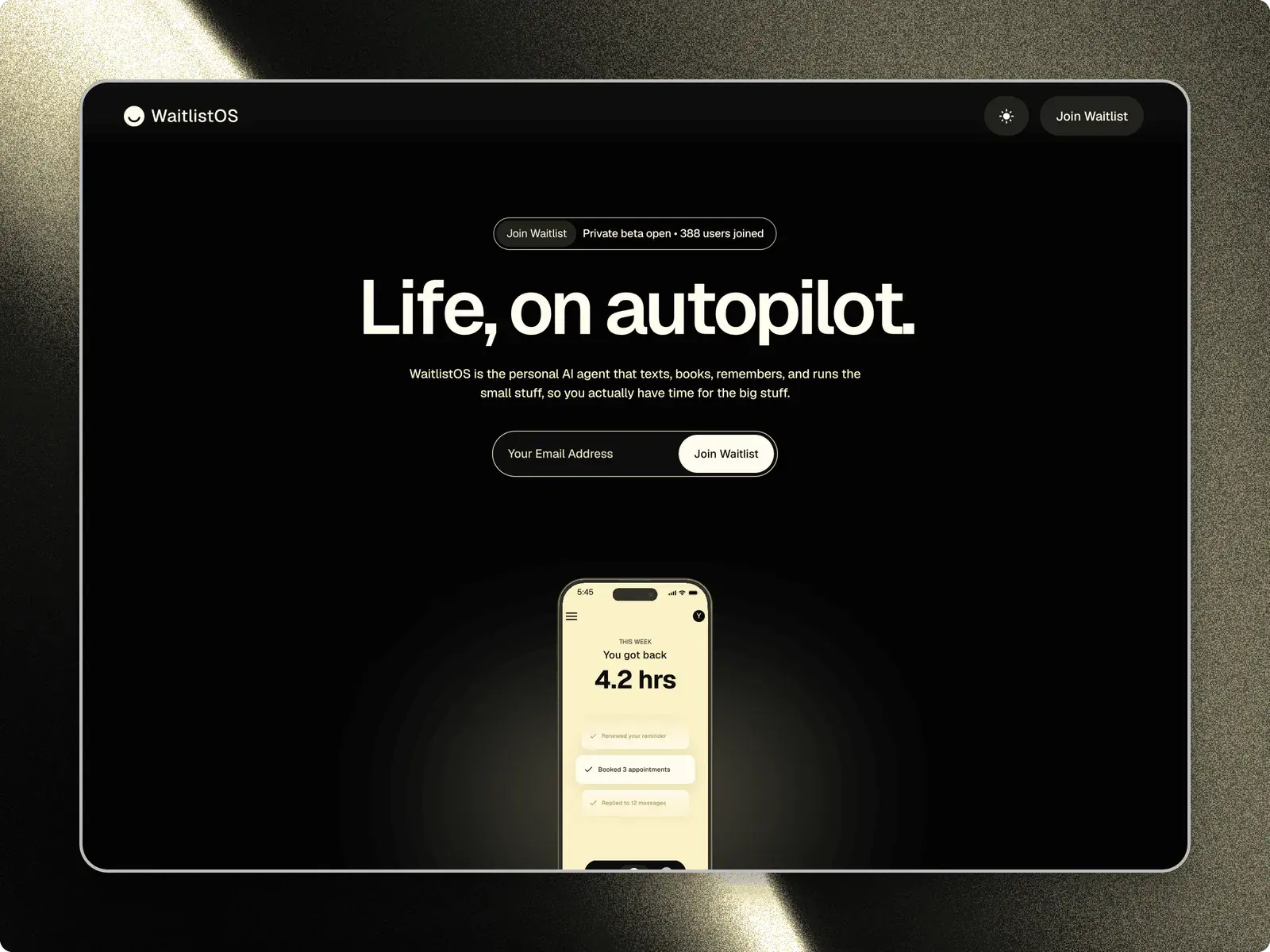


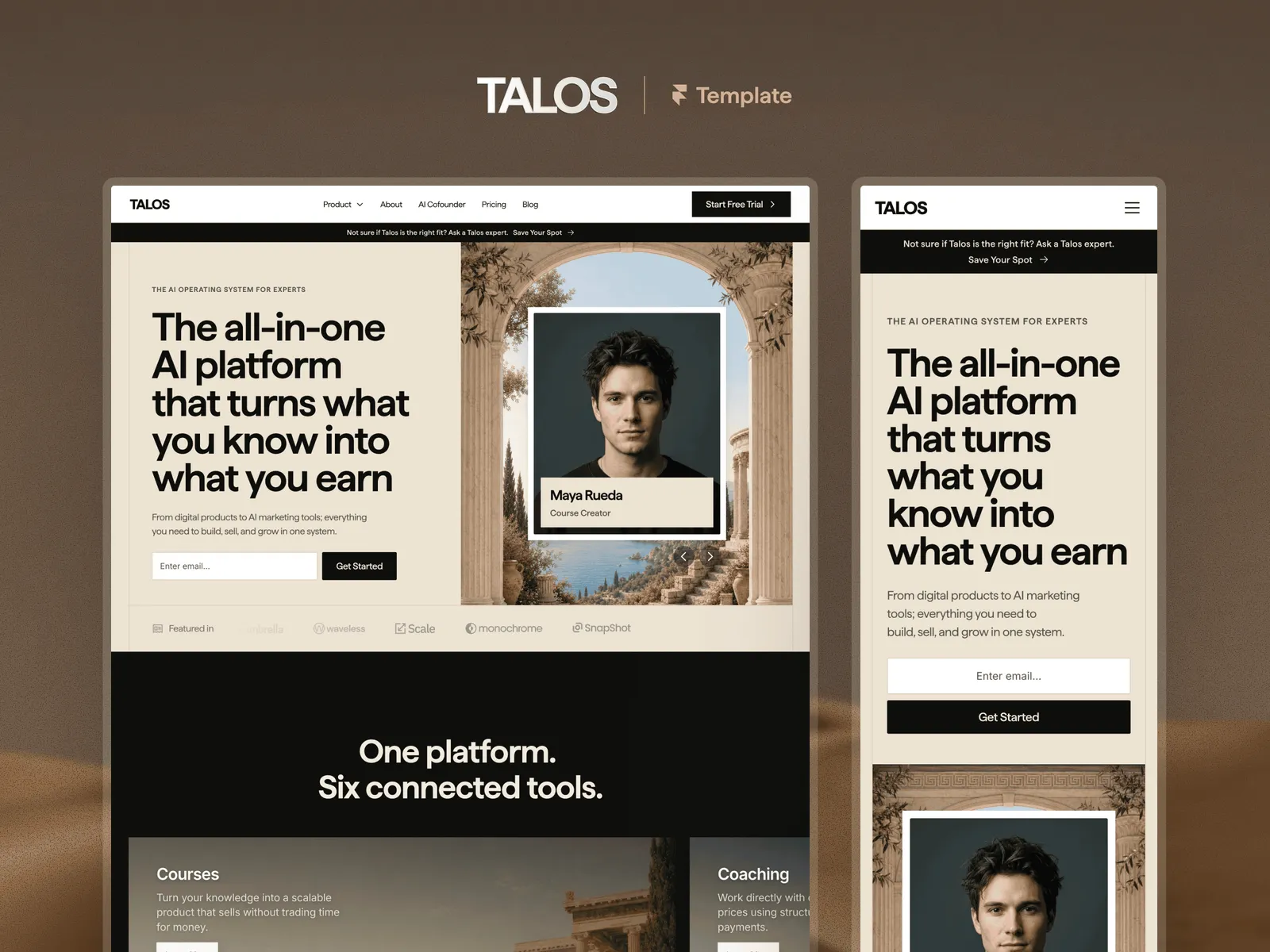

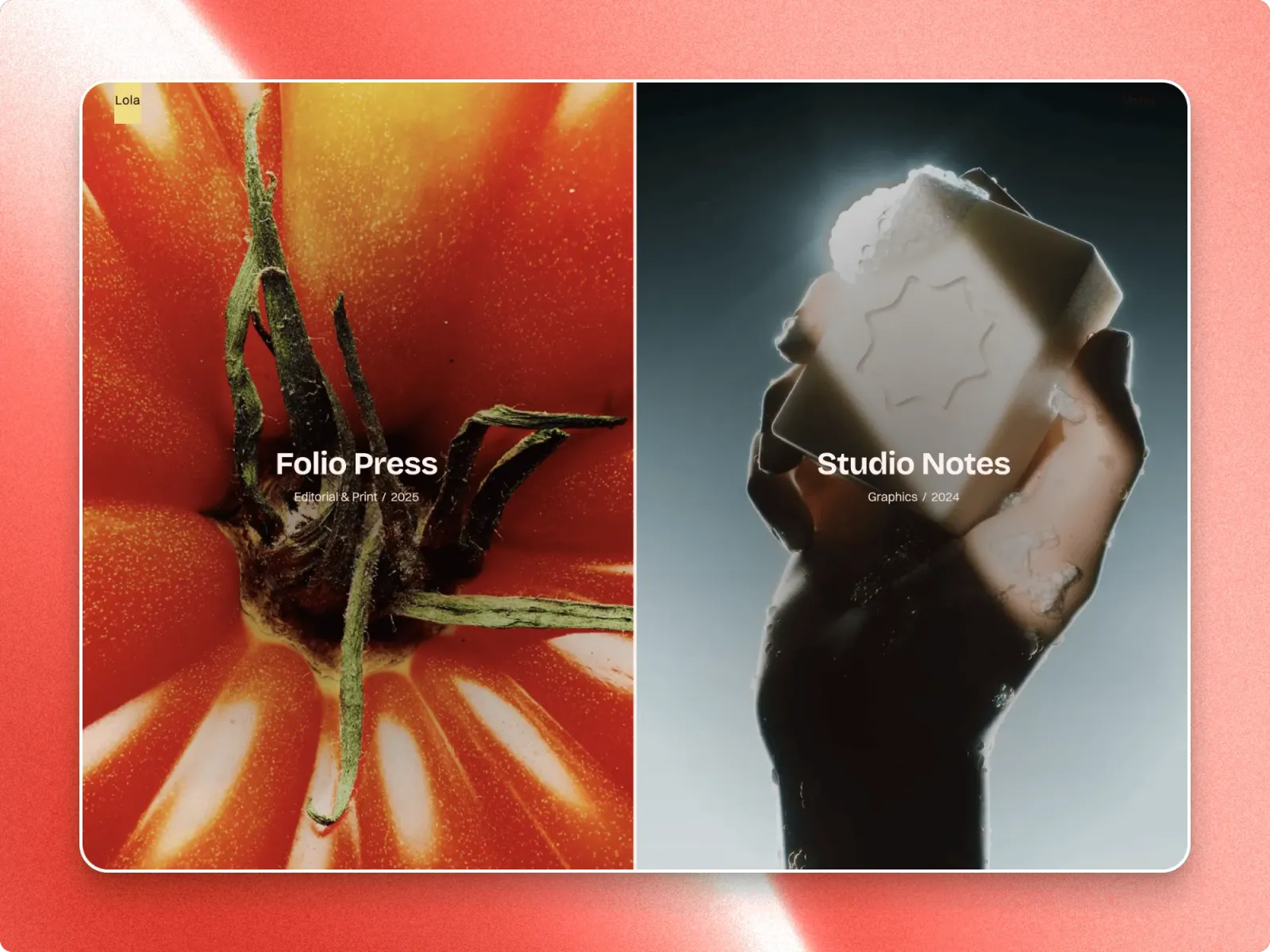
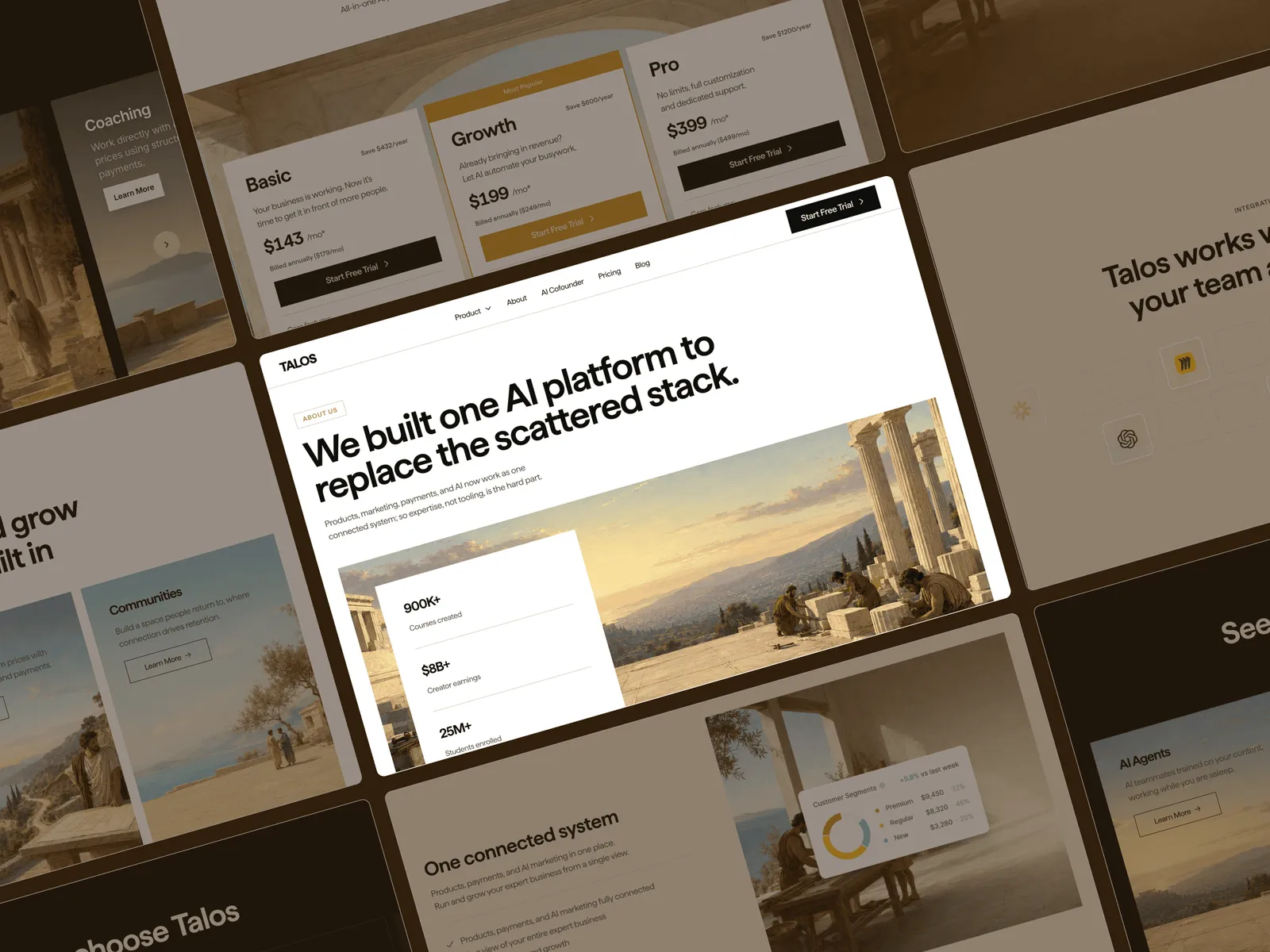
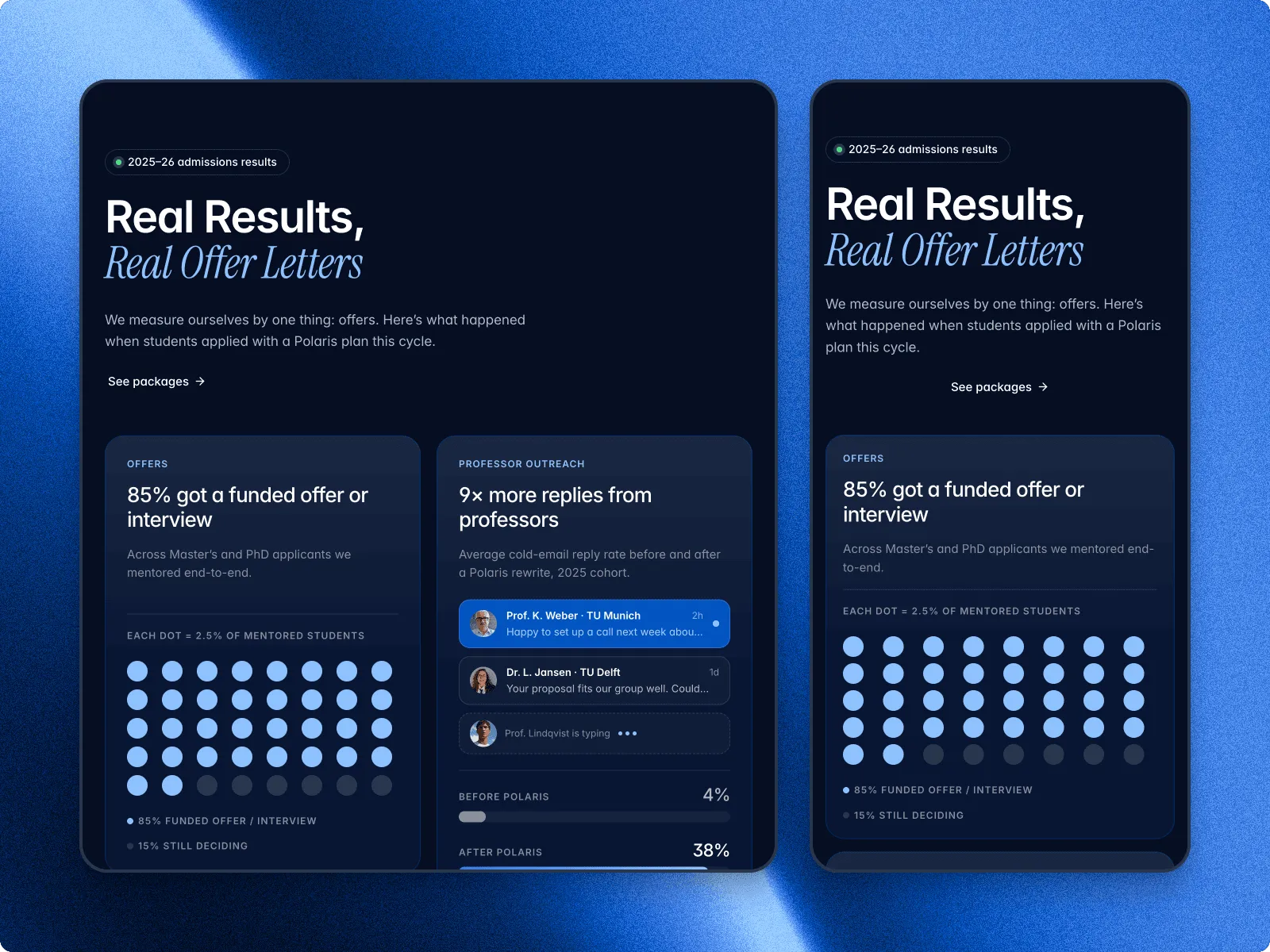





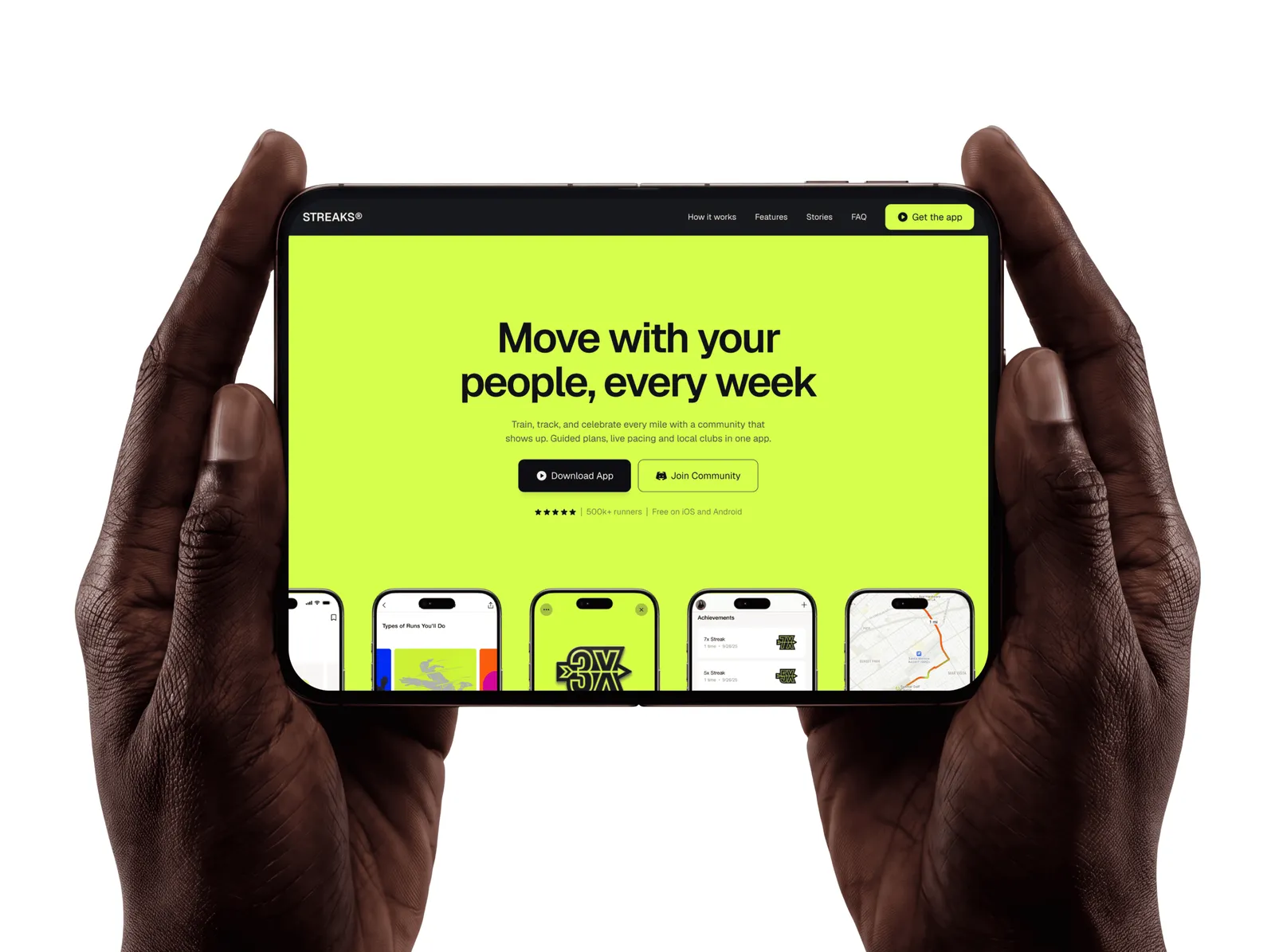
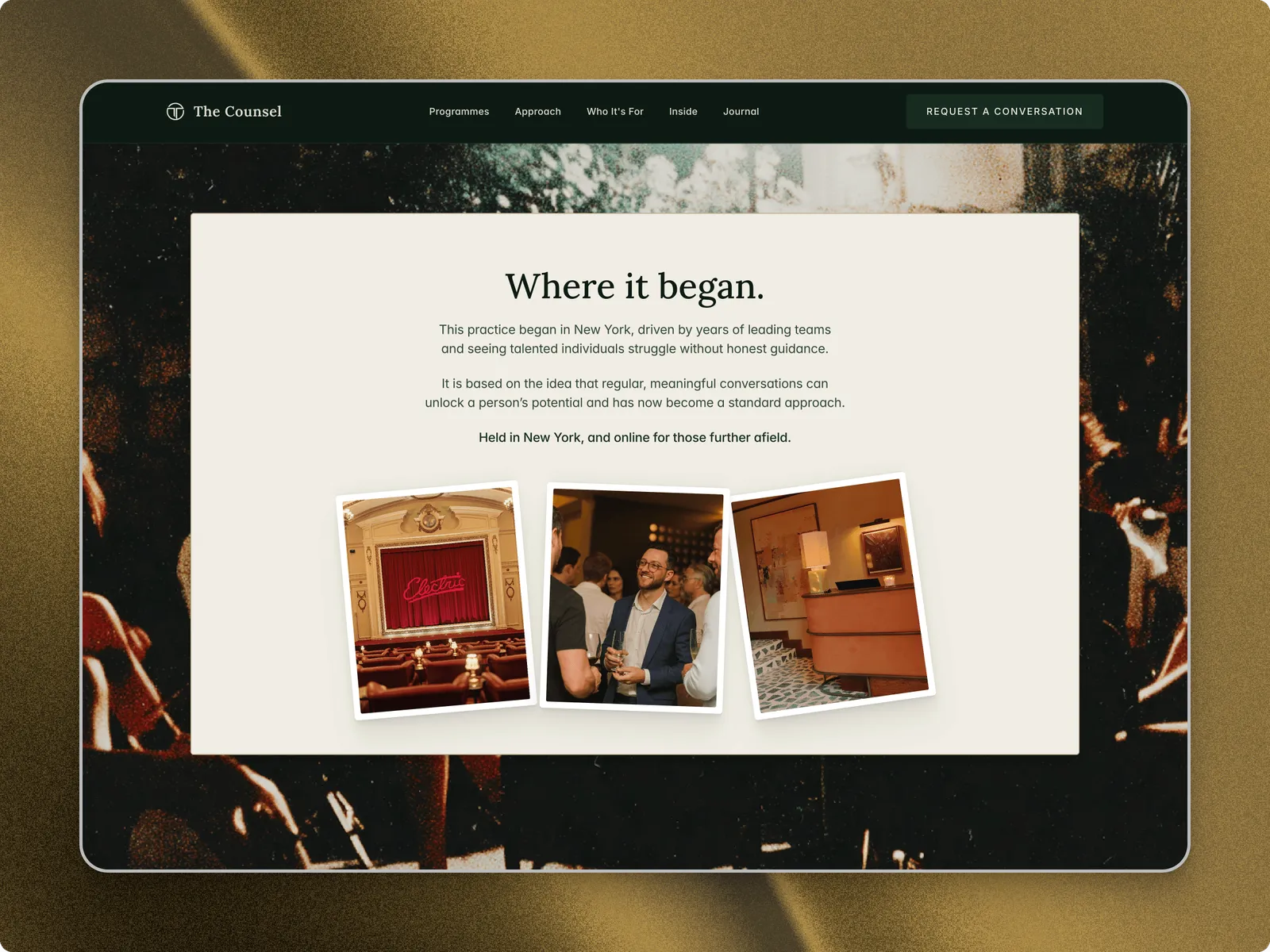
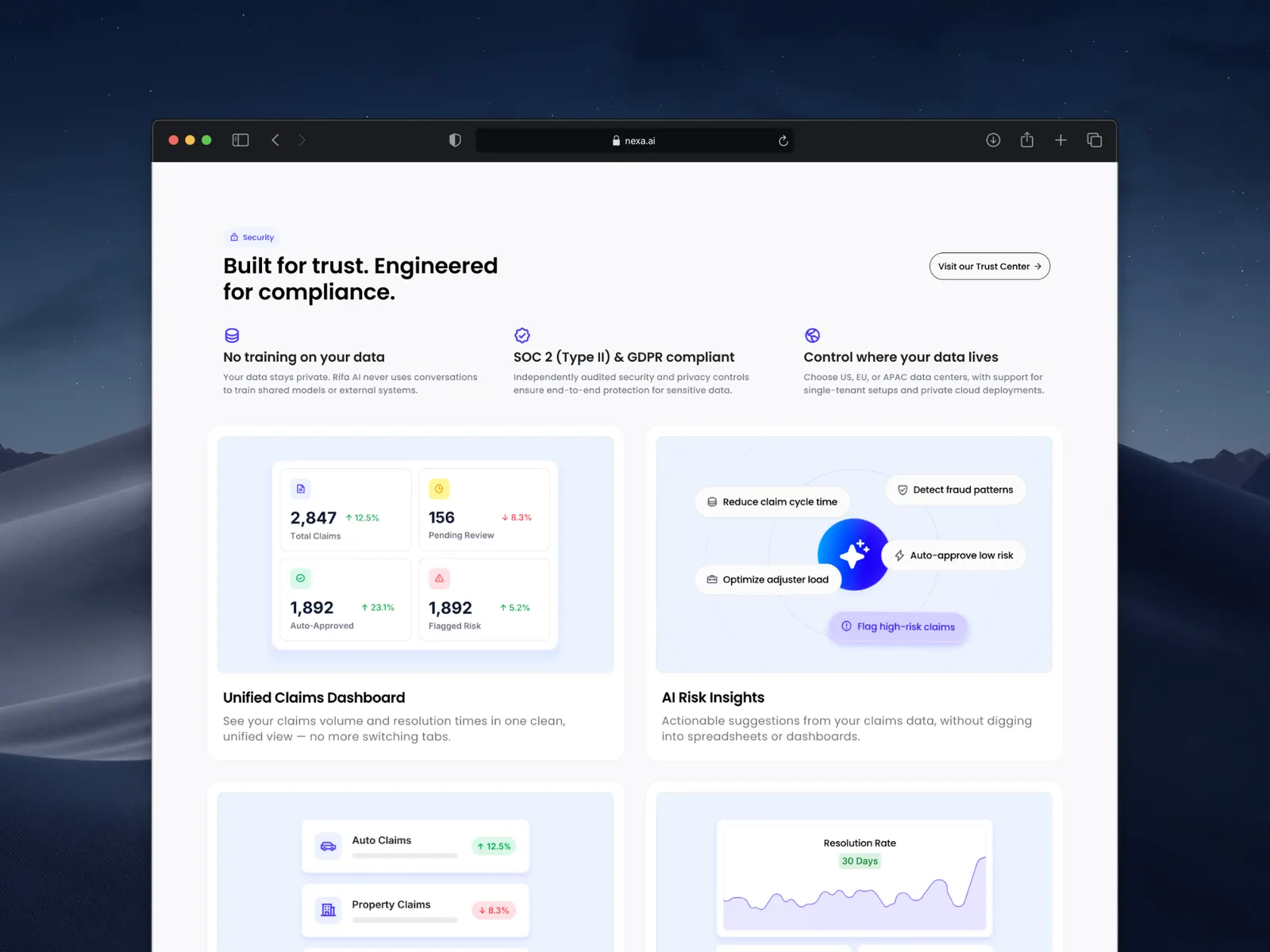
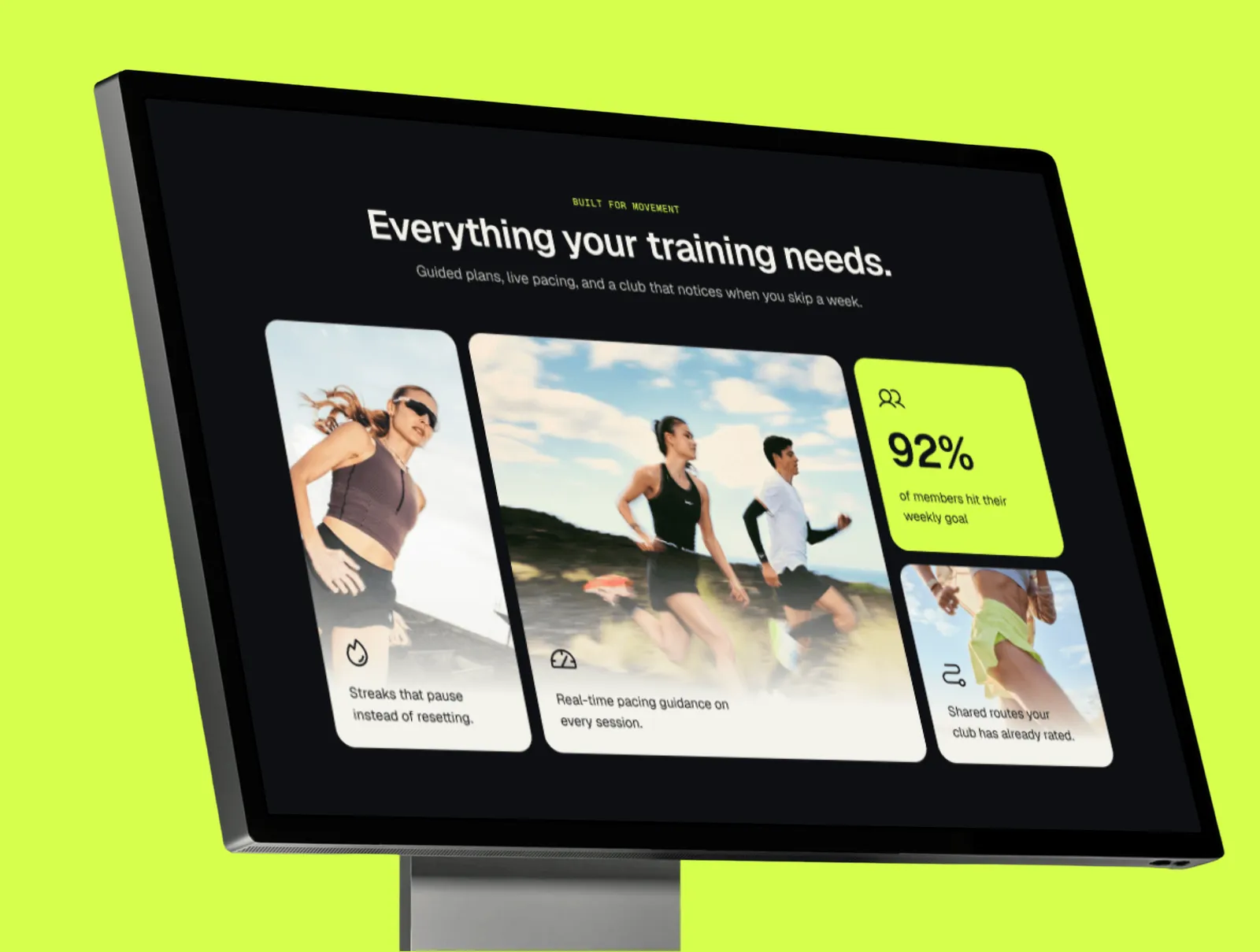
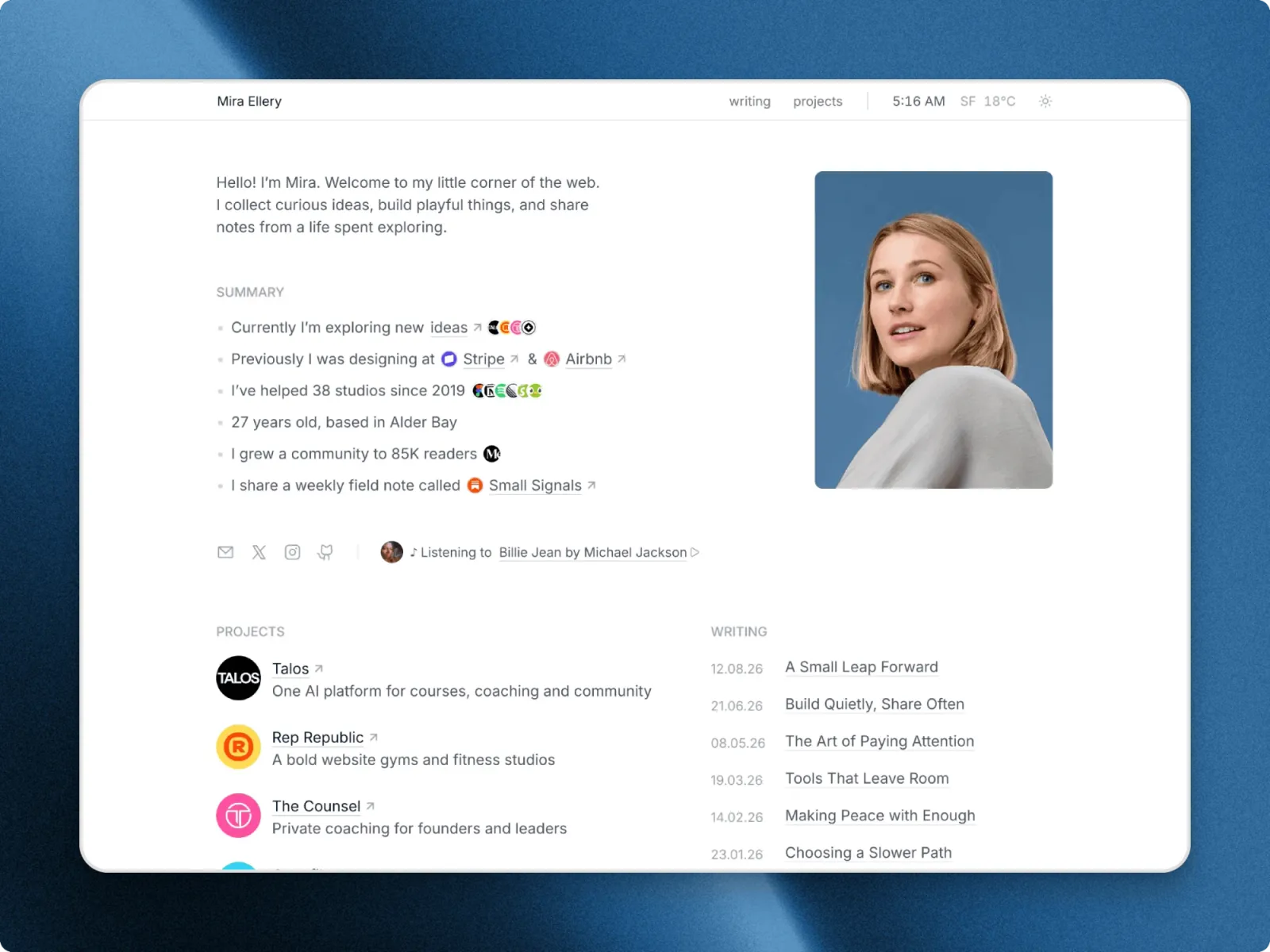
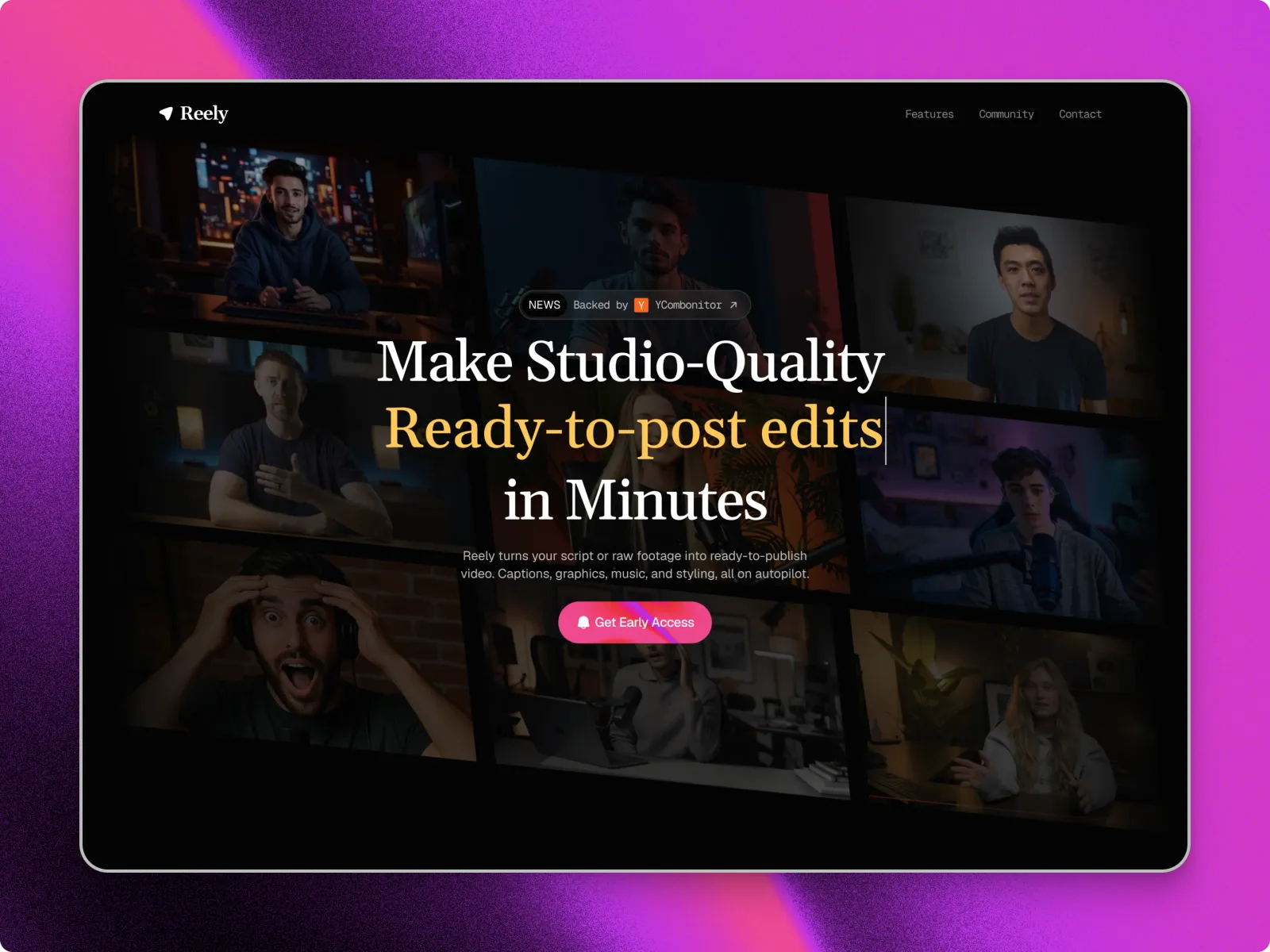
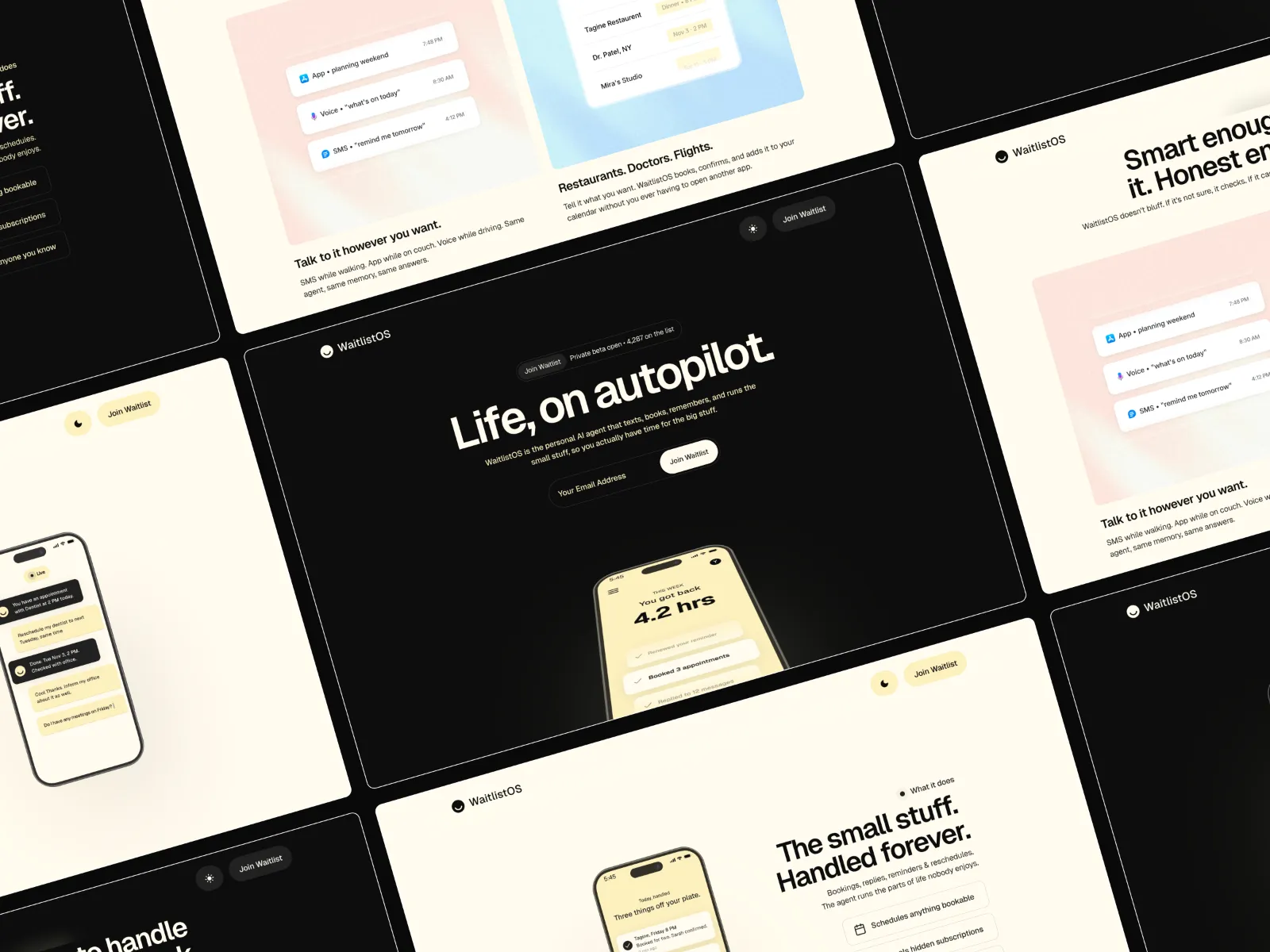
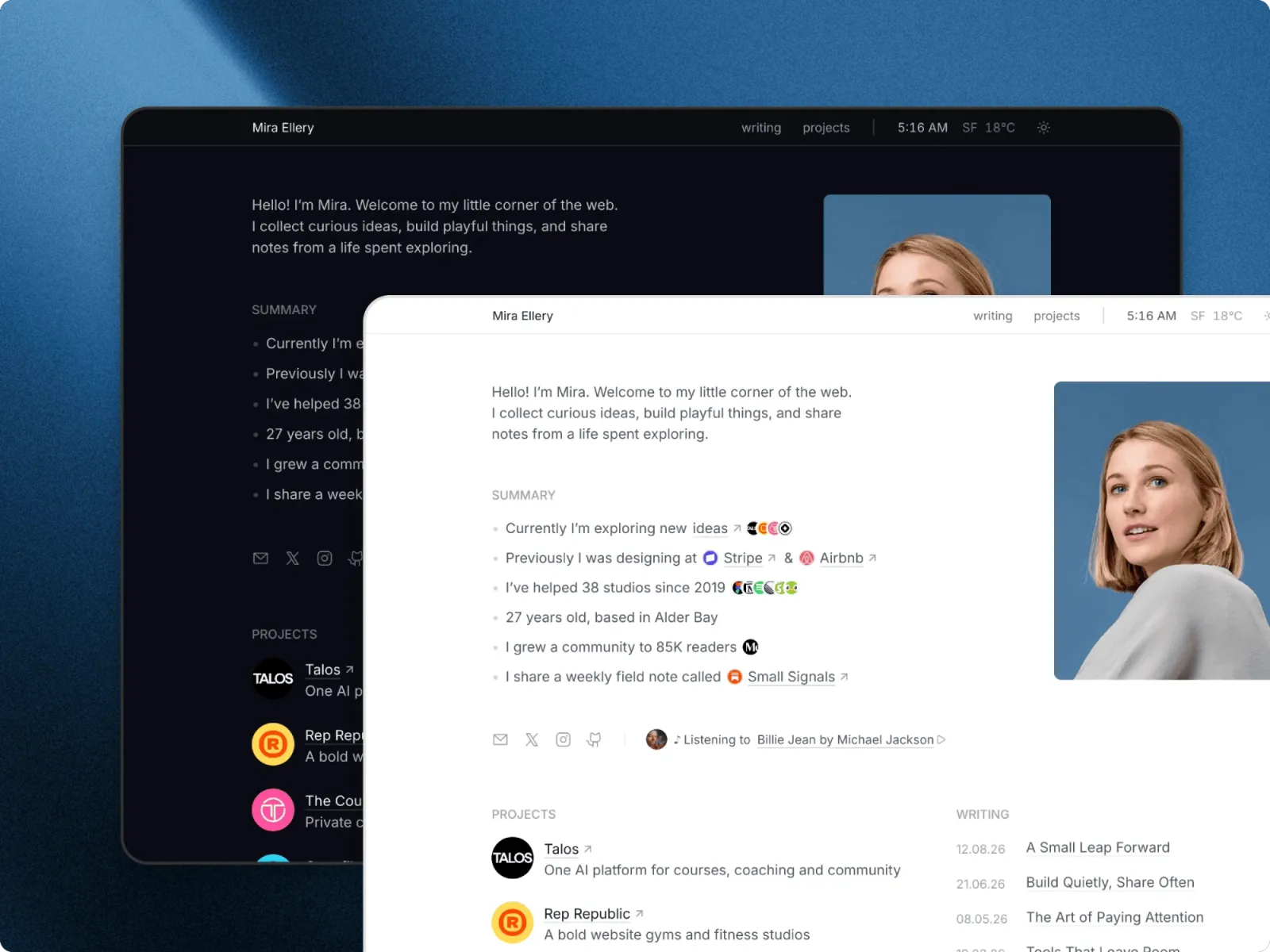

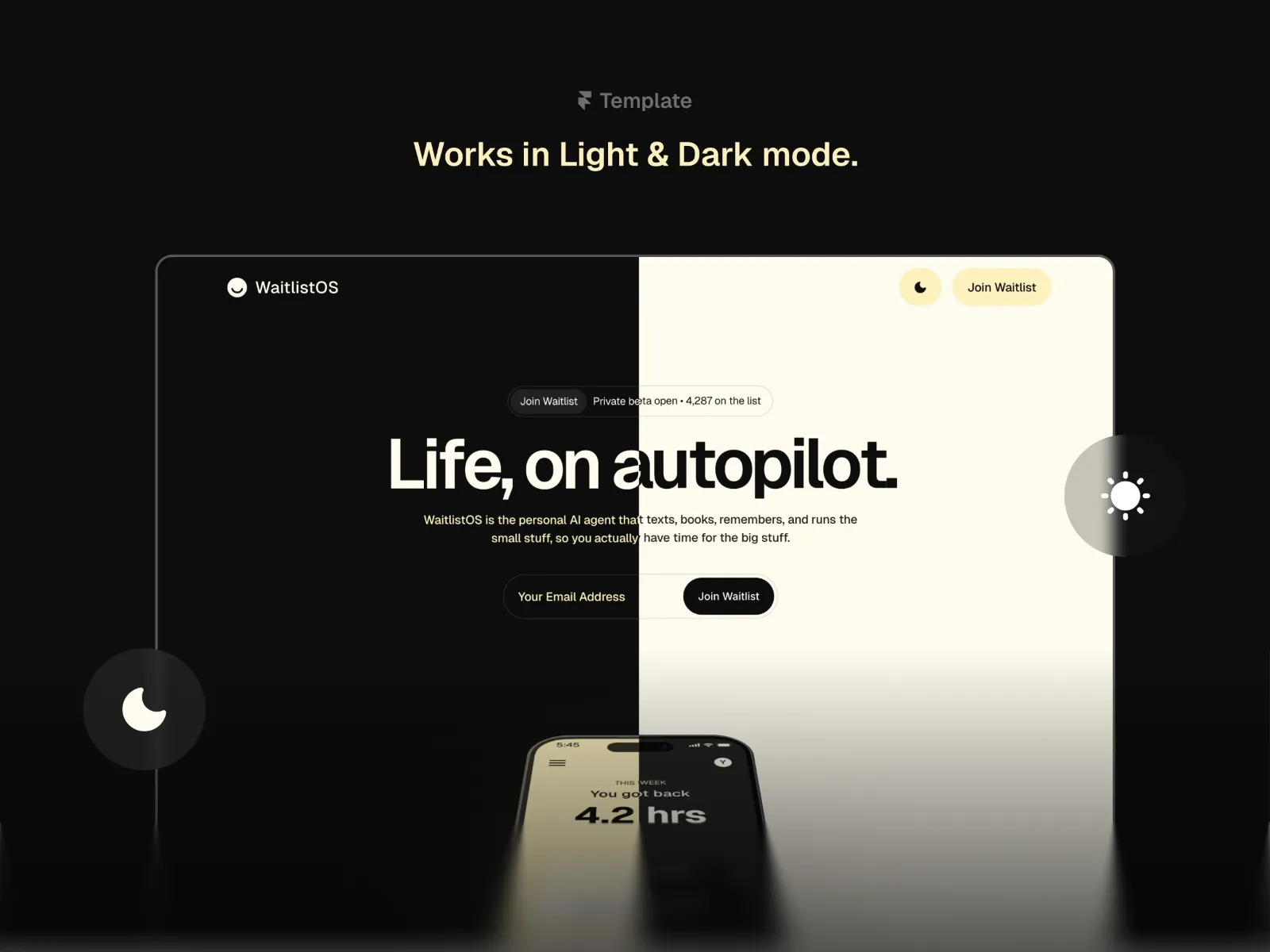
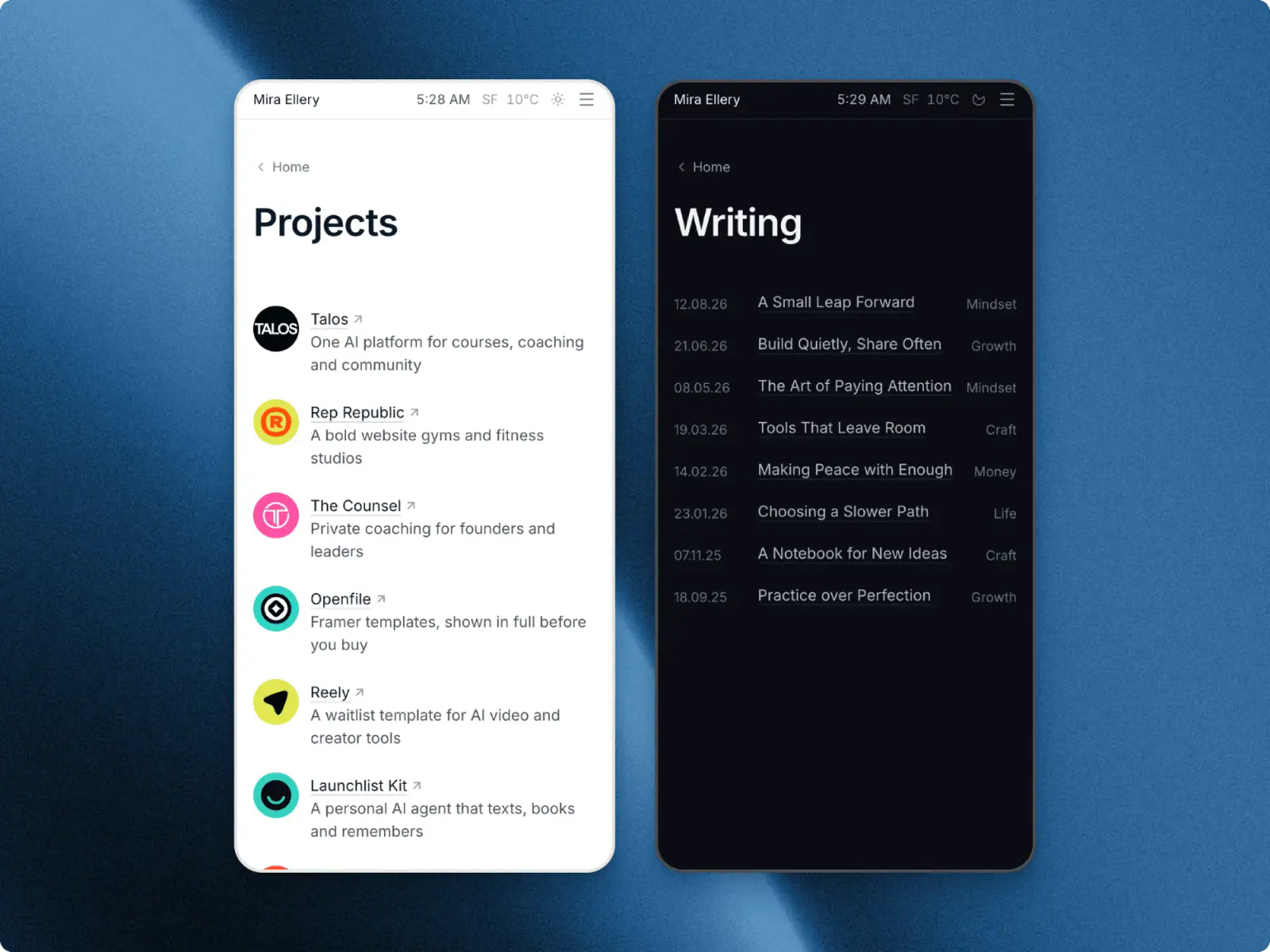
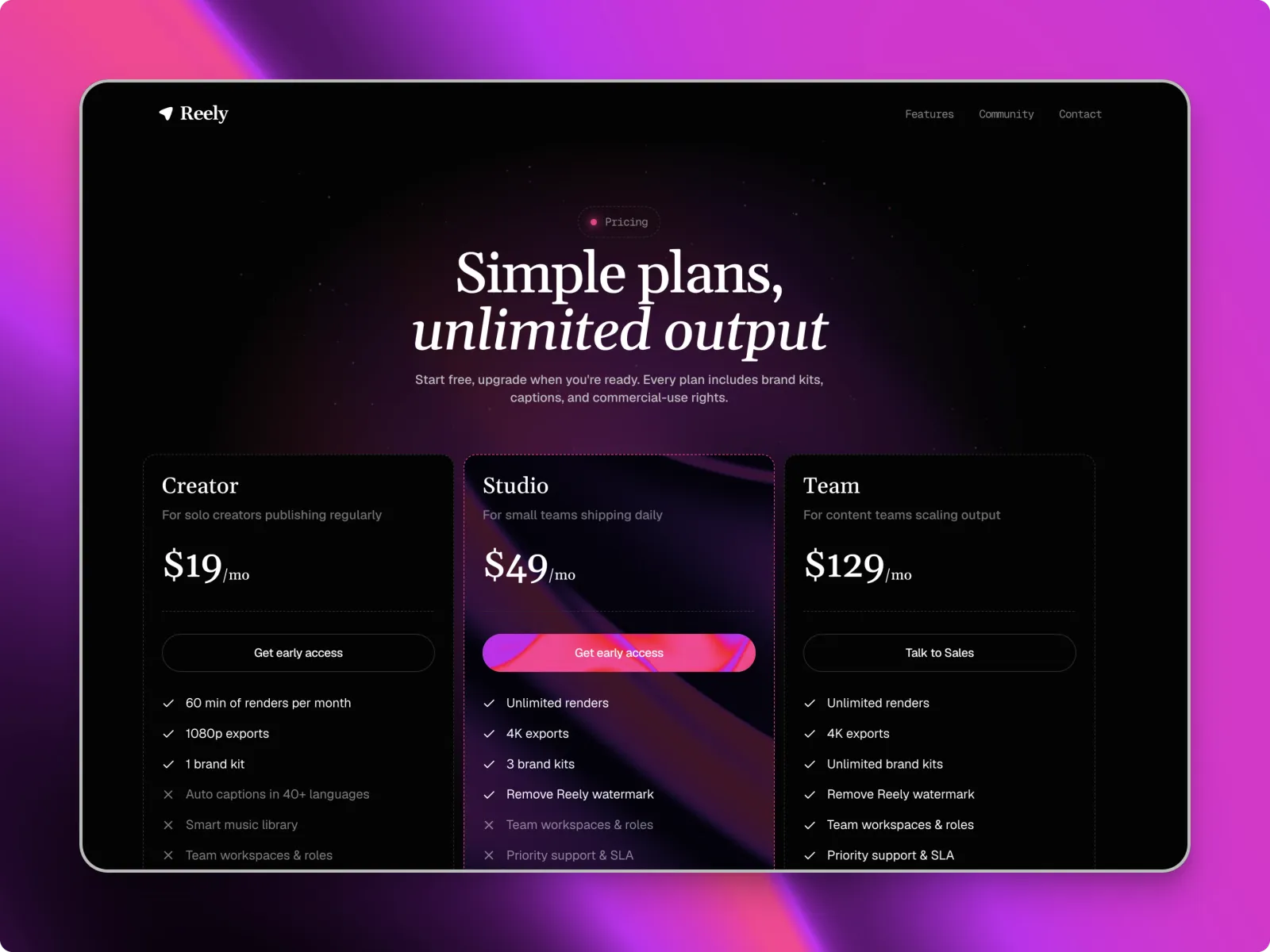
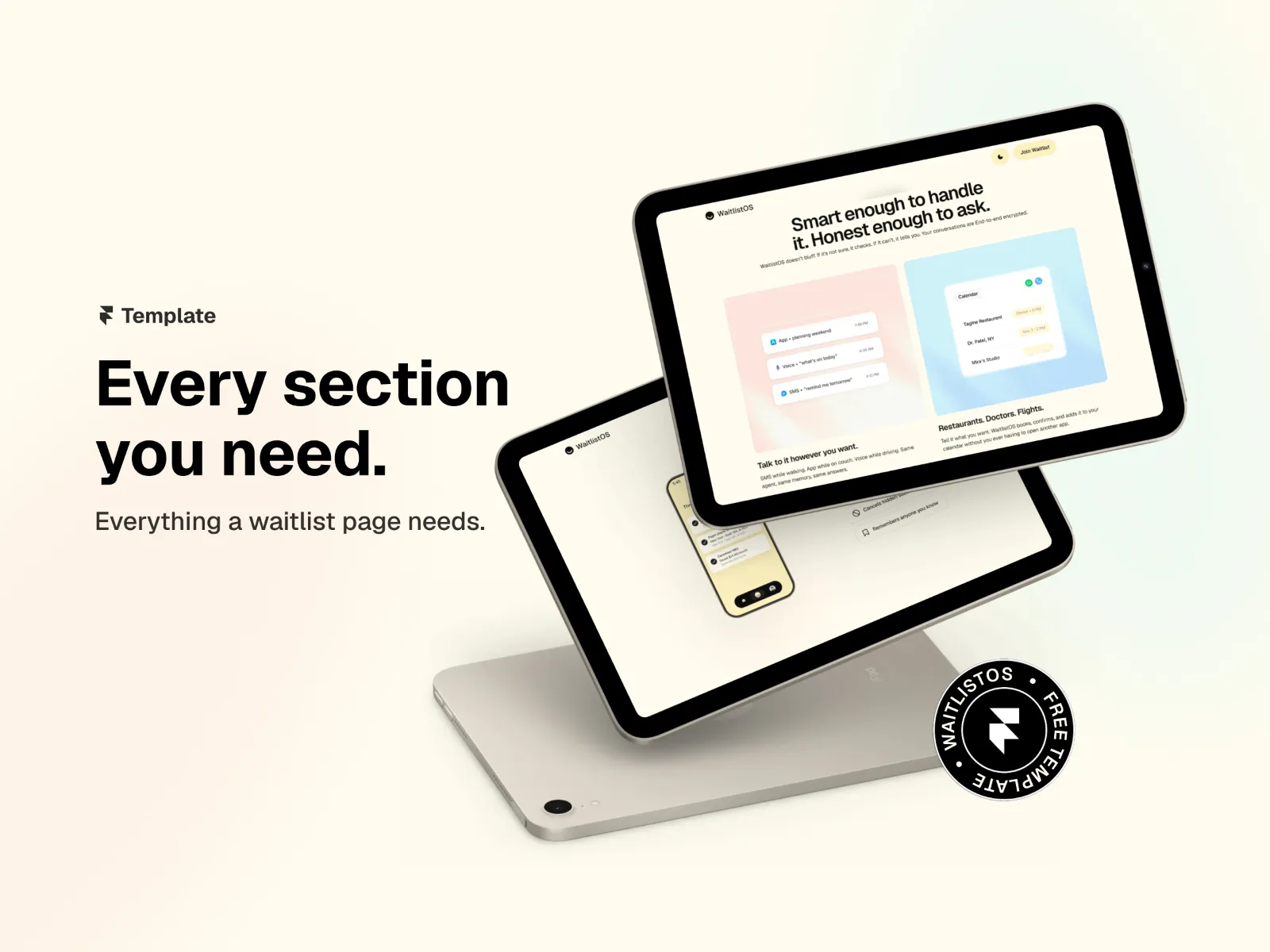
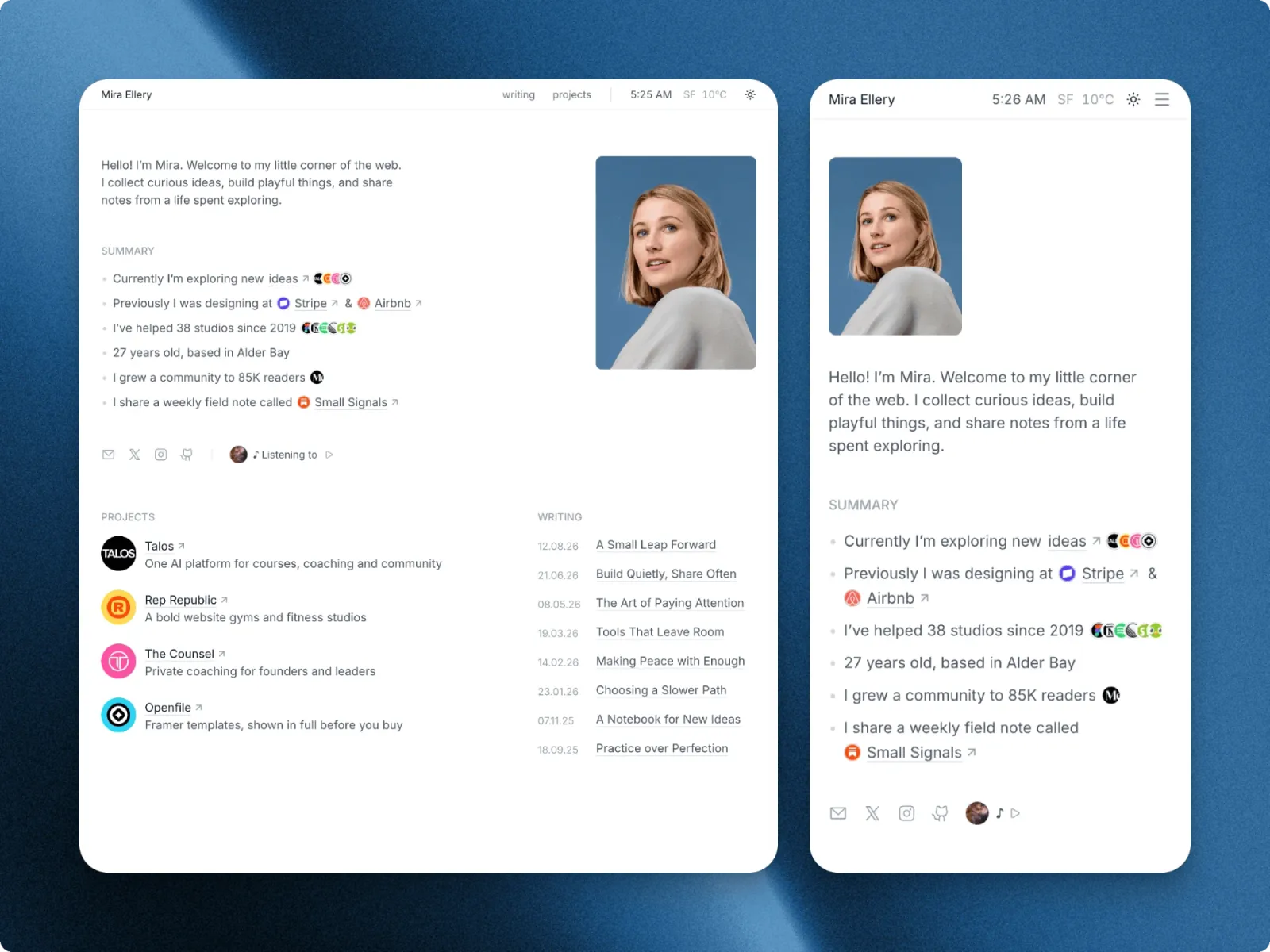
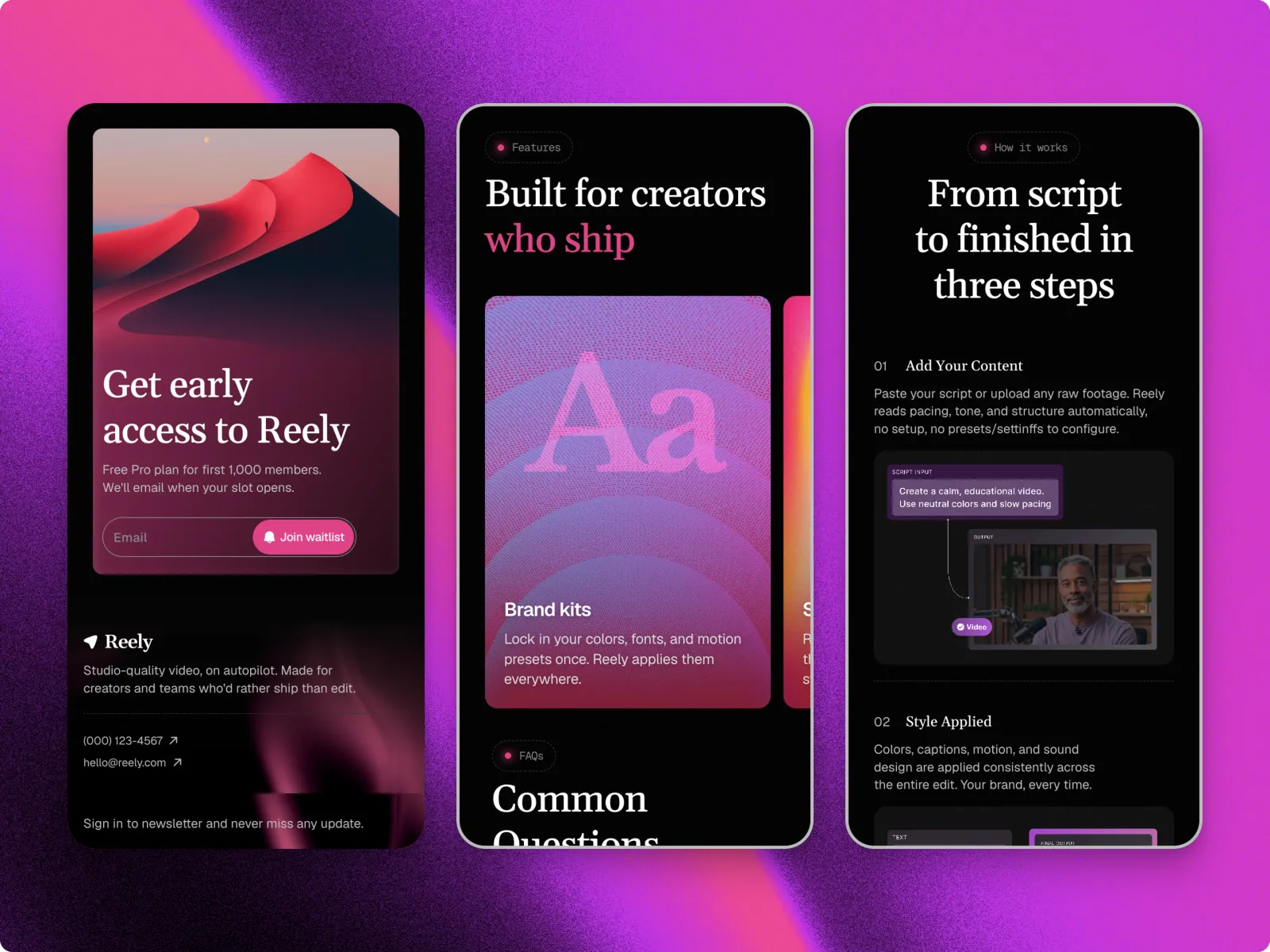
Your site, live this week.
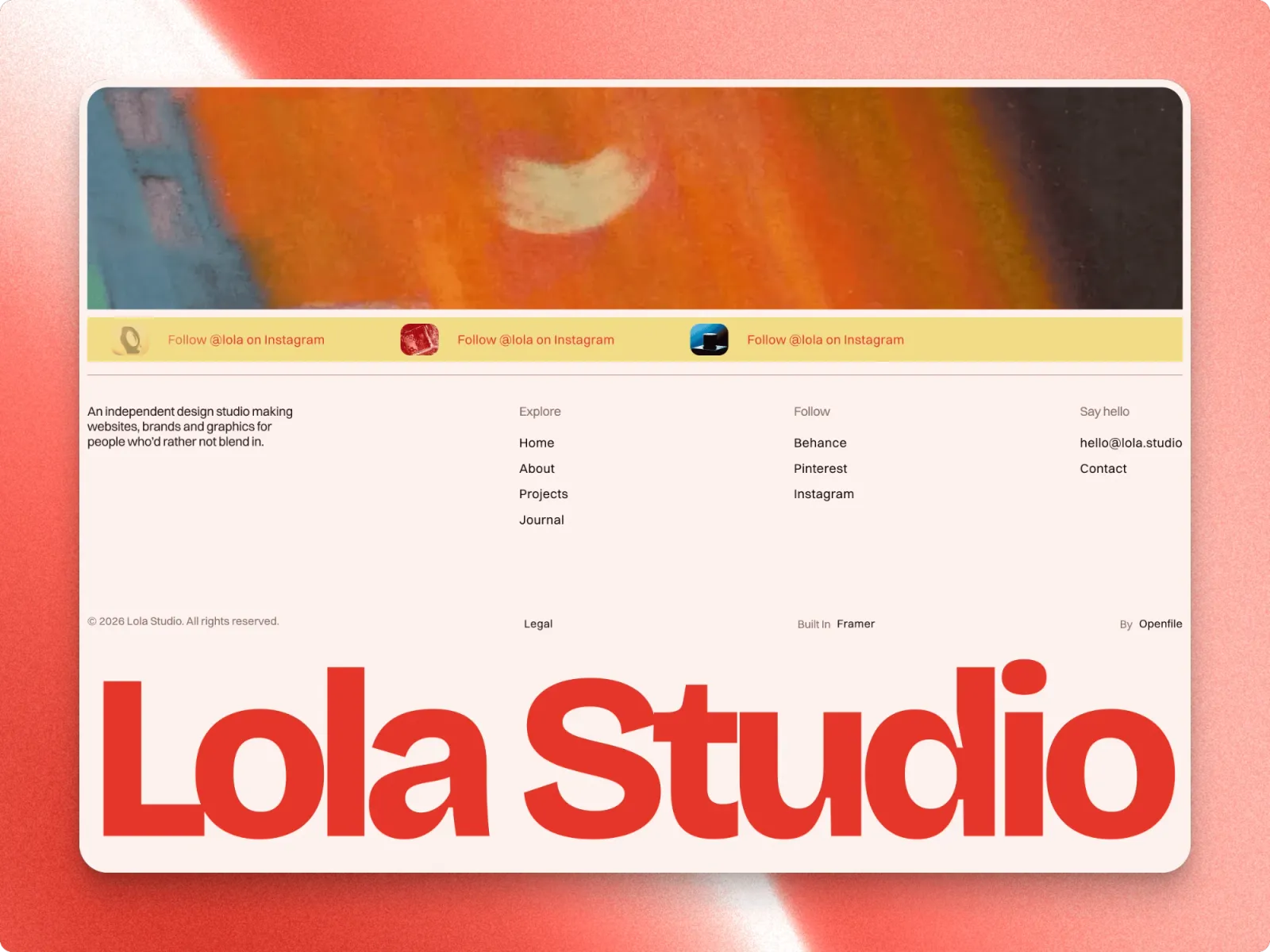
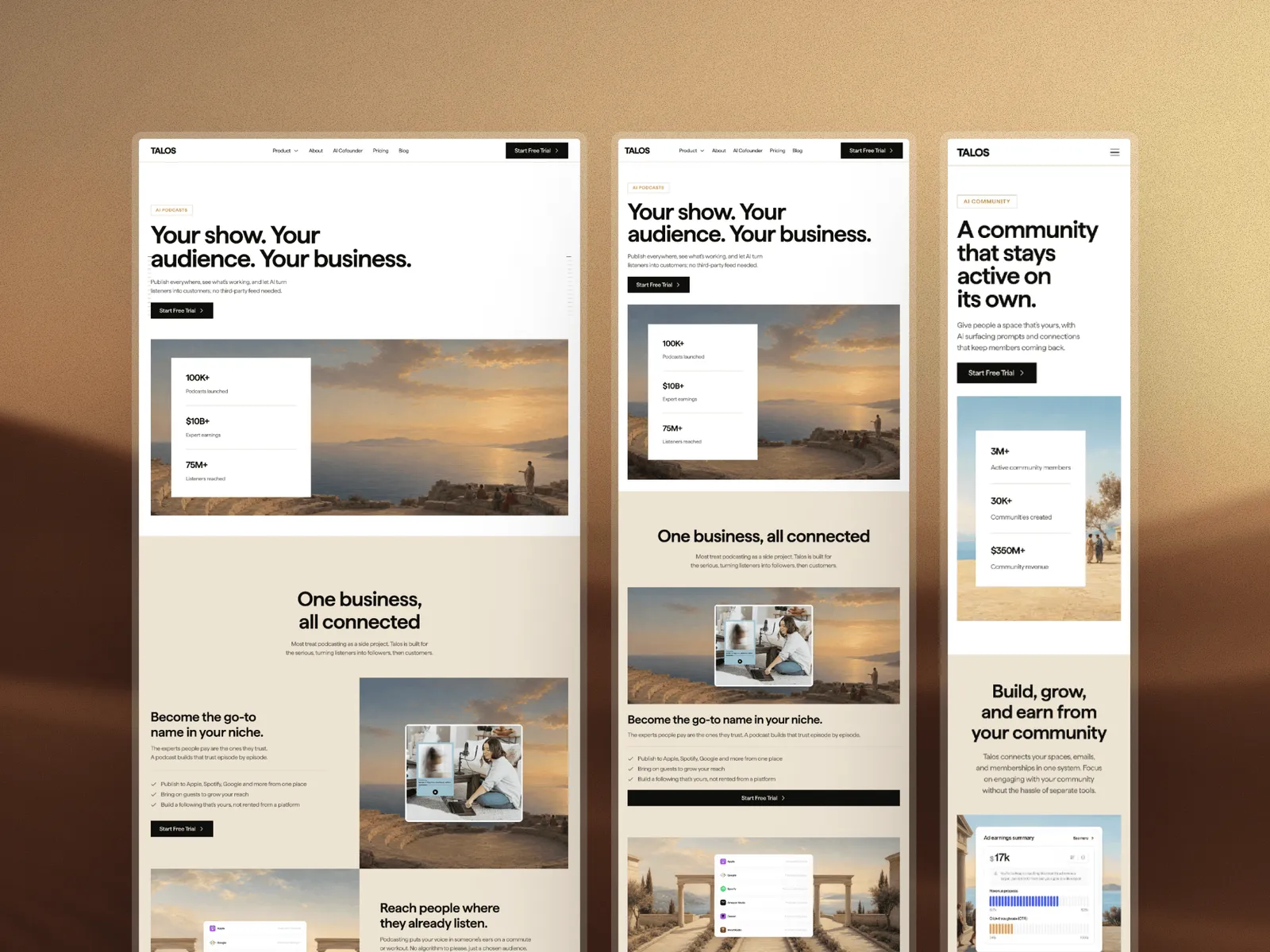
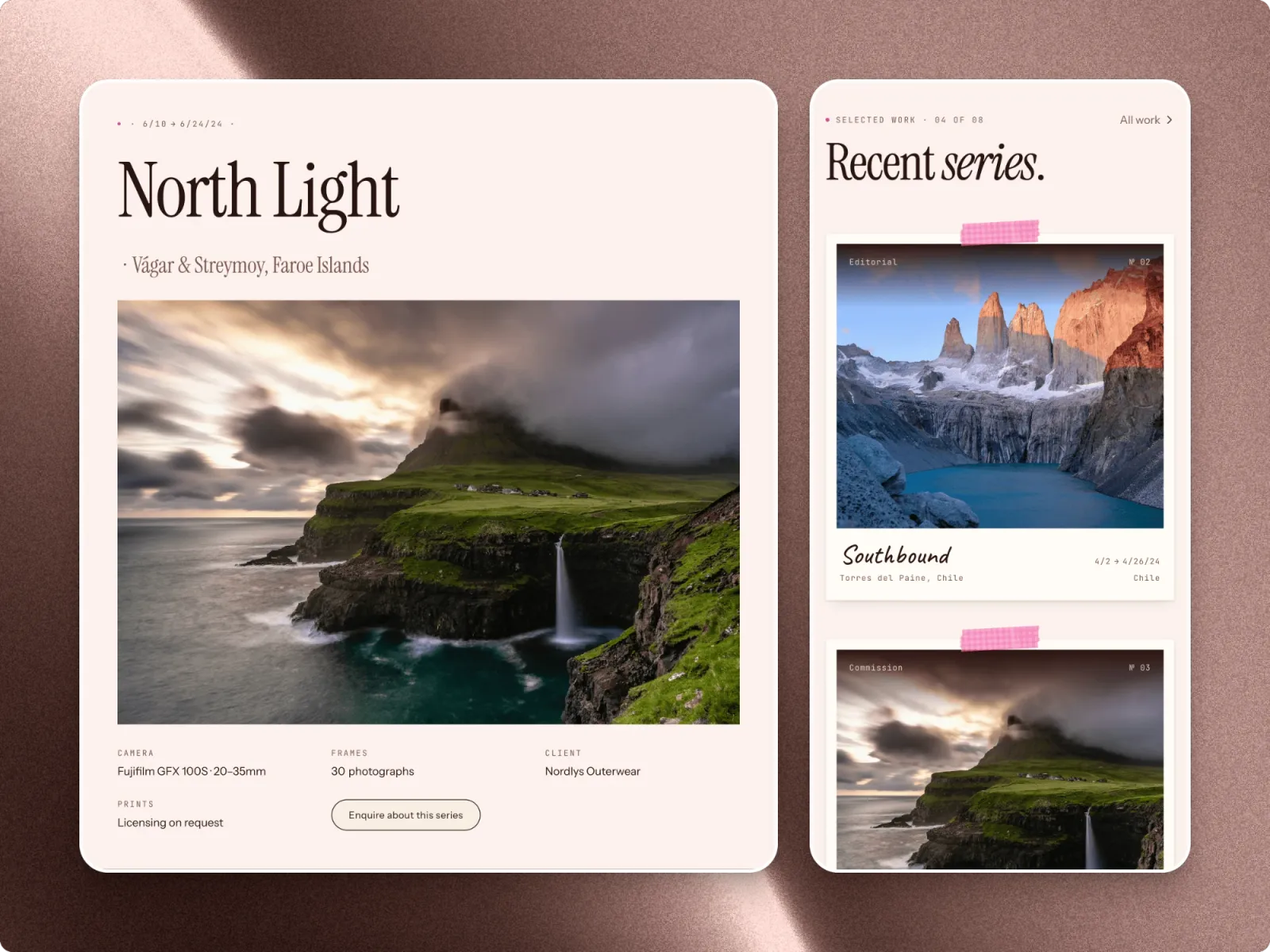
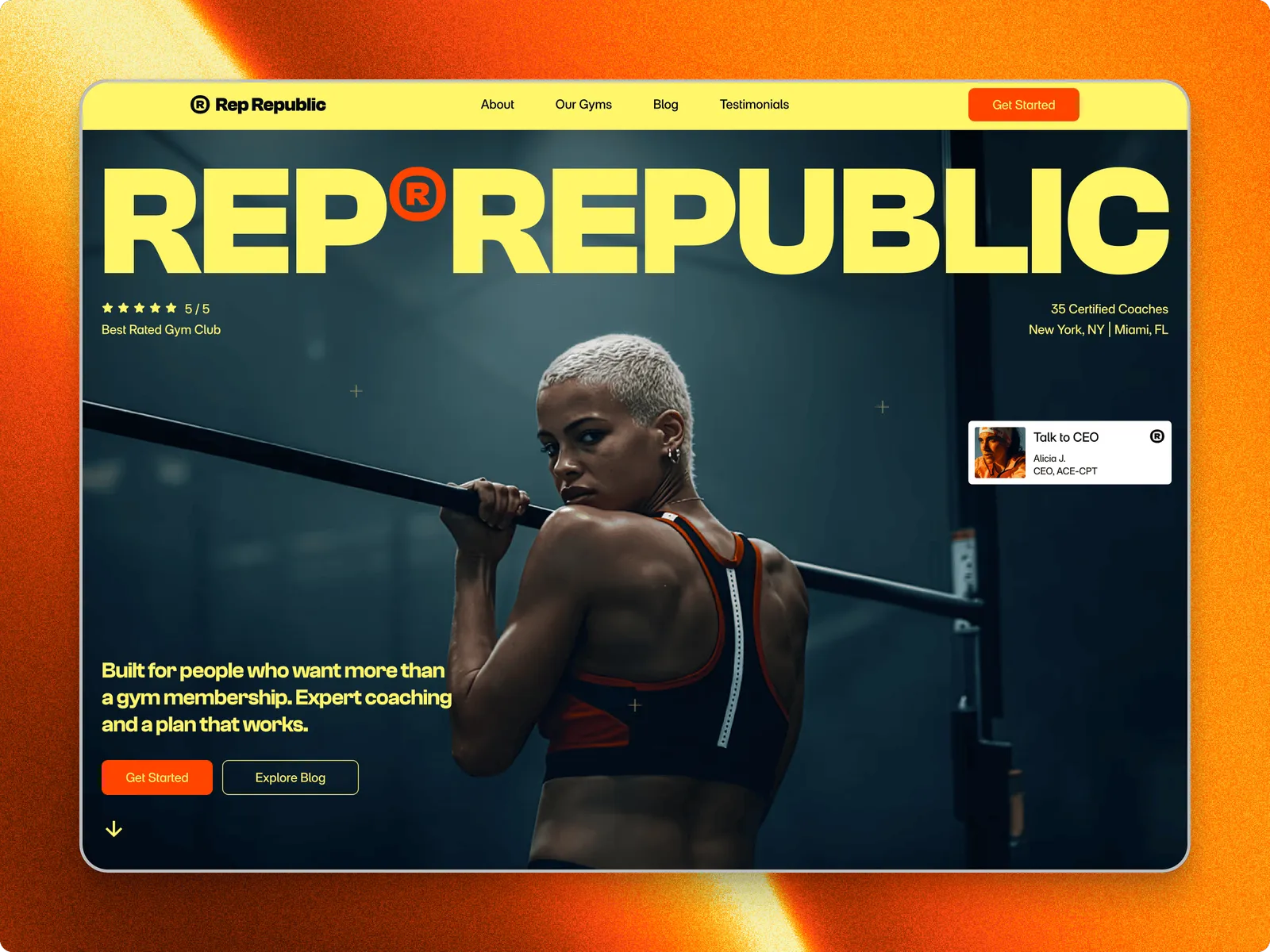
Framer templates with the hard part done: every layout, every page, every phone view, ready for your words and photos.
- 5.0 average rating
- 5k+ downloads
What people say
Those interactions are on point. Looks good!


- 5k+Downloads
- 1k+Live remixes
- 5.0Average rating
Buy, edit, publish
The whole path from paying to a live site, with the screen you see at each step.
 Step 1
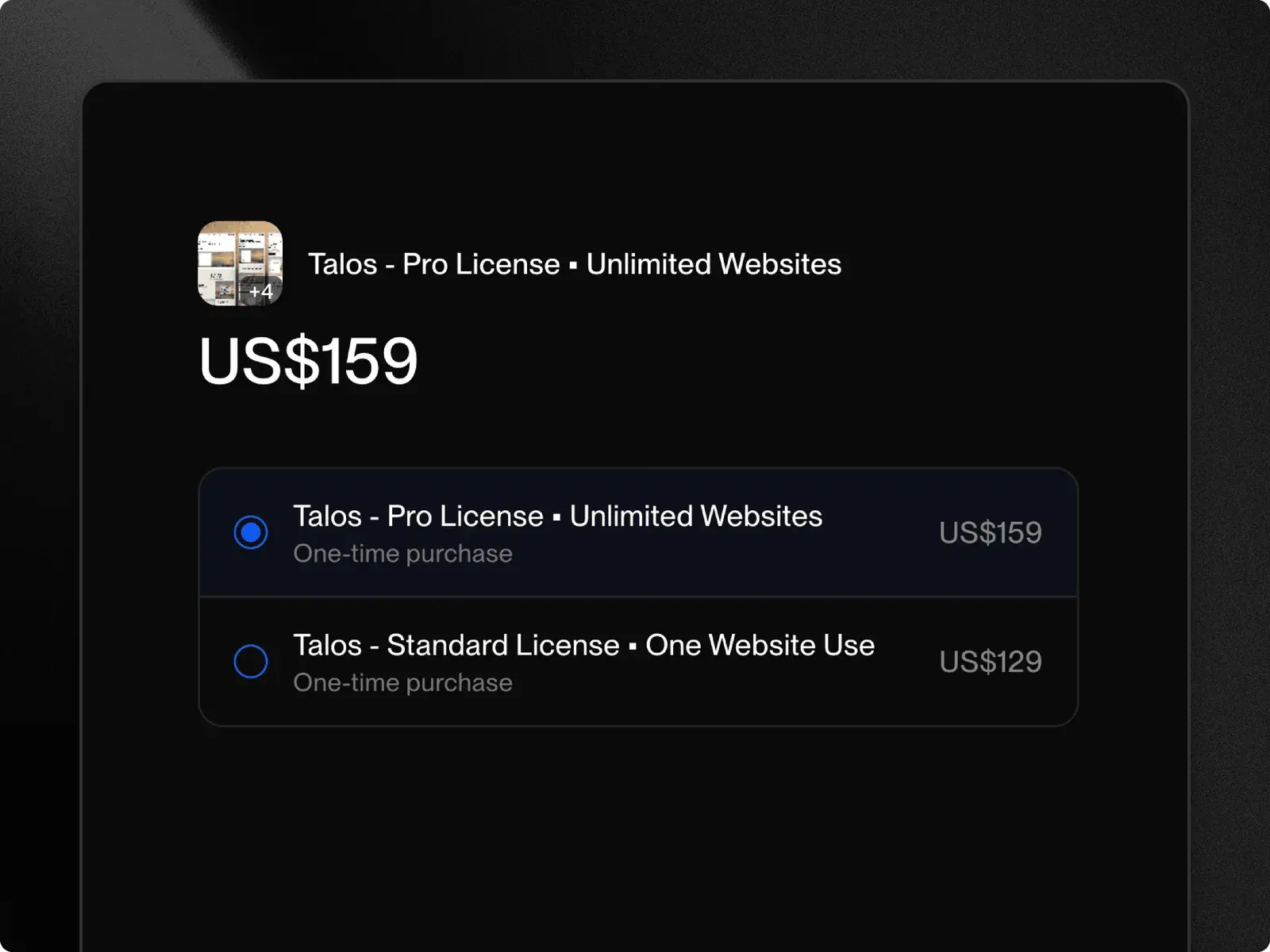
Buy
Pay once on Polar, or remix a free template straight into Framer.
 Step 2
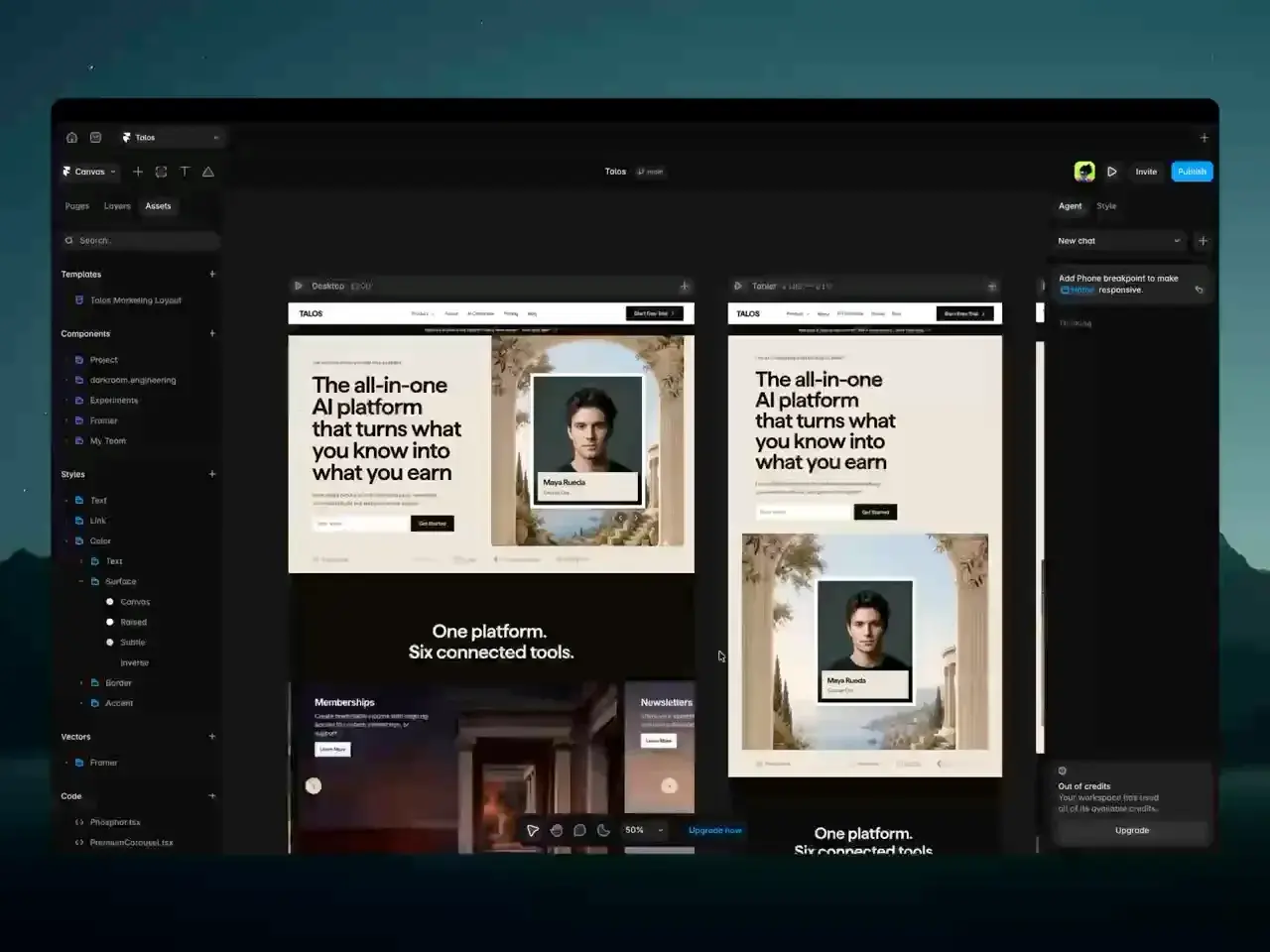
Edit
Change the words, images and colour styles in Framer. No code.
 Step 3
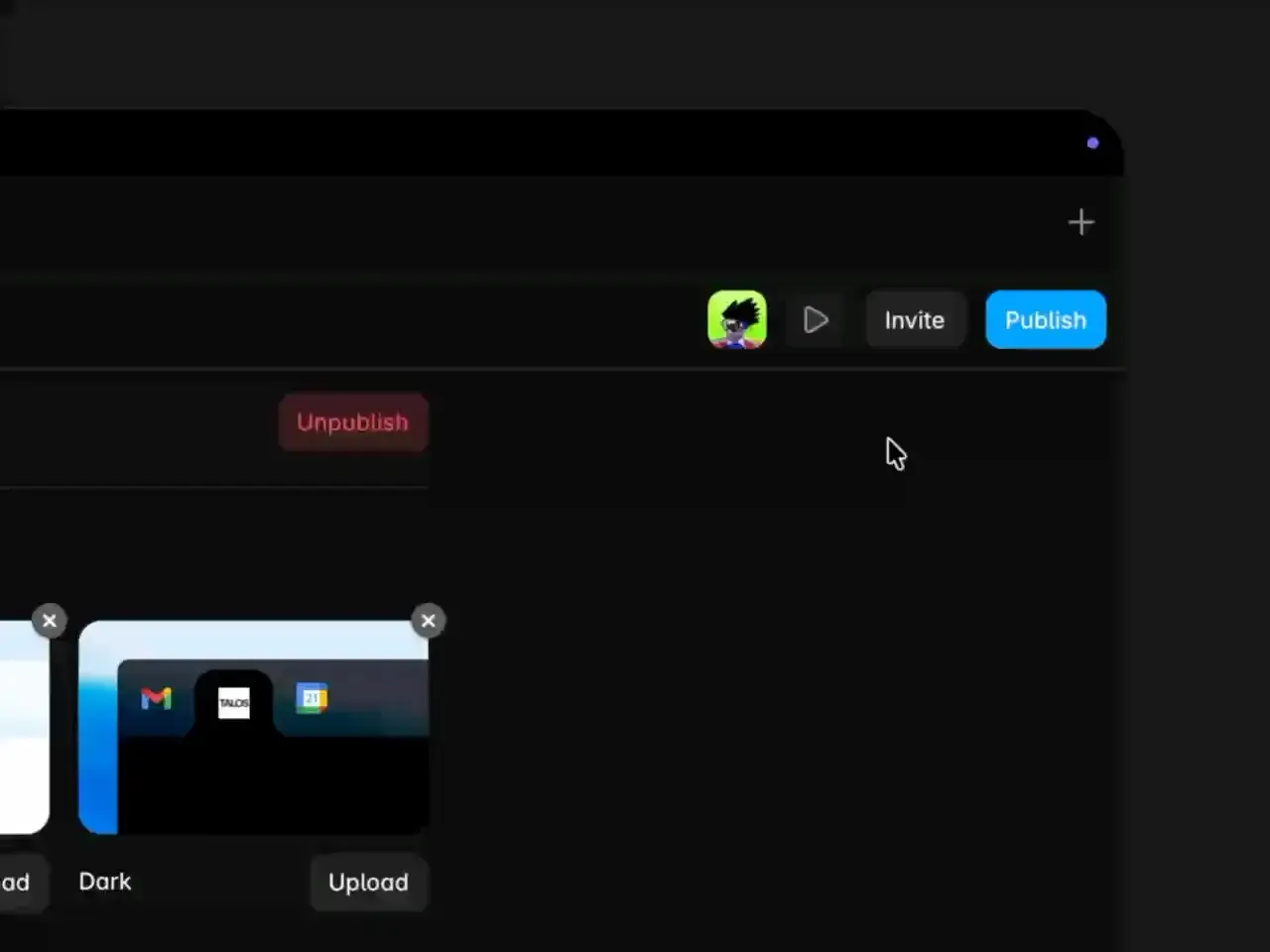
Publish
Publish to a free Framer address, or connect your own domain.
Or ask Framer's agent
Every template opens in your own Framer account, where Framer's AI agent can work on it with you. Say what should change, and it changes the page on the canvas.
Rewrite the words
Tell it about your business, and it rewrites the headlines and sections for you.
Restyle and resize
Ask for new colours, a dark mode or a phone layout, and it changes the styles and breakpoints.
Check before publishing
It finds contrast problems, typos, missing alt text and gaps in SEO.
The agent runs on Framer's AI credits. A free Framer account comes with 500 to try.
Find your kind of site
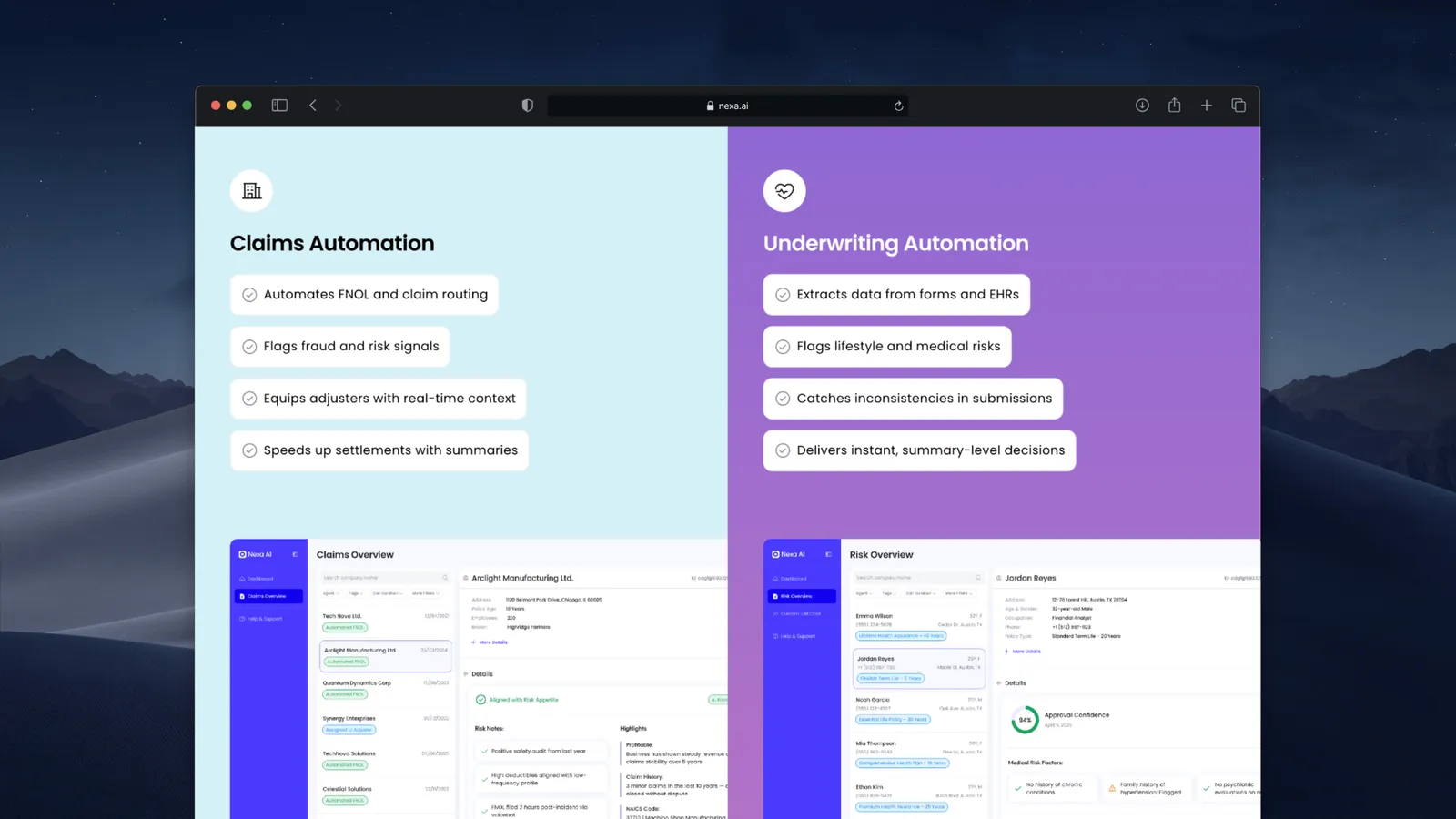
- SaaSMarketing sites for software and AI products, with product pages, pricing and a blog on the CMS.2 templates
- AISites for AI products, from a full marketing site with product pages and pricing to a waitlist before launch.3 templates
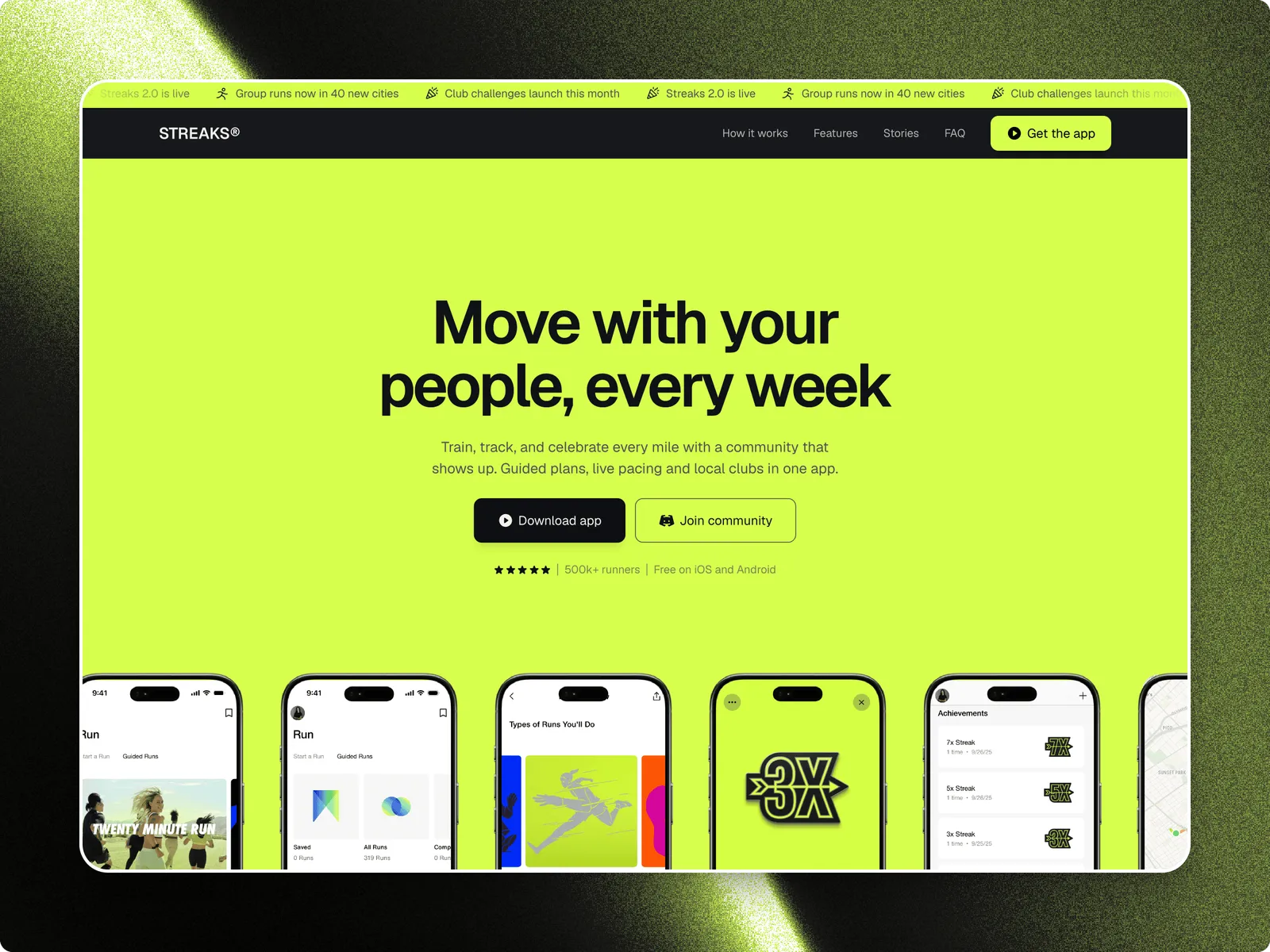
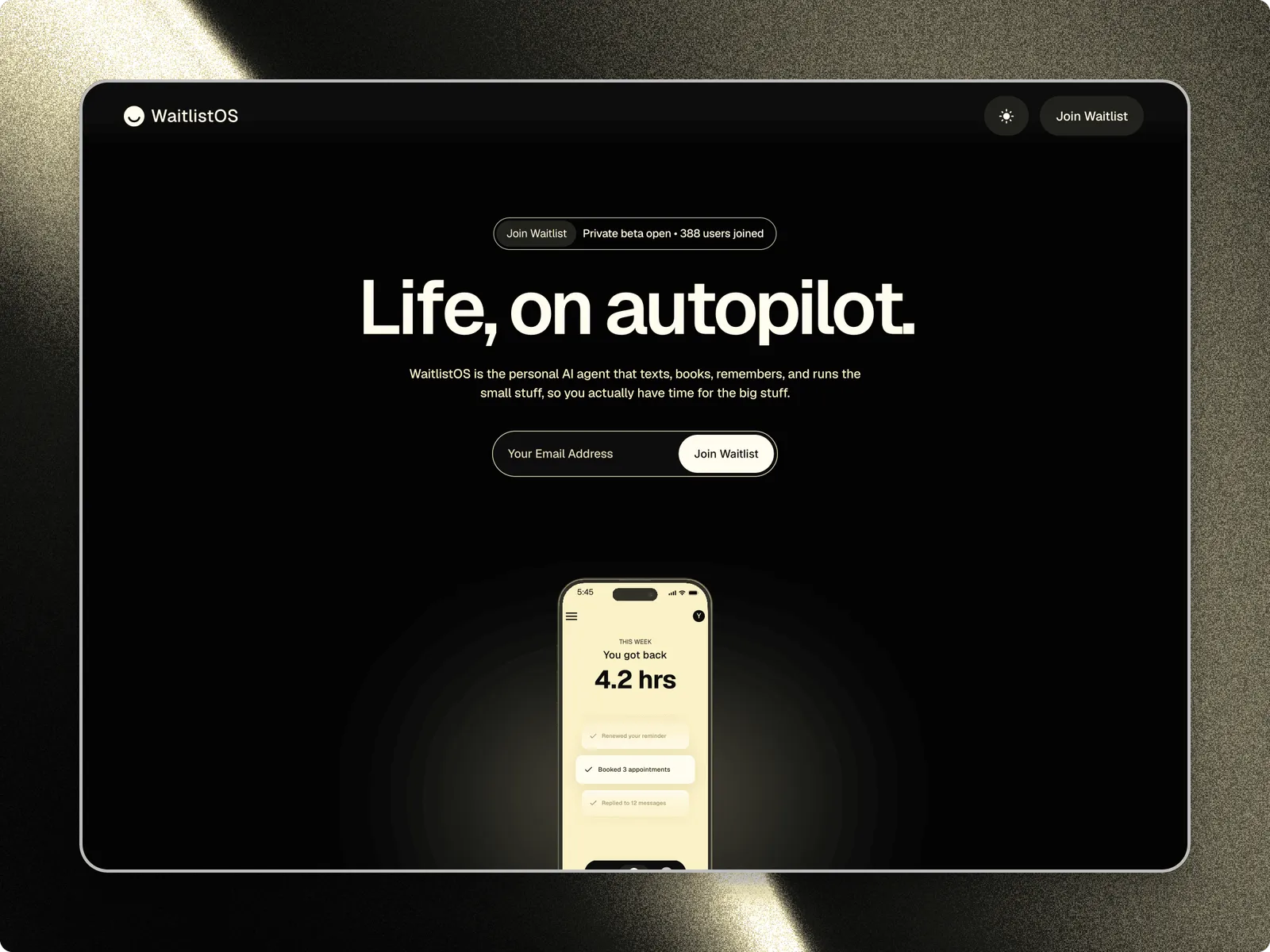
- Product launchWaitlist and launch sites for apps and AI products, with an email signup and the pages a launch needs around it.3 templates
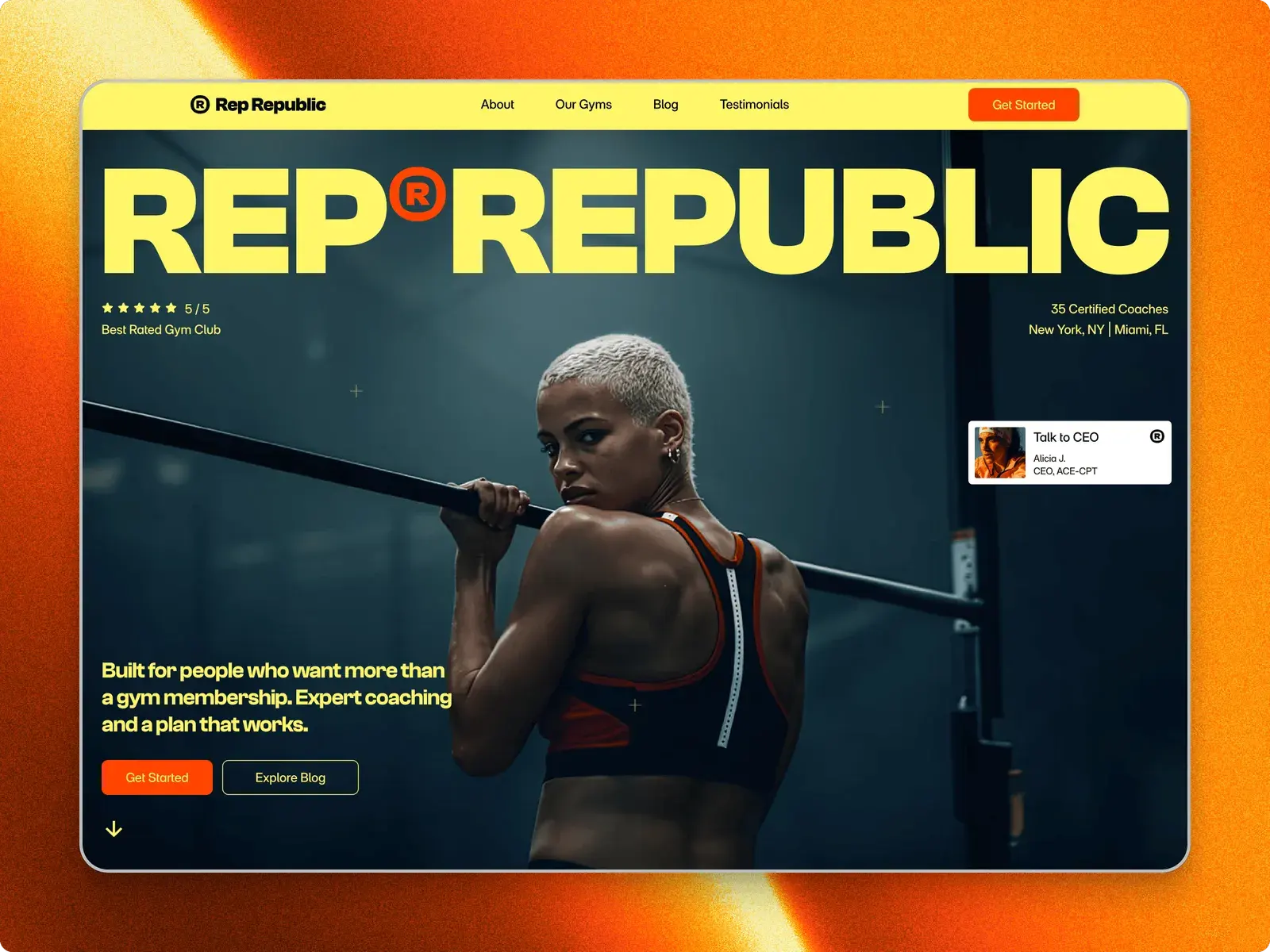
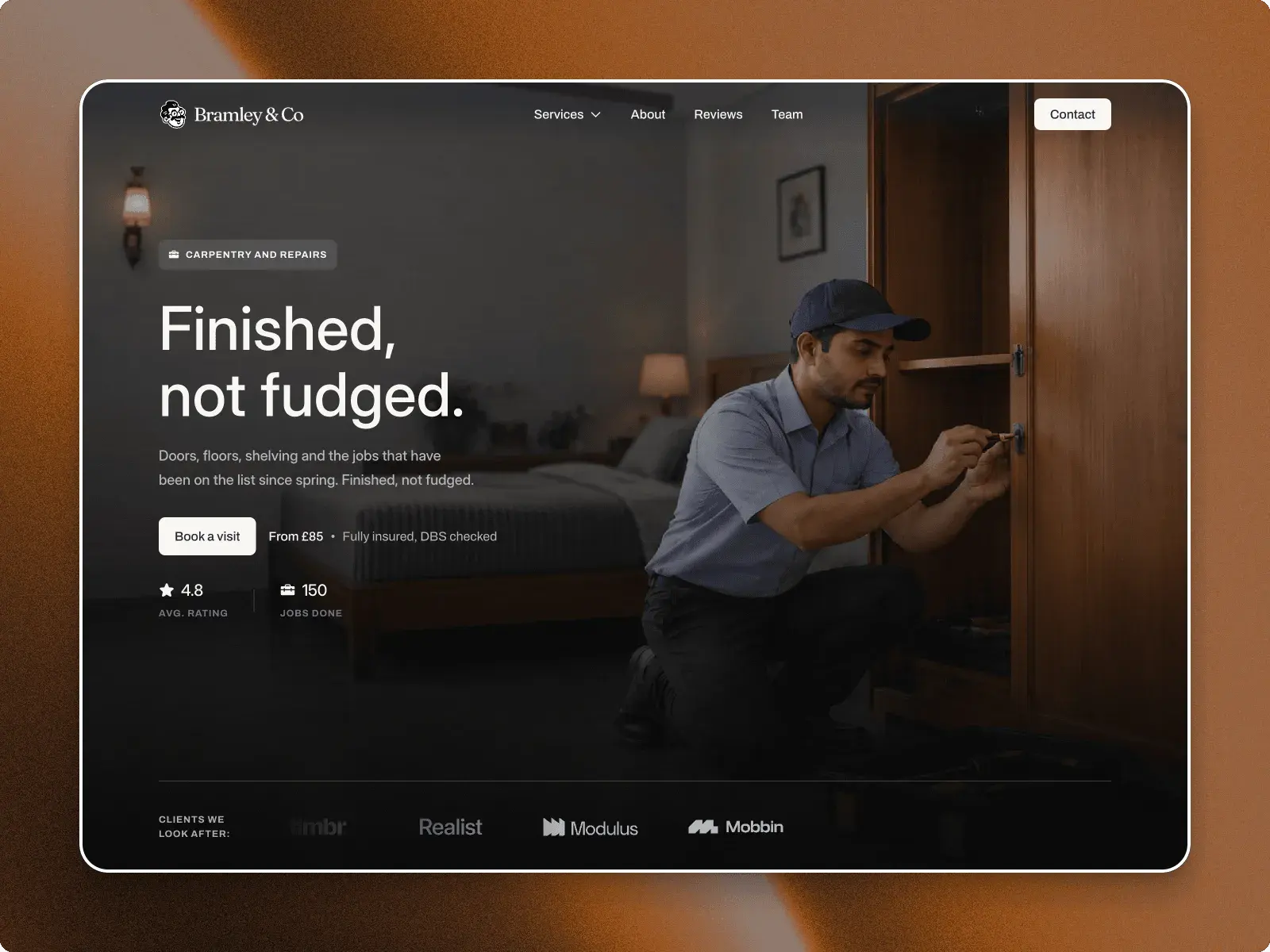
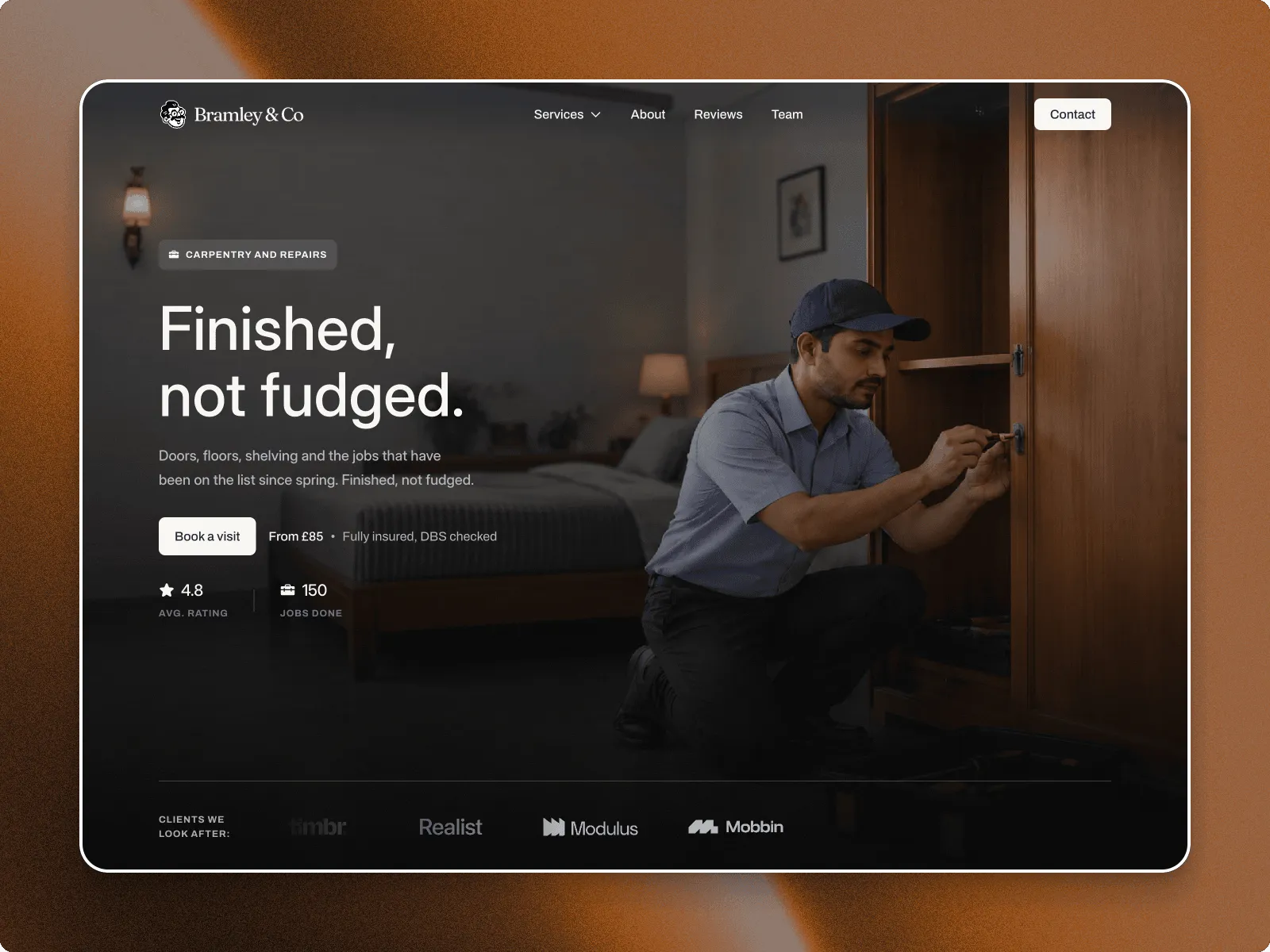
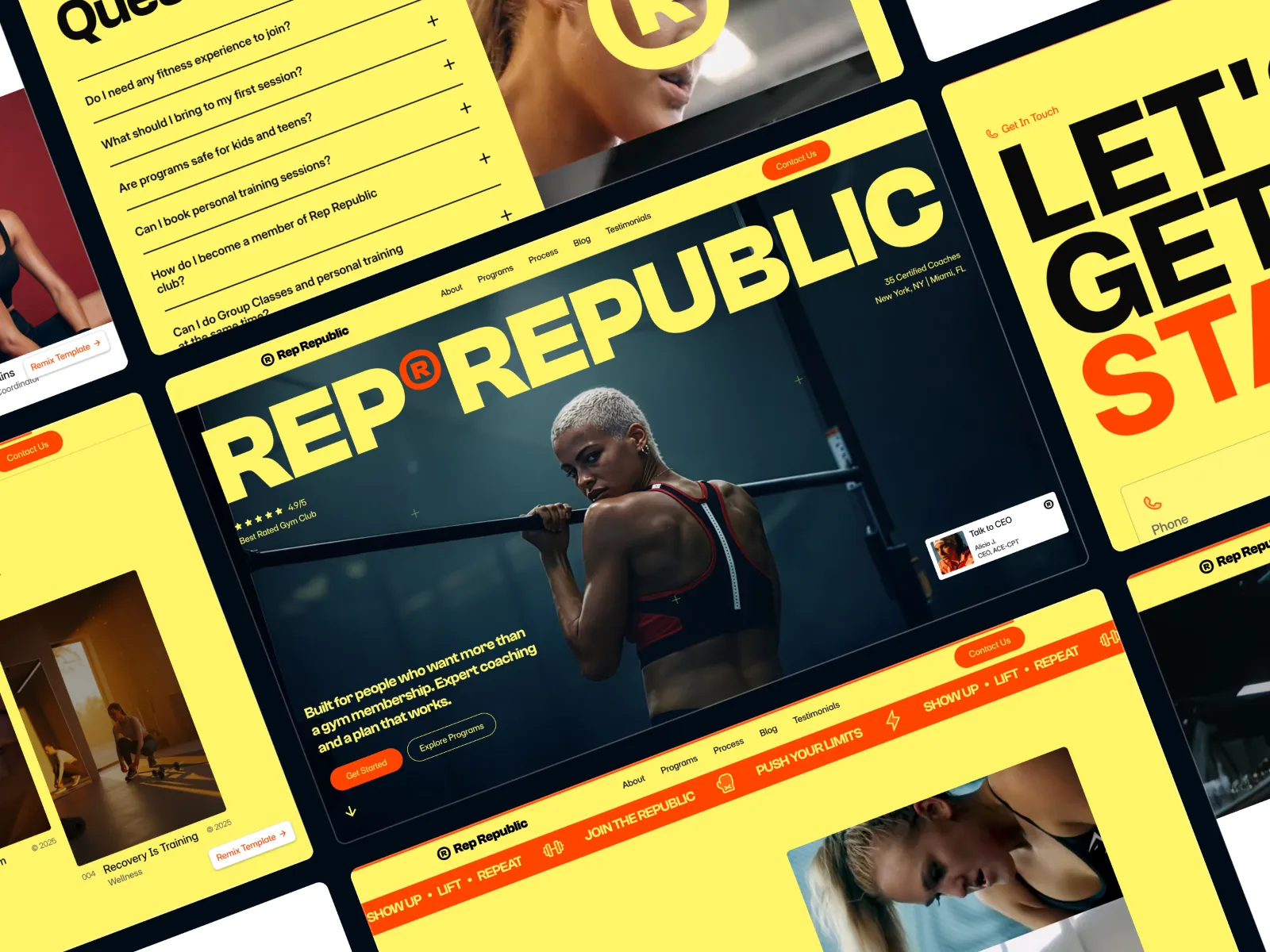
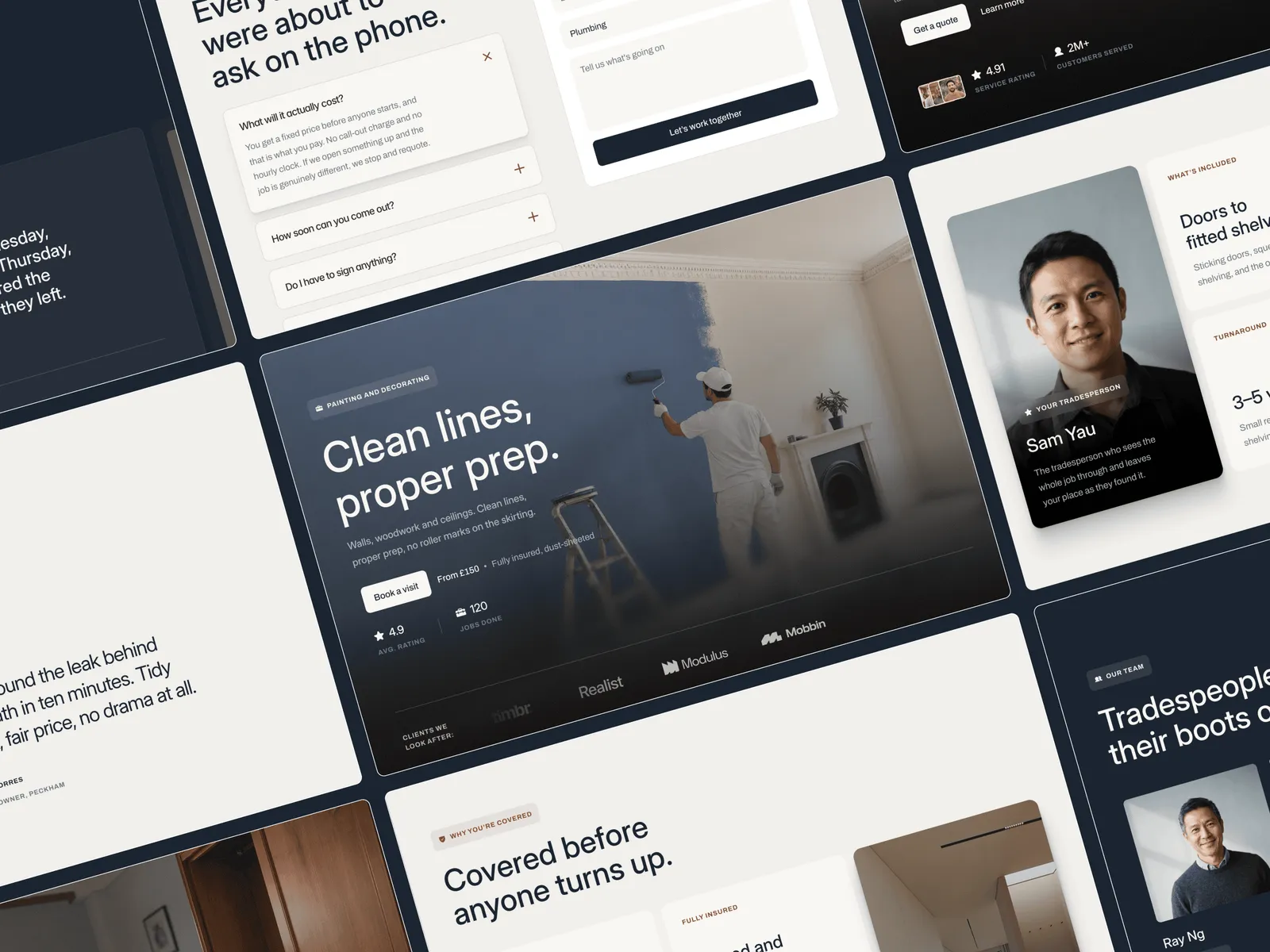
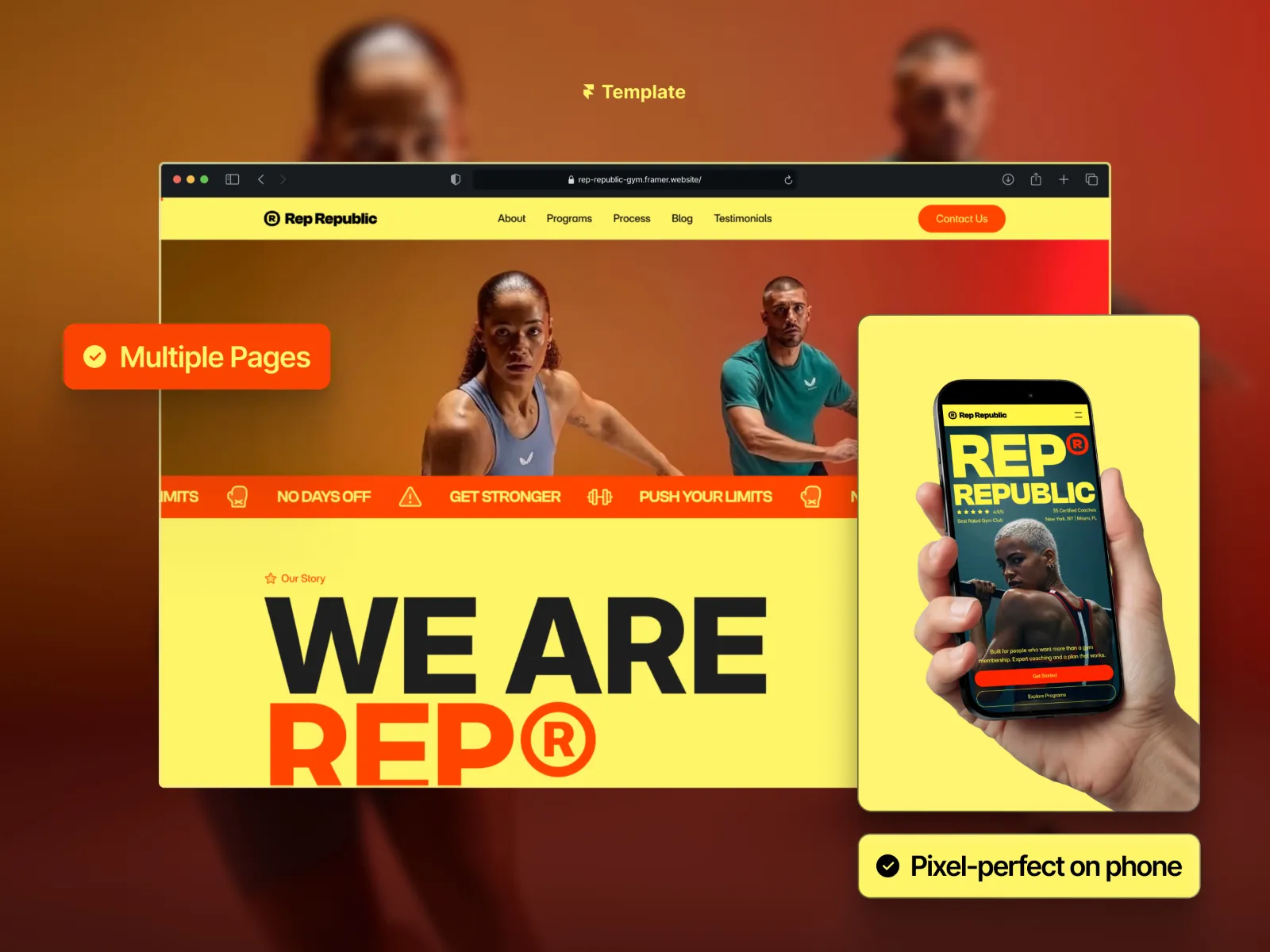
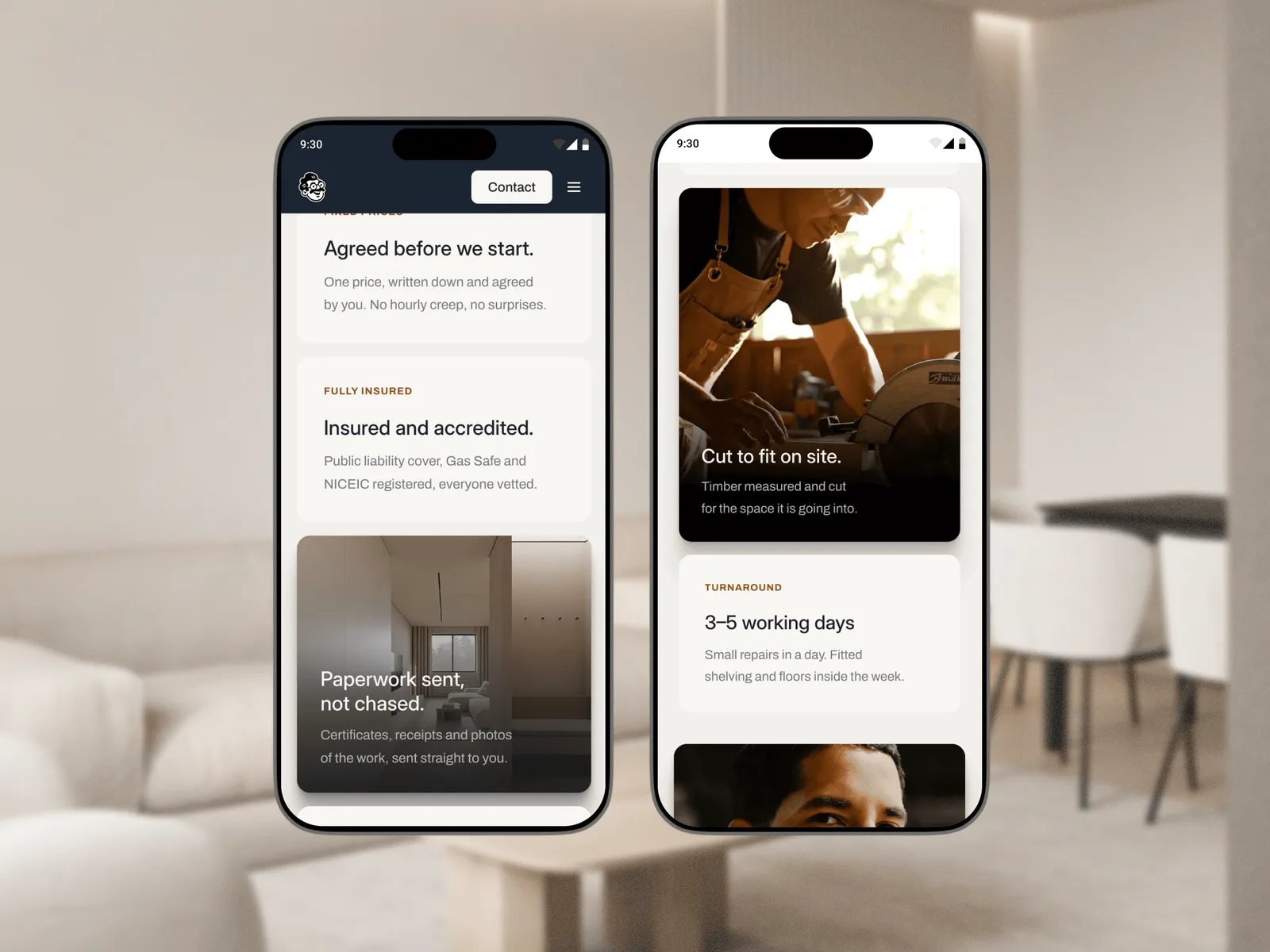
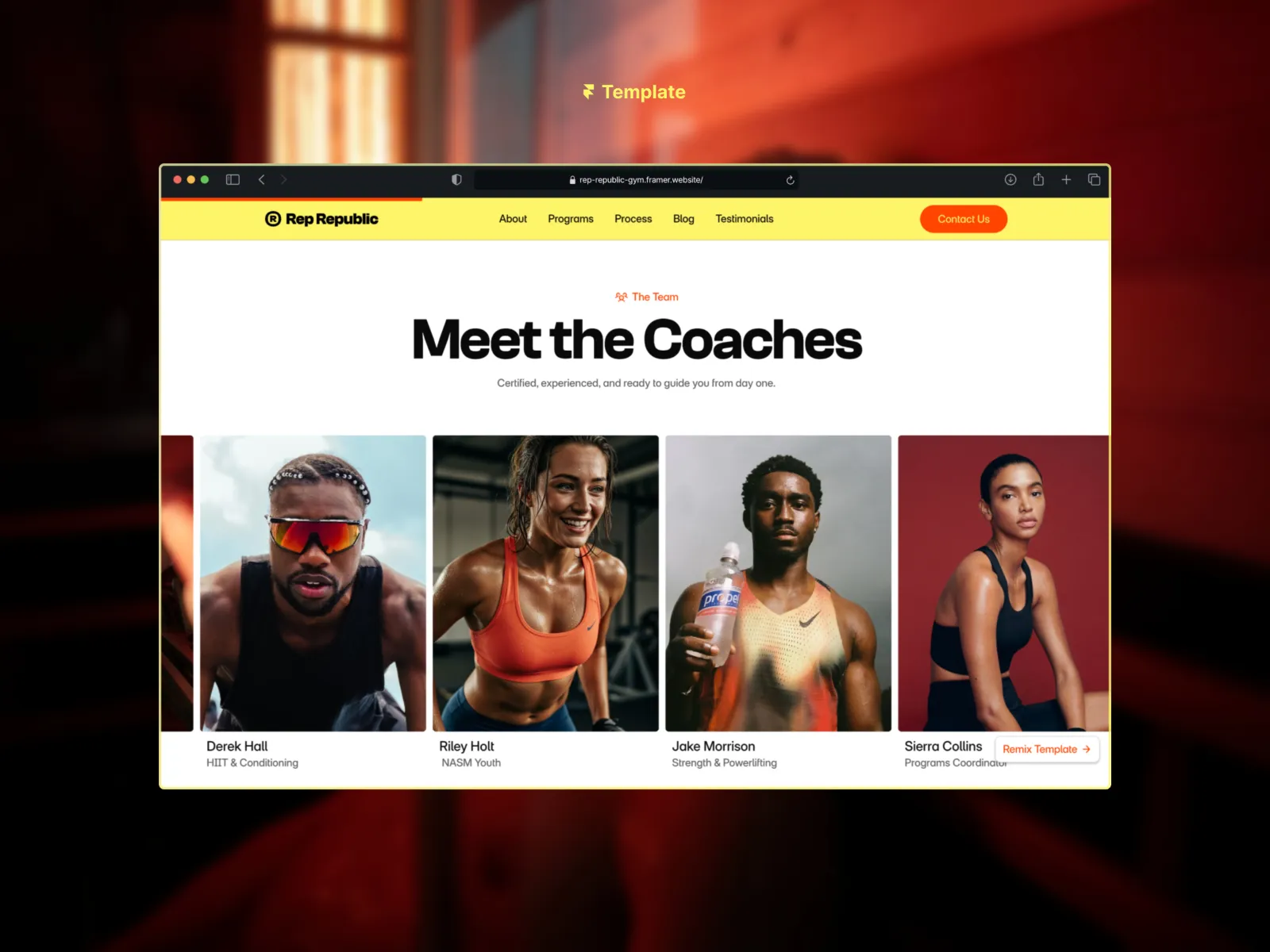
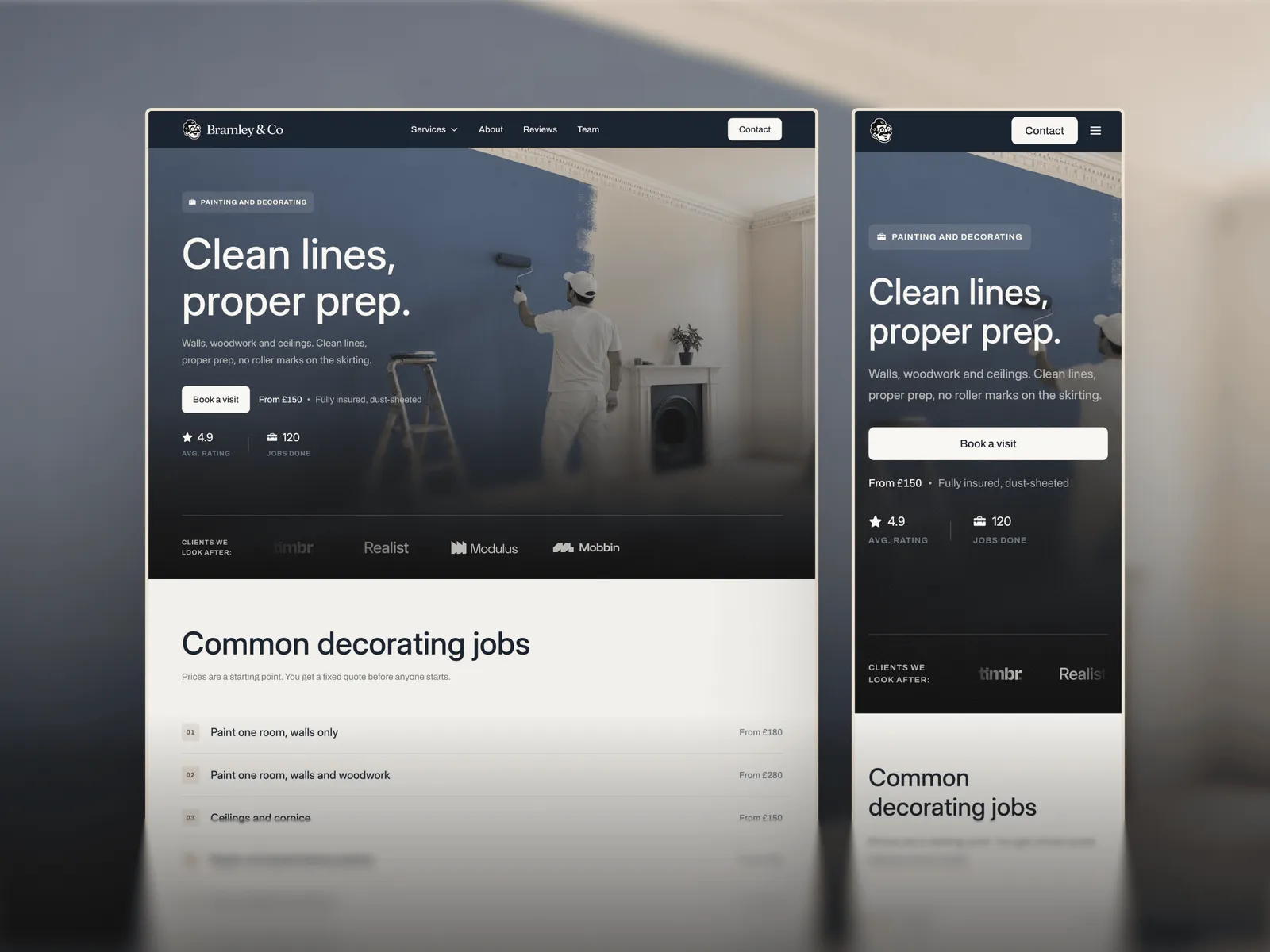
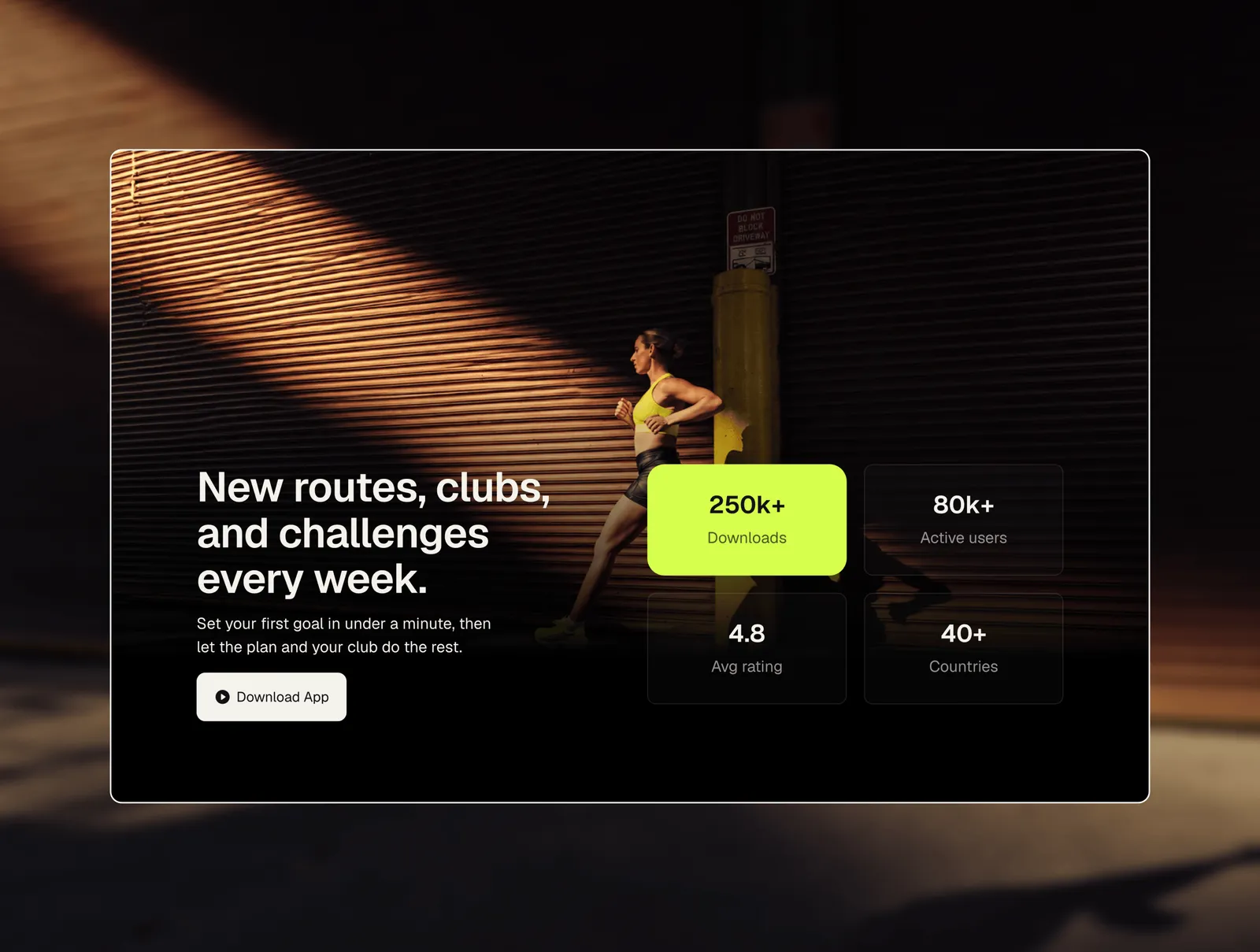
- Local businessSites for trades, gyms and studios, with services, locations, a team and a contact form.2 templates
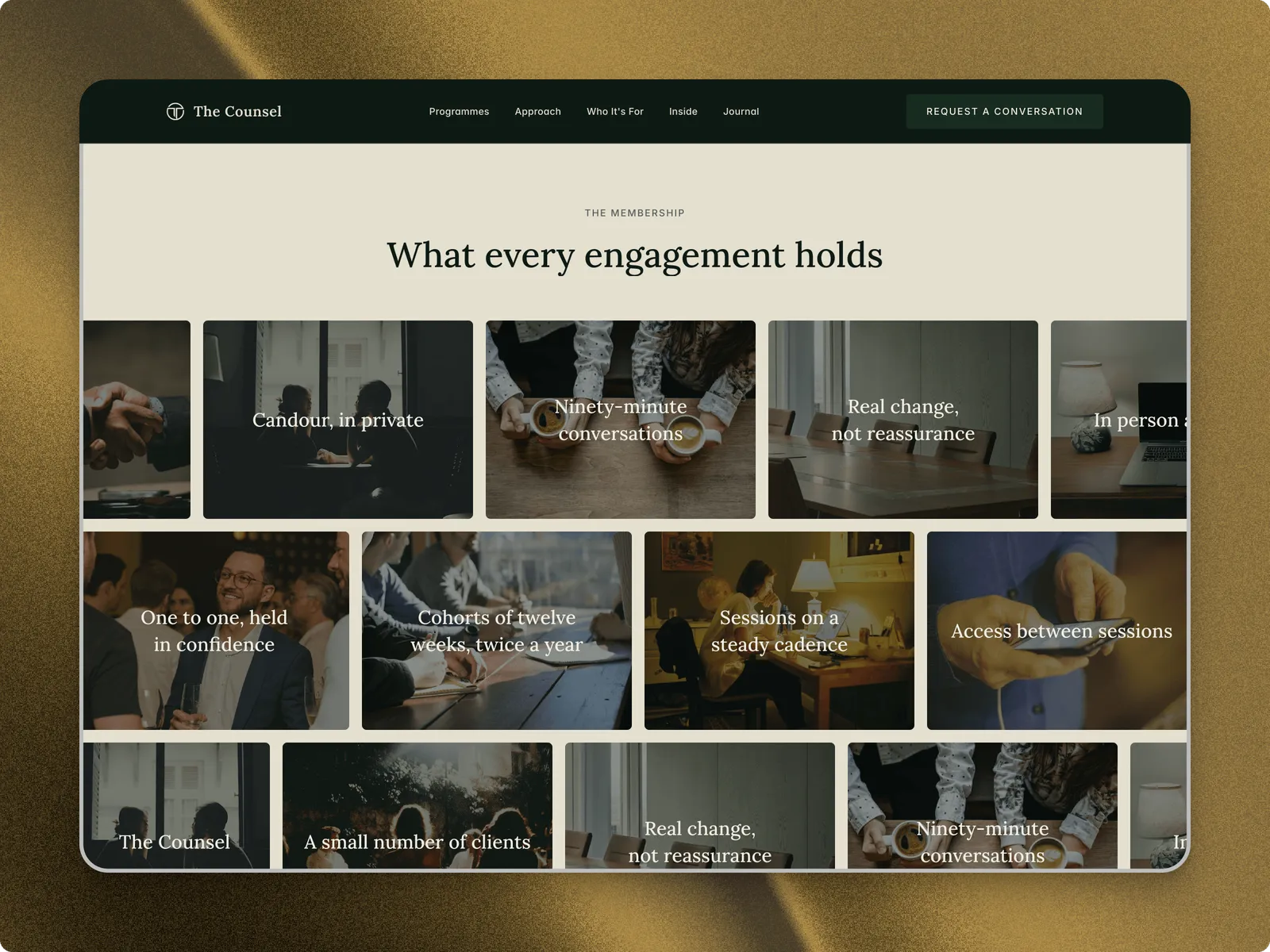
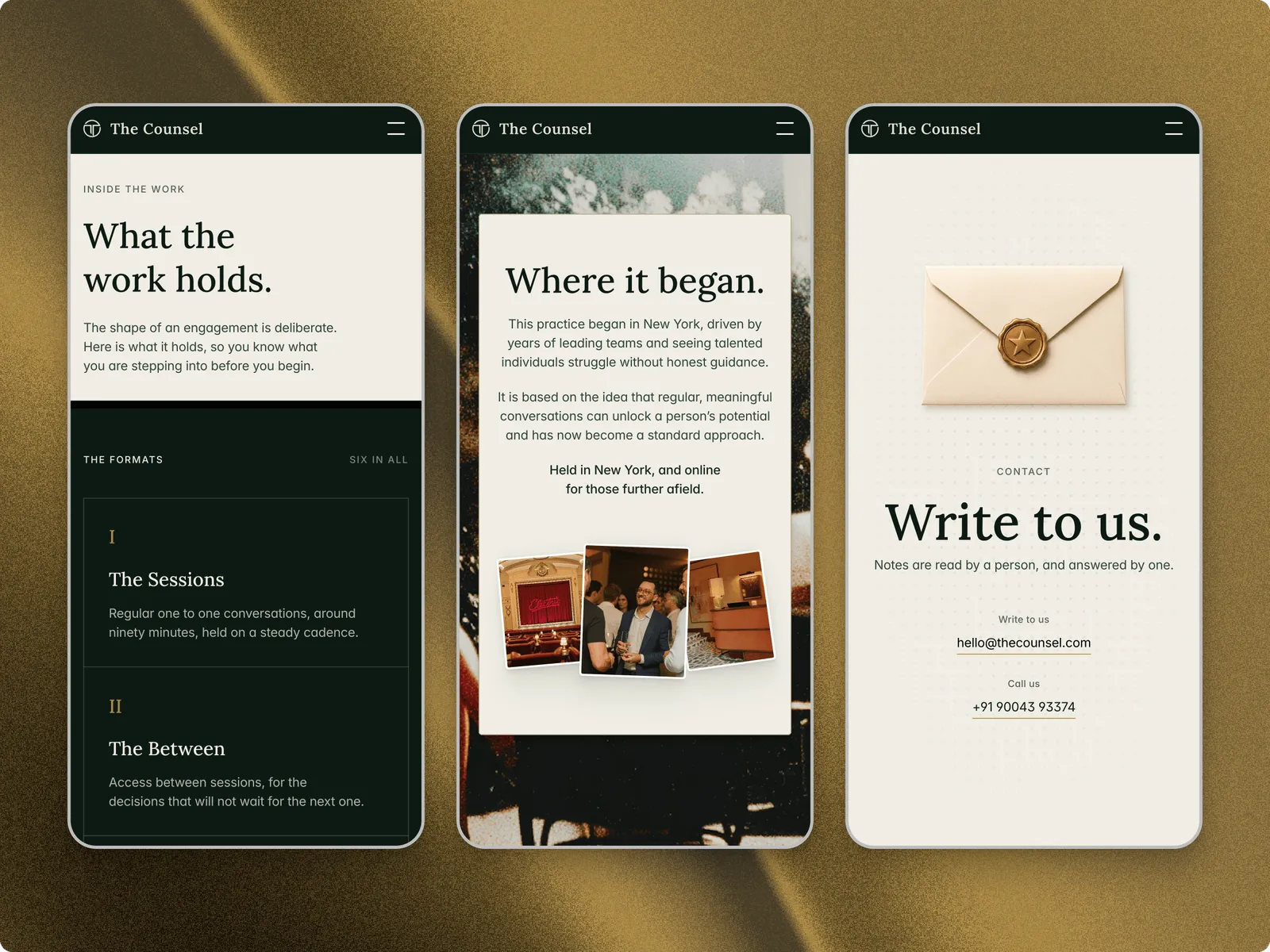
- ConsultingSites for coaching, consulting and advisory practices, with programmes, a journal and an enquiry form.2 templates
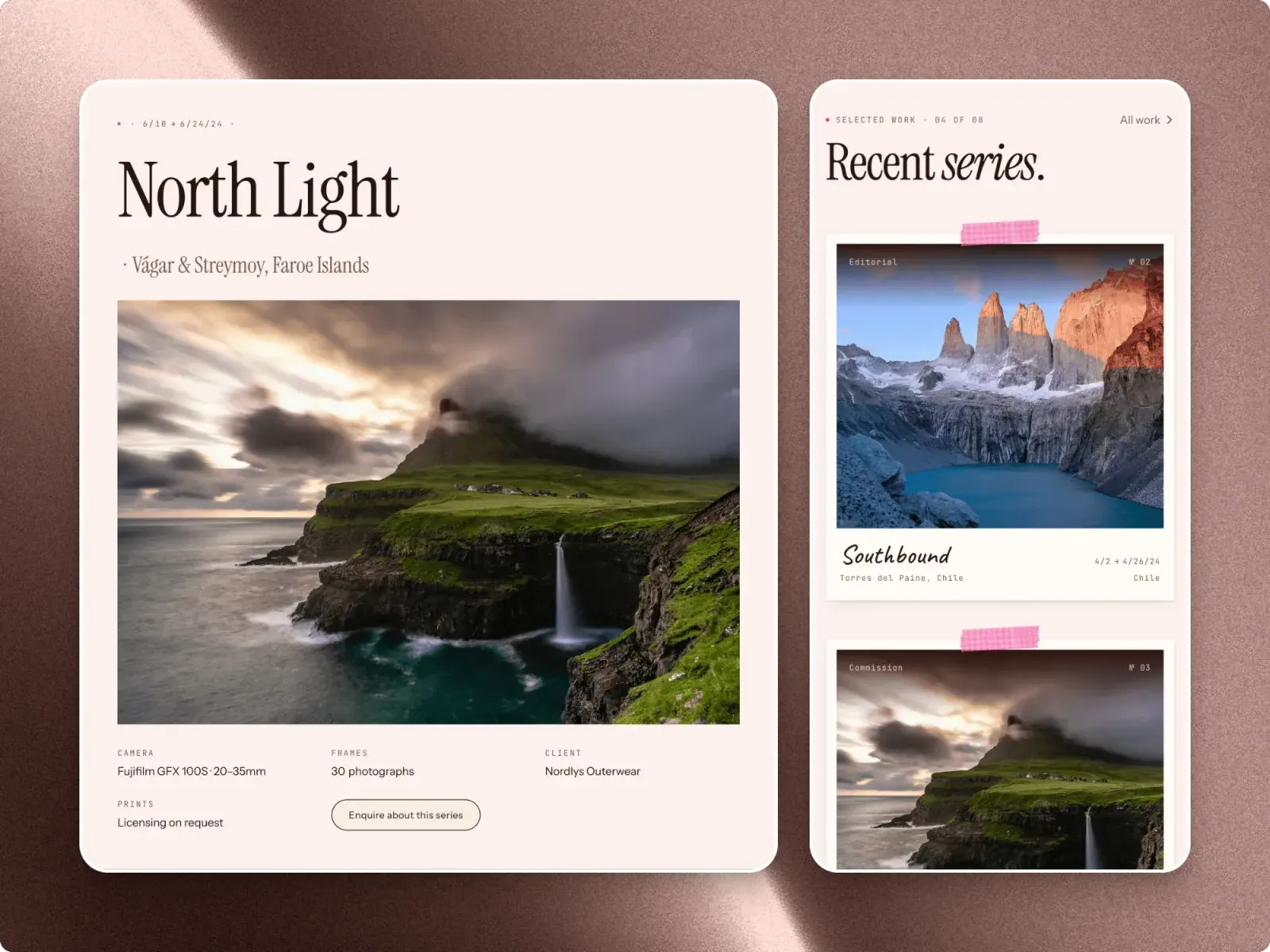
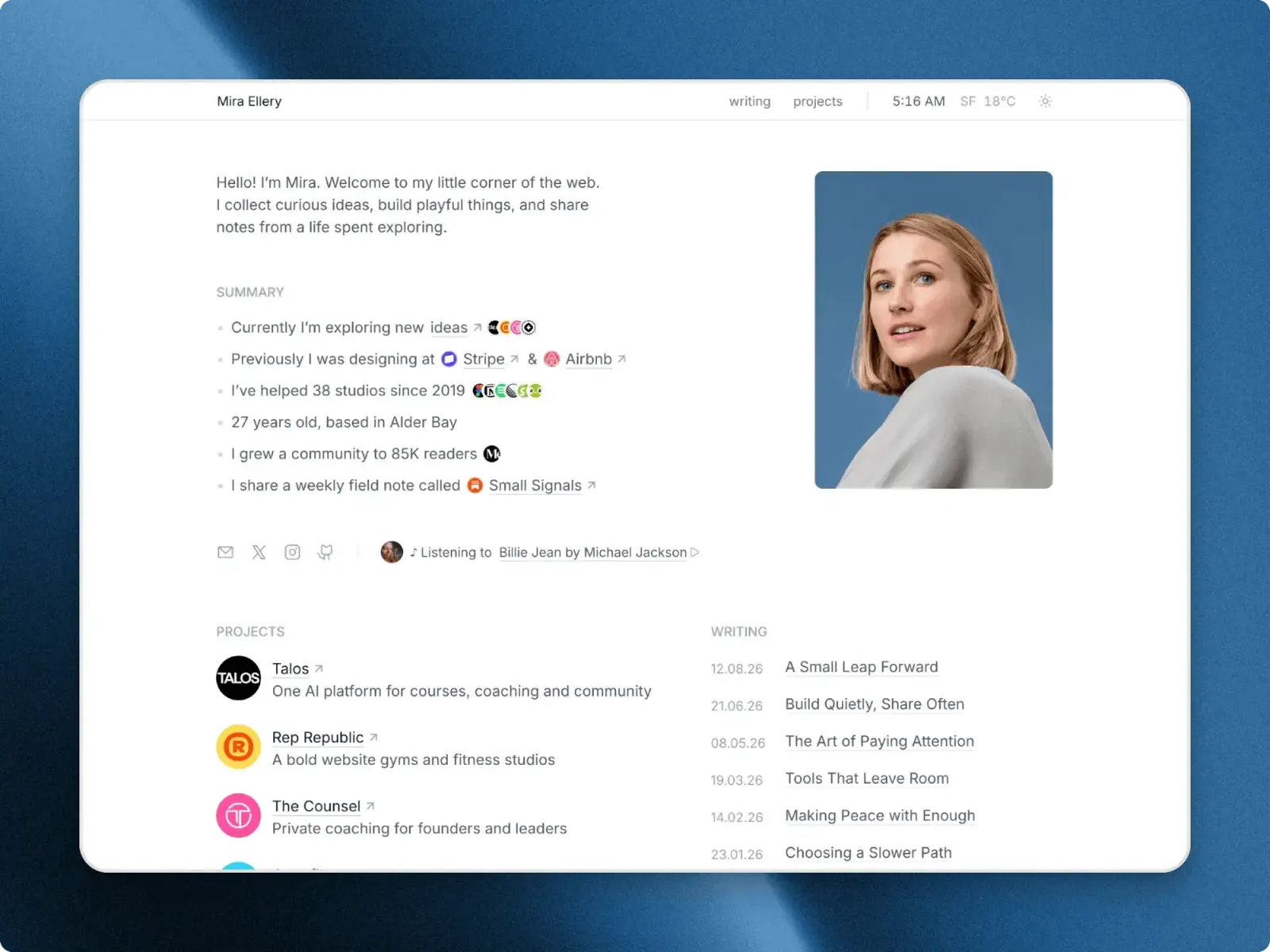
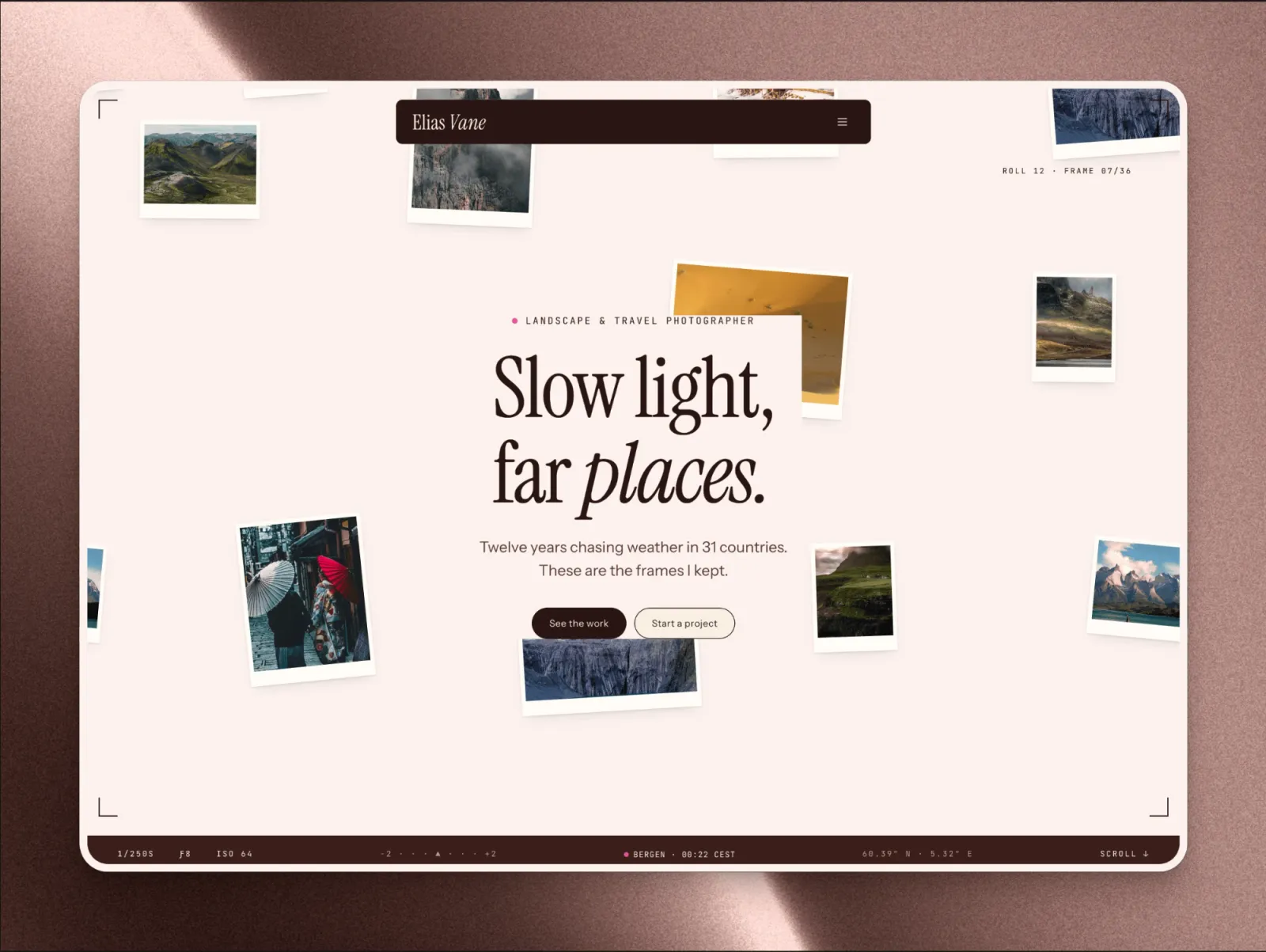
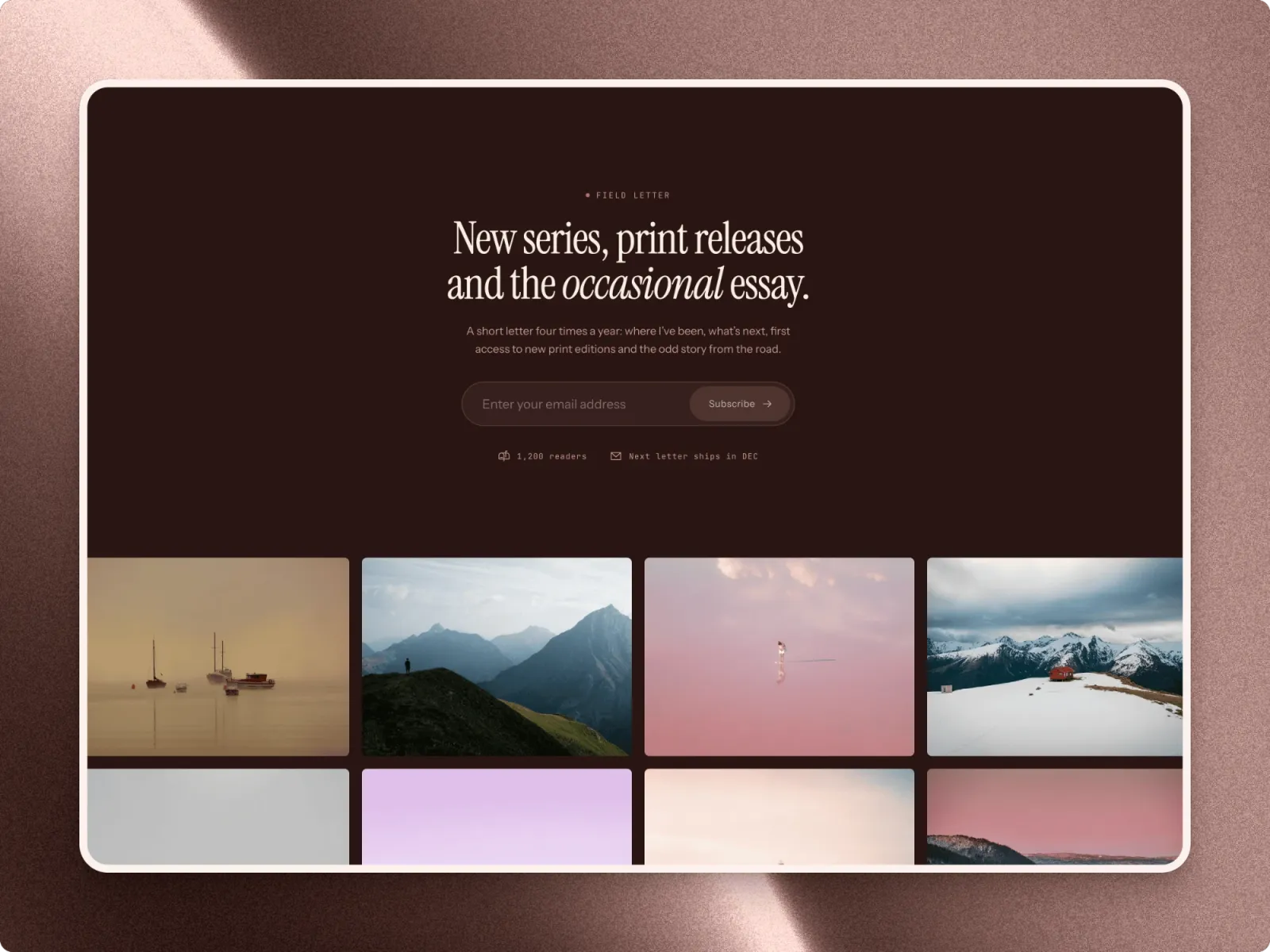
- Agency & PortfolioSites for design studios, agencies, freelancers and photographers, with their work on the CMS, a journal and a contact form.3 templates