


What a Framer website costs
The plan, the template and the domain, and what they add up to in the first year, with four budgets worked out from Framer's prices, checked again in November 2026.

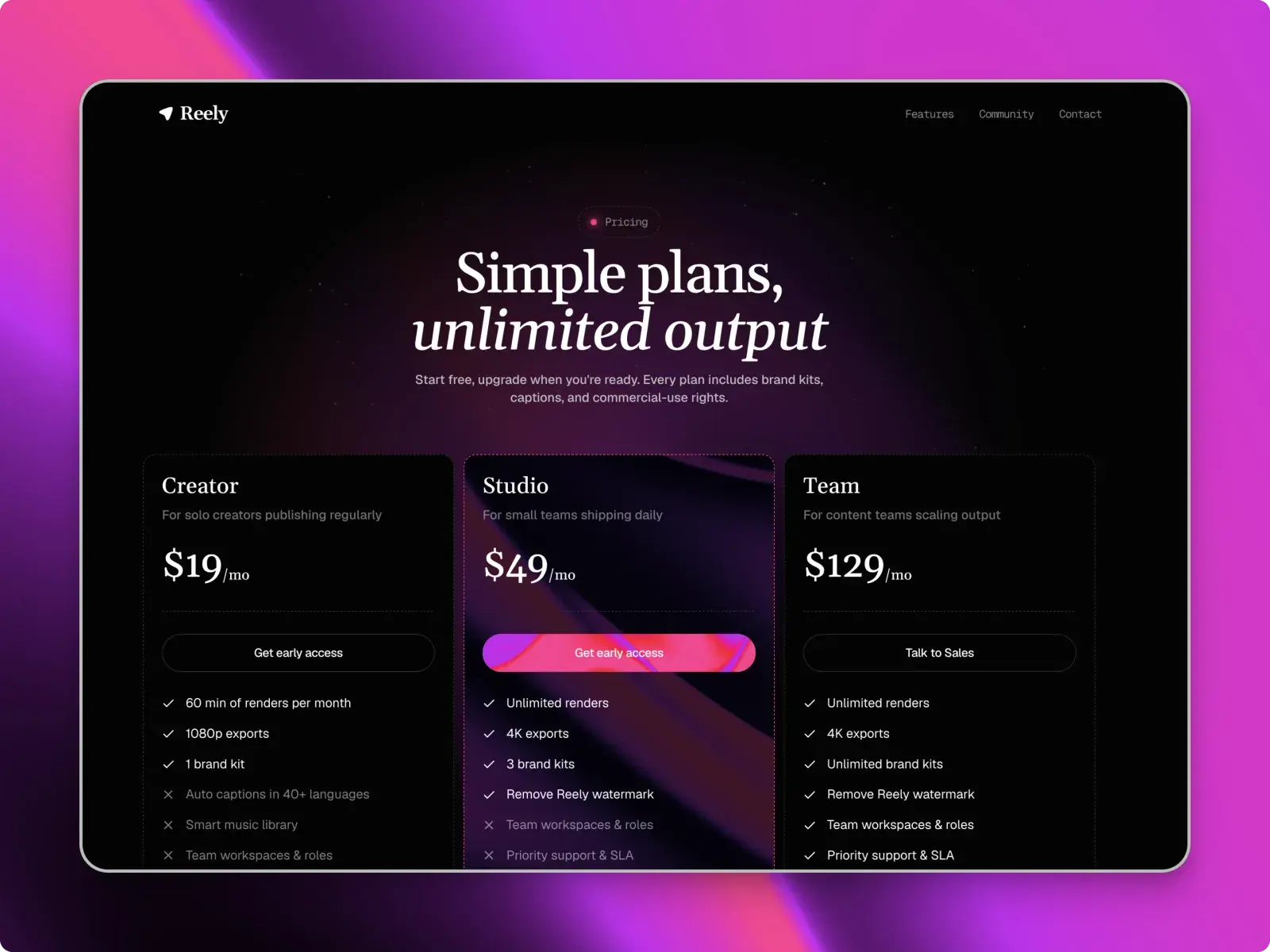
A Framer website can cost nothing. A free template on Framer's Free plan, published to a free Framer address, adds up to $0. A typical small business or startup site, a paid template plus a Basic or Pro plan billed yearly, comes to $169 to $459 in the first year, with the domain included.
After that the template is paid for. Year two is the plan and a domain renewal, and nothing else unless you add editors or languages.
The short version
- A free template on Framer's Free plan costs $0, on a Framer address with a Made in Framer badge.
- Your own domain needs Basic ($10 a month billed yearly, $15 monthly) or Pro ($30 yearly, $45 monthly). Yearly plans include the first year of a domain.
- With a paid template, a typical first year comes to $169 to $459. The template is paid once, so year two is the plan and the domain.
- Collections decide the plan, not pages: Basic allows two, so Talos, Elias Vane and Streaks need Pro.
What you pay for: the plan, the template and the domain
Every Framer site has the same three costs. Two of them repeat, and one you pay once.
- The Framer plan. Paid per site, monthly or yearly. It puts the site on your own domain and sets how many pages and CMS collections it can have.
- The template, or a designer. A template is a one-time payment, and a free one costs nothing. A designer costs more, mostly up front, plus whatever you ask them to change later.
- The domain. Paid yearly to a registrar. Framer includes the first year if you pay for the plan yearly.
Then the extras, which only some sites need: more people who can edit, more languages, and a paid typeface if your brand uses one. Google Fonts cost nothing. A commercial font is licensed from its foundry, not from Framer.
How much does Framer cost per month?
Framer has three plans for a published site, plus Enterprise for teams that need custom limits. Paying yearly costs a third less than paying month to month.
| Plan | Billed yearly | Billed monthly | What it gets you |
|---|---|---|---|
| Free | $0 | $0 | A Framer address, 1 GB bandwidth, a Made in Framer badge |
| Basic | $10 a month ($120 a year) | $15 a month | Your own domain, 30 pages, 2 CMS collections, 1,000 CMS items, 50 GB bandwidth a month |
| Pro | $30 a month ($360 a year) | $45 a month | 150 pages, 10 CMS collections, 2,500 CMS items, 100 GB bandwidth a month, redirects, a staging site |
| Enterprise | Custom | Custom | Custom limits, security and support |
Prices checked on 3 November 2026 on Framer's pricing page, in US dollars before any sales tax. Framer shows local prices in some countries, so the figure in your currency may be different.
On Pro you can buy more room when you need it: 100 more pages for $20 a month, 10 more collections for $40 and 10,000 more CMS items for $20, at yearly rates.
Each paid plan also comes with AI credits, which Framer's agents, AI translation and other AI features spend: 1,000 a month on Basic and 3,000 on Pro, shared across your workspace. A workspace with no paid plan gets 500 to try. You can choose a bigger monthly allowance for a higher price, but editing a template by hand doesn't use credits at all.
Which Openfile templates fit which plan?
Pages are rarely the problem. Every template here is well under Basic's 30, Talos included at 15. Collections decide the plan, because Basic allows only two.
| Template | Price | Pages | CMS collections | Smallest plan for your own domain |
|---|---|---|---|---|
| Launchlist | Free | 1 | 0 | Basic |
| Pinmat | Free | 2 | 1 | Basic |
| Ellery | Free | 5 | 2 | Basic |
| The Counsel | Free | 10 | 1 | Basic |
| Polaris | Free | 5 | 1 | Basic |
| Lola | From $49 | 9 | 2 | Basic |
| Ivo | From $49 | 10 | 2 | Basic |
| Rostra | From $49 | 10 | 2 | Basic |
| Rep Republic | From $89 | 8 | 1 | Basic |
| Nixa | Free | 8 | 1 | Basic |
| Reely | Free | 8 | 2 | Basic |
| Bramley | From $99 | 5 | 2 | Basic |
| Elias Vane | From $49 | 10 | 3 | Pro |
| Streaks | Free | 7 | 4 | Pro |
| Talos | From $99 | 15 | 3 | Pro |
All of them also fit the Free plan's limits, so you can build and publish on a Framer address before paying for anything. Reely, Bramley, Lola, Ivo, Rostra and Ellery use both of Basic's collections, so adding a third, such as a blog for Reely or Bramley, means Pro. Elias Vane keeps its two legal pages in a third collection; rebuild them as ordinary pages and it fits Basic.
The cheapest paid route is one of the $49 templates on Basic. Ivo, Rostra or Lola comes to $49 + $120 = $169 in the first year.
What a Framer site costs in the first year: four budgets
These use yearly billing, which includes the first year of a domain, and the Standard licence, which covers one website. Each total is the template plus the plan.
The free route: $0
| Launchlist or The Counsel | |
|---|---|
| Template | Free, $0 |
| Framer plan | Free, $0 |
| Domain | A Framer address, $0 |
| First year | $0 + $0 + $0 = $0 |
It is a real, published site. The catch is a Framer address, a Made in Framer badge and 1 GB of bandwidth, and Framer itself pitches the Free plan at non-commercial use.
Move the same free template to Basic and you have your own domain for $0 + $120 = $120 in the first year. For a lot of consultants and early founders, The Counsel or Launchlist on Basic is all the site they need for a while. Ellery, a personal site, and Pinmat, a one-page portfolio, are free too and fit Basic the same way. The best free Framer templates lists more you could launch with.
The launch route: $120 or $360
| Reely | Streaks | |
|---|---|---|
| Template | Free, $0 | Free, $0 |
| Framer plan, yearly | Basic, $120 | Pro, $360 |
| Domain, first year | Included | Included |
| First year | $0 + $120 = $120 | $0 + $360 = $360 |
Both templates are free, so the plan is the whole cost, and Streaks is the dearer site. Its changelog, testimonials, FAQ and features are four collections, two more than Basic allows. You could rebuild two of them as ordinary sections to stay on Basic, but then you edit them on the page instead of as entries.
The small business route: $219
| Bramley on Basic | Bramley with a blog, on Pro | |
|---|---|---|
| Template, Standard | $99 | $99 |
| Framer plan, yearly | Basic, $120 | Pro, $360 |
| Domain, first year | Included | Included |
| First year | $99 + $120 = $219 | $99 + $360 = $459 |
Bramley has two collections, Services and Team, which is exactly what Basic allows and enough for most plumbers and builders. Publishing articles as well would be a third collection, and that means Pro.
The SaaS route: $459
| Just you | You and one more editor | |
|---|---|---|
| Template, Standard | $99 | $99 |
| Framer plan, yearly | Pro, $360 | Pro, $360 |
| Extra editor, yearly | None | $240 |
| Domain, first year | Included | Included |
| First year | $99 + $360 = $459 | $99 + $360 + $240 = $699 |
Talos keeps its articles, team and legal pages in three collections, so it needs Pro from the start. Pro also adds redirects, and a staging site where you can test changes before they go live.
Template, designer or building it yourself?
The plan costs the same however the site is built. What changes is the cost up front and your own time.
| Route | What you pay once | Your time | Choose it when |
|---|---|---|---|
| Build from a blank canvas | Nothing | The most, especially while you learn Framer | The site is one page, or you enjoy the building |
| Start from a template | $0 to $129 here | Days, mostly writing and swapping pictures | A template's pages match what your site has to do |
| Hire a designer or studio | Roughly $1,000 to $20,000 or more | Less building, more briefs and feedback | You need a brand and a layout nobody else has |
Designer prices vary a lot by country, and by how much of a brand they make for you. When I looked in October 2026, Framer's own Experts directory listed starting budgets from $1K to $20K.
A template is the wrong choice when nothing in the catalogue matches the job. Bending a SaaS template into a restaurant site takes longer than starting from a blank page, and a good local designer may be the better spend.
A template or a designer?
The trade is time against money. With a template you pay once and do the rest yourself: the writing, the pictures, and checking every page on a phone. With a designer you pay for their time and judgement, and you get a layout made for your business rather than adapted to it.
For a sense of what that costs, one designer, Minhal Jafar, set out the tiers they work from in a post on Framer's community: $500 to $2,500 to customise a template properly, $2,500 to $8,000 for a custom marketing site, and $5,000 and up for heavier builds or ecommerce. That is one designer's pricing, read on 3 November 2026, not a market rate.
The first of those tiers is a middle route: buy a template and pay someone to customise it. It works best when the template already has the pages you need, so you pay for words, pictures and polish rather than new layouts.
- Choose a template when one already has your pages and you can write your own words.
- Choose a designer when you need a brand as well as a site, or you know you won't find the hours to finish it yourself.
Standard, Pro or All access?
If the site is yours, the Standard licence is enough. It covers one website, for you or for one client. The Pro licence covers as many websites as you build, which is what freelancers and studios usually want.
The maths is short. Two Talos sites on Standard cost $99 each, and one Pro licence is $129. Standard or Pro: which licence do you need? covers the rest.
All access is every template, plus every future release, for $199 on Standard or $299 on Pro. Talos and Bramley on Standard come to $198 between them ($99 + $99), about the price of All access, so if you build more than two kinds of site it pays for itself. If you only need one site, buy the one template.
Costs people forget
- Paying monthly. Basic is $15 a month billed monthly against $10 billed yearly, and Pro is $45 against $30. Over a year that is $180 rather than $120 on Basic, and the free first-year domain only comes with yearly billing.
- The domain from year two. Framer's free domain renews at the standard rate after the first year. A .com usually costs around $10 to $25 a year depending on the registrar: Porkbun listed $11.08 and Hover, Framer's domain partner, listed $18.99 when I checked.
- A second language. Each extra locale is $20 a month billed yearly, or $25 monthly. That is $240 a year, twice what Basic costs. Ivo comes in English and Spanish, so publishing its Spanish pages means paying for one locale.
- More editors. The workspace owner, and people who only view and comment, are free. Each extra editor is $20 a month billed yearly, or $10 for someone who only edits CMS content and text on the page.
- Outgrowing Basic. A third collection or a 31st page means Pro, so plan the blog before you choose the plan.
Bandwidth is the one limit you can go over for a while. Framer lets a site exceed it for a month, then emails you to upgrade.
So in year two, Bramley on Basic costs $120 plus the domain renewal, and Talos on Pro costs $360 plus the renewal. The template is never billed again.
Questions people ask
Is Framer free?
Yes, you can build and publish a site on Framer's Free plan without paying. It runs on a Framer address with a Made in Framer badge and 1 GB of bandwidth. Framer describes the Free plan as ideal for non-commercial use.
Do I need a paid plan for a custom domain?
Yes. Your own domain starts with Basic, at $10 a month billed yearly or $15 billed monthly. Yearly plans also include the first year of a new domain, once per site.
Do I pay for a template every year?
No. Openfile templates are a one-time payment, and the free ones cost nothing. What repeats every year is the Framer plan and the domain.
What's the cheapest way to get a professional Framer site?
A free template on Basic, billed yearly. Launchlist, The Counsel, Ellery or Pinmat costs $0 and the plan $120, which includes the first year of a domain, so you get your own domain and no Framer badge for $120.
Can I start on Basic and move to Pro later?
Yes. Framer asks you to upgrade when you reach a plan limit, such as Basic's two CMS collections. If you know a blog is coming, count the template's collections before you choose a plan.