What to change first when you remix a Framer template
An order of work that saves you doing things twice: styles before words, words before pictures, and the domain last.
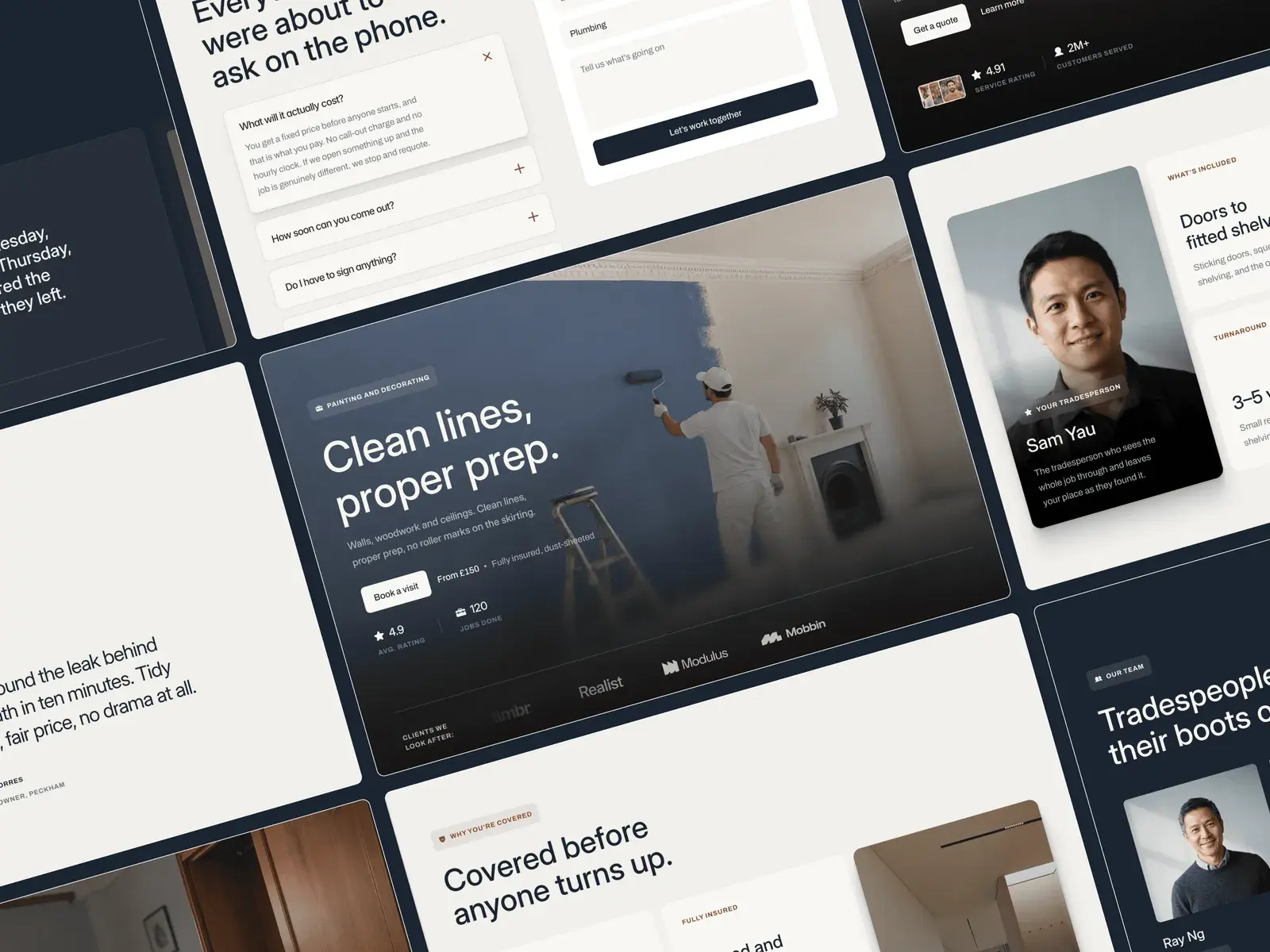
A remixed template looks finished, and that is the trap. Every word and picture on it is a decision someone made for a different business, and the order you undo those decisions in decides how much of the work you do twice. This is the order that holds up.
Start with the styles, not the pages
Framer keeps colours and type in shared styles. Change a colour style and every layer that uses it changes too. Restyle one heading by hand and you have started a second design system without meaning to.
So before you touch a page, set your brand colours and fonts in the styles. Talos gives this its own page: its style guide lays out every colour and text style in the file, so you can watch the whole system change at once.
Then the logo, the favicon and the sharing image
These live in more than one place, and they are the pieces people forget. Swap the logo in the navigation and the footer, then set the favicon and the social sharing image in the site settings. Once that is done, every page you check from here on already looks like yours.
Rewrite the first screen
The headline, the line under it and the main button do most of the work on any site. Write them for your customer, in the words they would use, and keep them close to the length of what is there. The layout was balanced around that length at every breakpoint.
If a line has to run much longer, change the size in its text style rather than letting it wrap into a column of single words on a phone.
Replace every picture, including the good ones
Stock photography is the quickest way to make a site feel like a template. Some listings say so plainly: Bramley's portraits are stand-ins, and Streaks ships with stand-in store badges, to be swapped for Apple's and Google's official ones.
Keep the shape of the original where you can. A slot that held a head-and-shoulders portrait will look wrong with a full-length one, however good the photo.
Clear out the CMS
Most templates arrive with sample entries: articles, team members, services. Delete the ones you will not use rather than hiding them, and add one real entry to each collection early. A collection page only shows its problems once it holds your own words at your own length.
In Bramley, every trade is an entry in the Services collection, so adding one is a new entry rather than a new page. How CMS collections work covers the rest.
Write the titles search engines read
Every page has its own title and description in its settings, and collection pages can build theirs from each entry's fields. Templates ship with the designer's wording in them, and it is easy to miss, because it never appears on the page itself.
Check three layouts, then publish
Framer lays out desktop, tablet and phone separately, so an edit on one does not always reach the others. Go through every page at each size before you publish. Checking breakpoints lists what to look at.
You can publish to a free Framer address straight away. A custom domain needs a paid Framer site plan, and connecting it is the last step, once everything above is done.
None of this is hard. It is just quicker in this order.