


Framer remix links: how they work, and what to do when one fails
What a Framer remix link is, how to open one so the whole site lands in your workspace, why a link sometimes fails, and the fix for each case.

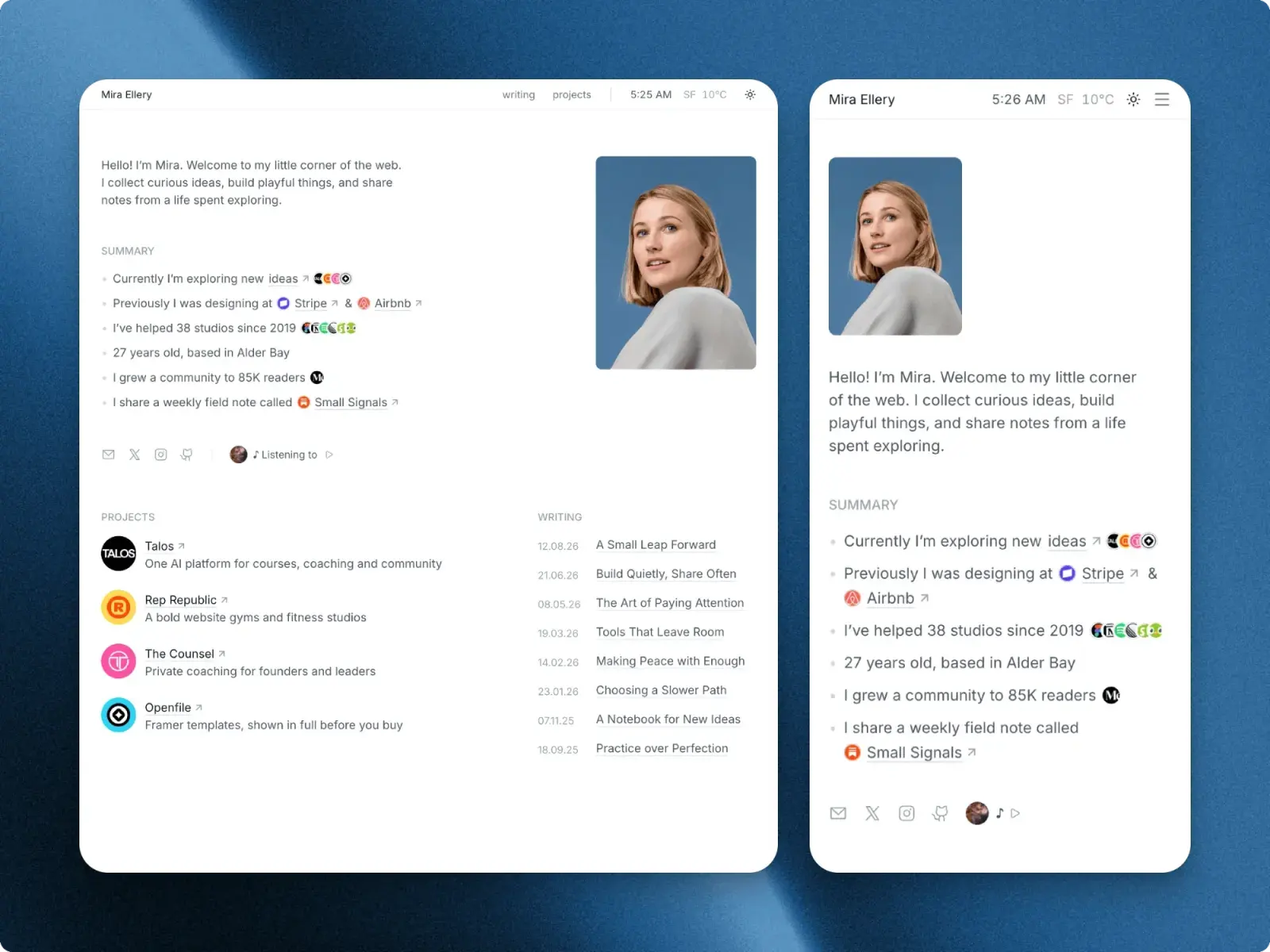
A Framer remix link is a link that copies a whole Framer project into your own workspace: its pages, styles, components and CMS collections. Open it while you are signed in to Framer, click Copy, and the copy is yours to edit and publish. The maker's original stays theirs, and nothing you change reaches it.
I make Framer templates and sell them on Openfile, and every one of them reaches its owner as a remix link. This is what I would tell someone holding one for the first time, or holding one that will not open. Framer's side of it comes from Framer's own help centre, read on 3 November 2026.
The short version
- A remix link copies a whole Framer project into your own workspace. Open it while signed in, check the preview, and click Copy.
- Signed out, Framer shows its login page first and brings you back to the link once you are in.
- When a link fails, check which account and workspace you are in, whether it is a remix link at all, and whether the maker has switched it off.
- Making the copy costs nothing and a free Framer account is enough. A paid plan is only needed to publish on your own domain.
What a remix link is
Remix is Framer's word for copying a project. The maker creates a remix link from their project, and anyone who opens it gets a duplicate in their own workspace, without access to the maker's source project. That is how paid Framer templates are delivered: you pay the maker, and the remix link comes after, usually by email. A free template on the Framer Marketplace has a Use for Free button instead, which adds it to your account.
A remix link looks like framer.com/remix/ followed by a code. Many arrive as a short framer.link address that forwards to one. Either way, open the whole link, including anything after a question mark.
A remix link is not a project link. A project link opens the maker's own project, or lets you ask them for access to it. If Framer asks you to request access, you were sent a project link, and the person who sent it needs to send the remix link instead.
How to use a remix link, step by step
- 1. Sign in to Framer first, in the browser you will open the link in. A free Framer account is enough to remix and edit a template.
- 2. Open the link. Click the button in the email rather than copying the address by hand. If you are signed out, Framer shows its login page first, then brings you back to the link.
- 3. Check the preview. Framer shows the project's name, its author and a preview of its first page, so you can see it is the template you expected.
- 4. Click Copy. Framer makes an exact copy of the project in your workspace.
- 5. Find it on your dashboard. The copy sits with your other projects. If it is not there yet, reload the dashboard.
- 6. Start with the styles. Set your colours and fonts before you touch a page, and the whole site follows.
The order to work in after that is in What to change first when you remix a Framer template.
How the link reaches you on Openfile
Free templates. On Launchlist, Ellery or Pinmat, press Get it free and leave your email. The remix link goes to that address straight away, from UV from Openfile, with a subject like "Your Ellery remix link". If the email cannot be sent, the dialog gives you the link to open in Framer instead.
Paid templates. You choose the Standard or Pro licence and pay in Polar's checkout, on the template's page. The remix link shows in the same dialog as soon as Polar confirms the payment, which takes a few seconds, and the same link comes by email, with a subject like "Talos is yours". Polar sends your receipt separately.
Either way, keep the email. The link does not expire, so it is also how you make a fresh copy later.
Why a remix link fails, and what to do
These are the cases I could confirm from Framer's own help pages, plus the one that only applies to a link from Openfile.
| What went wrong | Why | What to do |
|---|---|---|
| Framer's login page opens instead of the template | You are not signed in to Framer in this browser | Log in, or make a free account. Framer takes you back to the link afterwards. |
| You clicked Copy, but the project is not on your dashboard | A new copy can take a reload to appear | Reload the dashboard. If it is still missing, open the link again. |
| Nothing happened after you made a Framer account or changed browser | Framer names a new account or a change of browser as times when the first click may not take | Open the link again, in the browser you are signed in to. |
| The copy is in the wrong workspace | You belong to more than one workspace, and it went to a different one | Switch workspace from the menu at the top left of the dashboard, then use the project's three-dot menu and choose Move. |
| The copy is in the wrong Framer account | The browser was signed in to another account when you clicked Copy | Sign in to the right account and open the link again. It makes a new copy there. |
| Framer asks you to request access | It is a project link, not a remix link | Ask the maker for the remix link. |
| No preview and no Copy button, and none of the above fits | One cause Framer documents: the maker's project is set to "Only team members can access", which disables its remix link | Only the maker can change that, in the project's invite popover. Write to them. |
| The Openfile email never arrived | It went to Promotions or spam, or the address had a typo | Search your inbox for "remix link" or for UV from Openfile. If it is not there, write to support@openfile.pro. |
Bought from another maker and still stuck? Contact them first, using the support details on the template's page. Framer's help centre says that if you cannot reach the creator, you can email its Creators team at creators@framer.com.
If you think the fault is Framer's, its guide to reporting a bug asks for the full error message, screenshots, your browser and operating system, and the project and remix links.
If your Openfile link does not arrive or does not work
Reply to the email the link came in, or write to support@openfile.pro. It comes to me, and I reply within 48 hours on weekdays. Tell me which template it is and the email address you used, and for a paid template, the Polar receipt helps me find the order. I will check the link and send it to you again.
The same goes for a link you have lost. You do not need to buy the template twice to get another copy of the email.
What happens after you remix
- The copy is yours to change. It is independent of the original, so your edits never reach the maker's project, and changes the maker makes later never reach yours.
- Making it costs nothing. On Framer's Free plan you can edit the copy and publish it to a free Framer address.
- Your own domain needs a plan, for that site. Framer plans are set per project, in the project's Settings, on the Plans tab. Basic is $10 a month billed yearly and Pro is $30. What a Framer website costs works out the first year.
- The link works again. Each time you open it and click Copy, Framer makes another separate copy. Your licence, not the link, decides how many websites you can publish: one on Standard, as many as you need on Pro. Standard or Pro explains the difference.
- Editors are a workspace limit. Framer allows up to three editors in a workspace with no subscription, and ten on Basic or Pro.
Making a remix link of your own
If you are the one sharing a project, Framer has three ways to copy its remix link, and all three give the same link.
- From the dashboard: hover over the project, click the ••• on its card and choose Copy Remix Link.
- From inside the project: open the main menu, hover over File and choose Copy Remix Link.
- With Quick Actions: press ⌘K on a Mac or Ctrl+K on Windows, type "Remix" and choose Copy Remix Link.
If the option is disabled, the project is set to "Only team members can access". Change that in the invite popover. Framer's Academy also suggests taking out private content, API keys and client data before you share a link, and opening it from a second account to check the copy works.
Free templates to try a remix link on
The quickest way to see a remix work is with a template that costs nothing. These three are mine, and each sends its remix link as soon as you leave your email.
- Launchlist: a one-page waitlist site for a product in early access, with email capture in the hero and again at the end. One page, no CMS, light and dark modes.
- Ellery: a quiet personal site for a designer or builder. Five pages, with Projects and Writing on the CMS, and light and dark modes. Ship the portfolio you keep meaning to make has what to put on it.
- Pinmat: a one-page portfolio laid out as a desk, with a ruled notebook sheet, a sticky note for messages and enamel pins visitors can drag. Every row is a CMS entry.
Questions people ask
Can I use a remix link twice?
Yes. Each time you open it and click Copy, Framer makes a new, separate copy. Your licence sets how many websites you can publish from it: one on Standard, as many as you need on Pro, and your own sites and client work with a free template.
Does remixing a Framer template cost anything?
No. Opening a remix link and copying the project needs only a free Framer account. A paid template is paid to its maker before you get the link, and a Framer plan is only needed to publish on your own domain, from $10 a month billed yearly.
Can I remix a template into a client's workspace?
Remix it into your own workspace, build the site, then hand it over with Transfer Project in the File menu. Framer keeps the site and its domain live during a transfer, and the client then picks and pays for the site's plan. Sending the client the remix link itself would share the template, which the licence does not allow.
Does my copy update when the maker updates the template?
No. A remix is an independent copy, so changes the maker makes later do not reach it, and your edits never reach theirs.
What if my Openfile remix link does not arrive?
Check Promotions and spam first. Then reply to the email or write to support@openfile.pro with the template's name and the address you used. Replies come within 48 hours on weekdays, and the link is sent to you again.